Shopify Checkout Optimization: Copy What the Converting Stores in Your Category Already Run
 By Ana GelevskaSeptember 2, 2026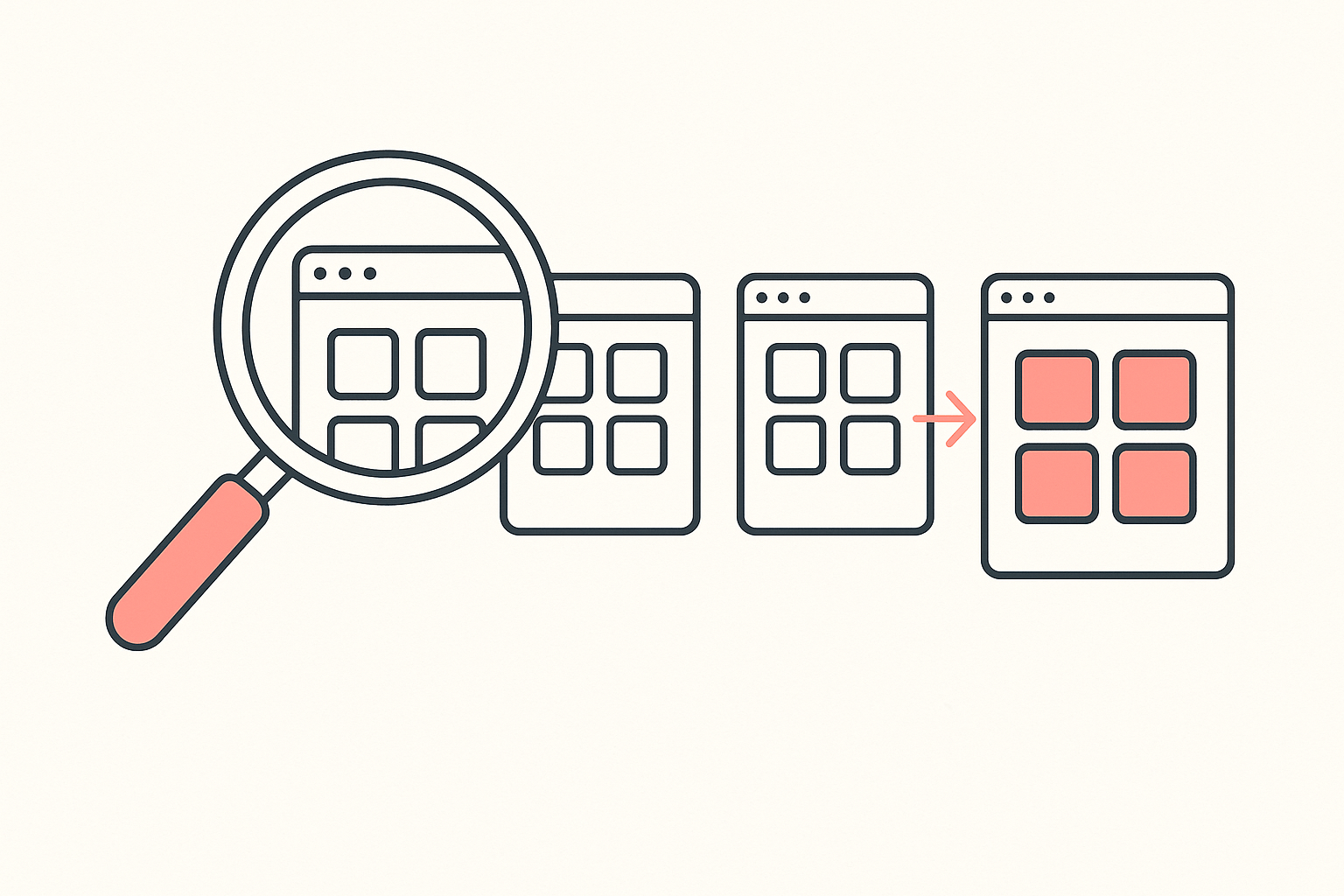
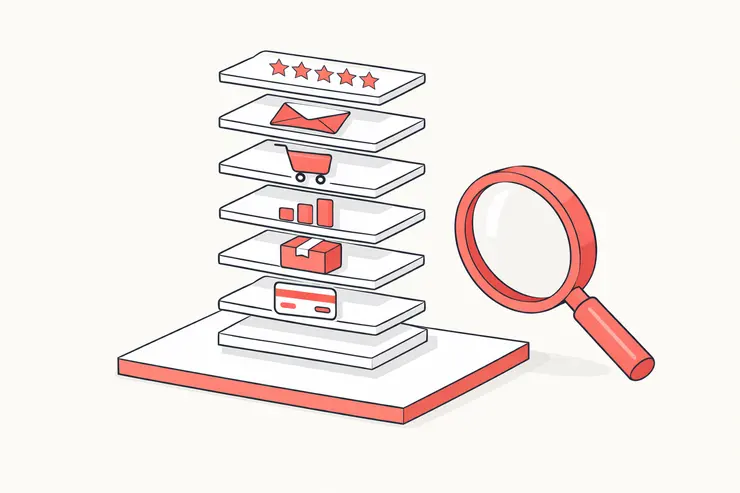
To optimise a Shopify checkout, fix the four things buyers actually quit over: a shipping cost that appears late, no visible trust signal at the payment step, no payment method the buyer recognises, and a product page with no reviews. Then stop guessing which fix matters most in your niche and read the apps installed on the stores that already convert in your category.
That last step is what separates this from every checkout listicle you have already read. A generic list tells you what works somewhere. The stores ranking above you tell you what works here, in your category, for your buyer, and they show you for free.
The four leaks merchants name themselves
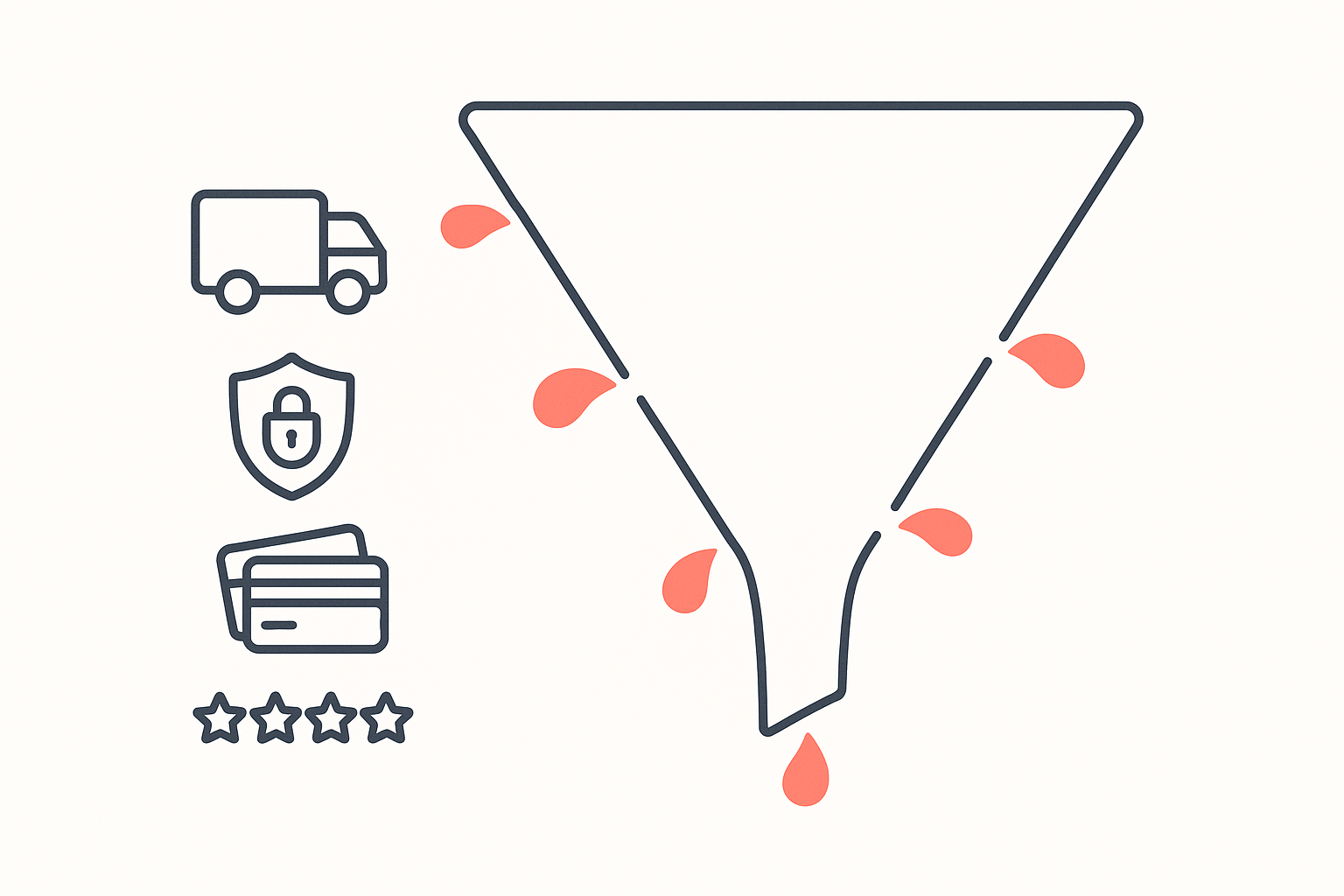
You do not have to theorise about where checkouts leak. Merchants post the autopsy publicly, usually while it is still bleeding, and the same four causes come up over and over.
1. The shipping cost that shows up late
This is the one merchants ask about most directly. A seller on r/smallbusiness put it plainly: they keep losing people at the shipping estimate step and are not sure whether showing the cost earlier helps or just moves the drop-off somewhere else. The doubt in that question is the real problem. Surfacing a cost earlier does move some abandonment upstream, and that is the point: a shopper who leaves on the product page cost you nothing, while one who leaves at the payment screen already invested three minutes and now associates your brand with a surprise.
The fix is boring and it works. Put the shipping rule on the product page and in the cart, in the same words the checkout will use. A free-shipping threshold bar counts. A flat rate stated in the buy box counts. Silence until step three does not.
2. No trust signal where the card details go
The clearest version of this leak is a shopper who does everything except pay. One merchant reported four completed orders against four abandoned carts, where every abandoning customer filled in name, email and shipping address, then left before payment, and asked the group what trust element they should add to the product page or checkout. Somebody who typed their home address into your form wants the product. What stopped them arrived at the moment they had to hand over a card.
Another seller running a $130 single-product store with $34k in three months described the same uncertainty from the other side, unsure whether their remaining friction was trust, UX or payment options. They had deliberately stripped out countdown timers and low-stock banners to look trustworthy, which is the right instinct, and it left them with no positive signal at all in its place. Removing fake urgency and adding nothing is still an empty page.
3. No payment method the buyer recognises
Payment familiarity is regional and it decides sales. The single-product seller above offers card and cash on delivery together because their market expects both. A shopper who scans your payment row and sees nothing they use every week does not go and open a new account. They close the tab.
This is also the leak most likely to be invisible to you. Your own card works, your test order went through, so the checkout looks fine from the inside. It is the buyer in another country, or another age bracket, who finds the gap.
4. No reviews on the product page
Checkout abandonment often starts before the checkout. A widely-upvoted r/ecommerce thread asking what small tweaks actually improved conversions listed the candidates in one line: free shipping, photos of how the product was made, free returns, payment icons, reviews on the product page. Three of those four leaks are on that list, which tells you the merchant instinct is right even when the execution is not.
And while you are on the product page, check what your apps are doing to it. A store manager who lifted conversion from 0.52% to 1.3% found a pop-up covering the checkout button on mobile and a "continue shopping" button that dumped buyers onto two pages of sold-out products. Neither is a strategy problem. Both were costing real orders.
What the converting stores in your category actually run
Here is where guessing ends. Koala tracks a large set of live Shopify storefronts and records which apps each one runs, so instead of ranking checkout tactics by opinion we can rank them by adoption among stores that are trading.
Reading the tracked set on 1 September 2026, product reviews is the single biggest app category by installs: 3,510 installs spread across 17 different review apps. Judge.me Product Reviews is the most installed app of any kind in Koala's data at 1,619 tracked stores. The next most telling entry is Klarna On-Site Messaging at 751 stores, which is the pay-later banner that tells a shopper on the product page they can split the payment before they reach checkout.
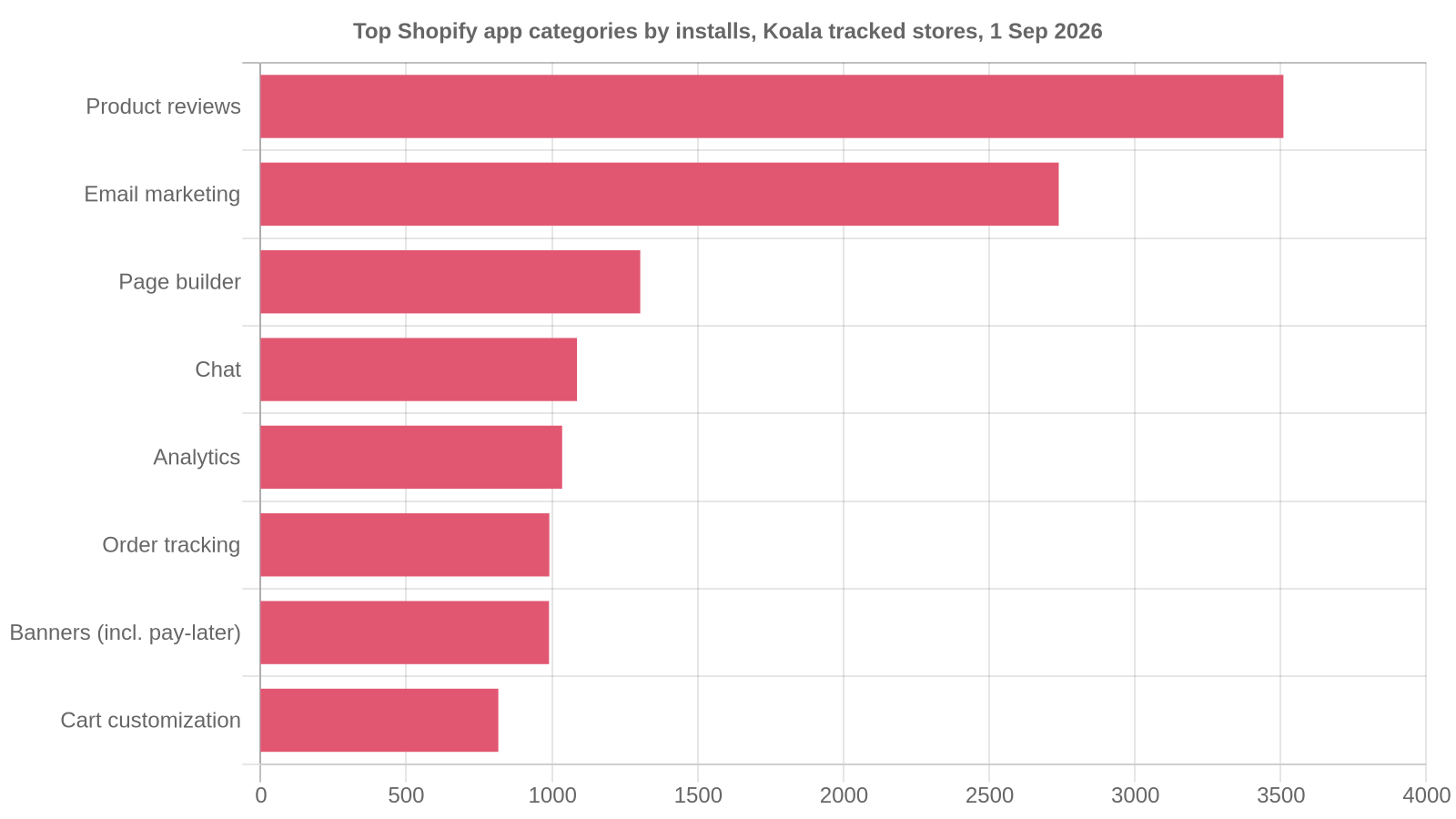
The full category ranking on that date runs: product reviews 3,510 installs, email marketing 2,739, page builder 1,303, chat 1,086, analytics 1,035, order tracking 991, banners including pay-later messaging 990, and cart customization 816. Reviews sit at the top by a wide margin.
Two of the four leaks above are the two things this field has converged on. Visible reviews, and a recognisable pay-later option surfaced early. Not urgency timers, not exit-intent pop-ups, not a redesigned button colour.
One caveat that matters, stated plainly: this covers the Shopify stores Koala tracks, not every store on the platform. It is a large, live sample rather than a census, so read it as strong directional evidence about what working stores choose, and go verify it inside your own category rather than treating it as a global ranking.
That last part is the actual instruction. "Reviews and pay-later messaging" is the platform-wide answer. Your category has its own answer, and it is sitting on three storefronts you can name right now.
Read a competitor's checkout stack in about a minute
Pick the three stores that outrank you for your main product term. Open each one in Chrome and click the Koala icon. Koala Inspector is a free extension, and its Shopify app detector names every app the storefront runs, grouped by type, so the reviews widget, the pay-later banner, the trust-badge app, the cart drawer and the upsell tool all appear in one list.
Then run the comparison that makes it useful:
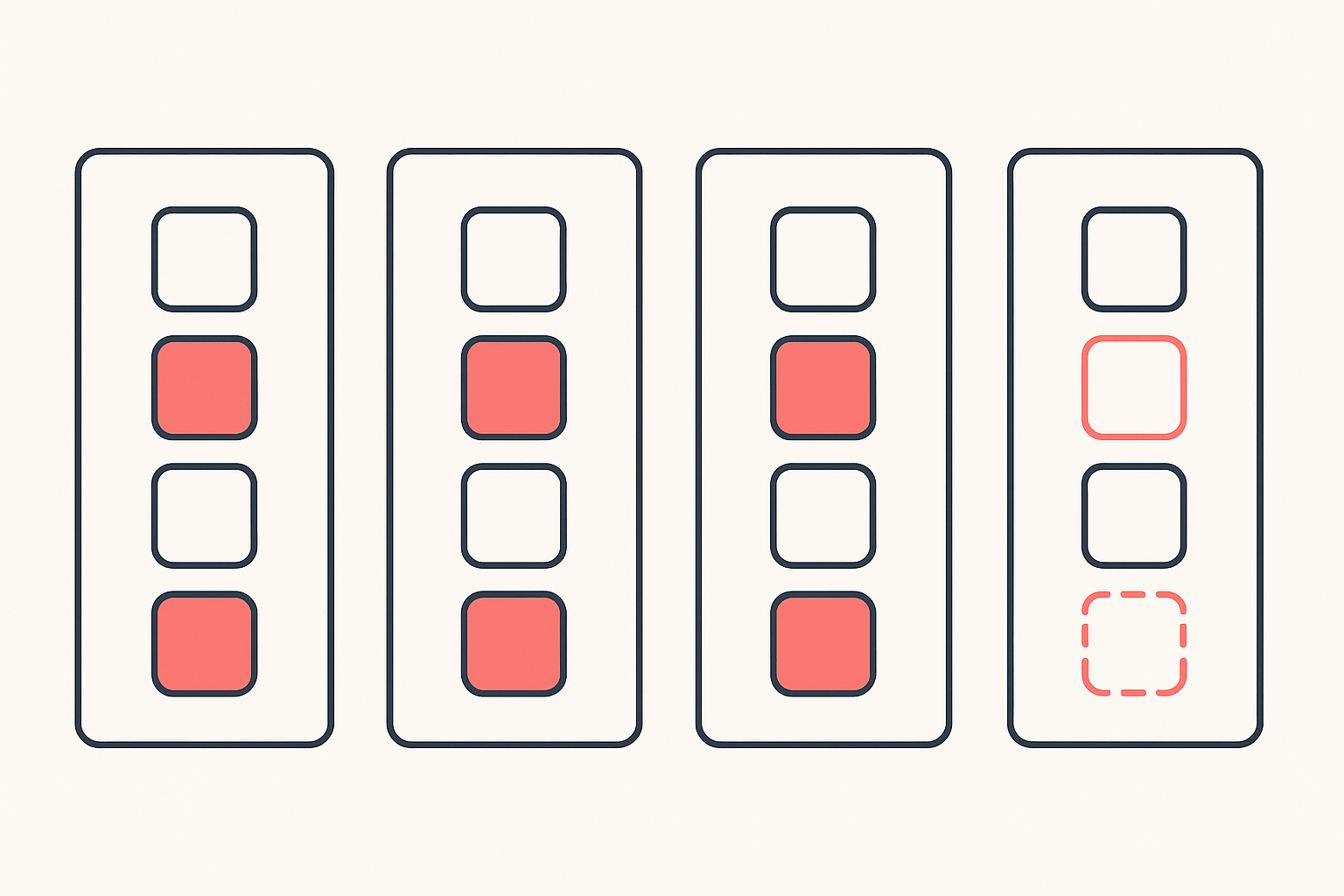
- List all three stacks side by side. One column per competitor.
- Circle anything that appears on two of three. Consensus among stores that are already winning your traffic is the strongest signal you can get for free.
- Cross off what you already run. What is left is your shortlist, in priority order, sized to your category rather than to a blog post.
- Check the product page, not just the app list. See where each app actually shows up, because installing a reviews app and burying the widget below the fold buys you nothing.
Four minutes of this beats four weeks of A/B testing a headline, because you are testing against decisions that other merchants already paid to learn. App detection costs zero tokens and reads only what the storefront already shows every visitor, so there is no setup and nothing for the competitor to notice.
The same panel also names the store's theme and shows its catalogue with a best-sellers filter, which is how you tell whether a competitor's checkout is carrying the store or their product simply sells itself. For the wider version of that read, see the theme, page builder and apps behind a high-converting store and what apps the top Shopify stores use.
What sellers say about Koala Inspector
Verified reviews from the Chrome Web Store.
“great app for ecommerce, there are a lot of useful information. Friendly customer service!”
 Lavender Yuzu
“Excellent tool for Shopify research! simple, accurate, and packed with insights. Highly recommend it.”
 Data Analysis
“The service has been great, very responsive and the most comprehensive spying of global markets Ive seen!”
 Adrienne Greenwood
What one conversion point is worth on your plan
Checkout work is worth doing because the arithmetic is good, and the arithmetic starts with what you are already paying. On Shopify's US pricing page, checked on 2 September 2026, Basic is $29 a month on annual billing ($39 month to month) with an online card rate of 2.9% plus 30 cents.
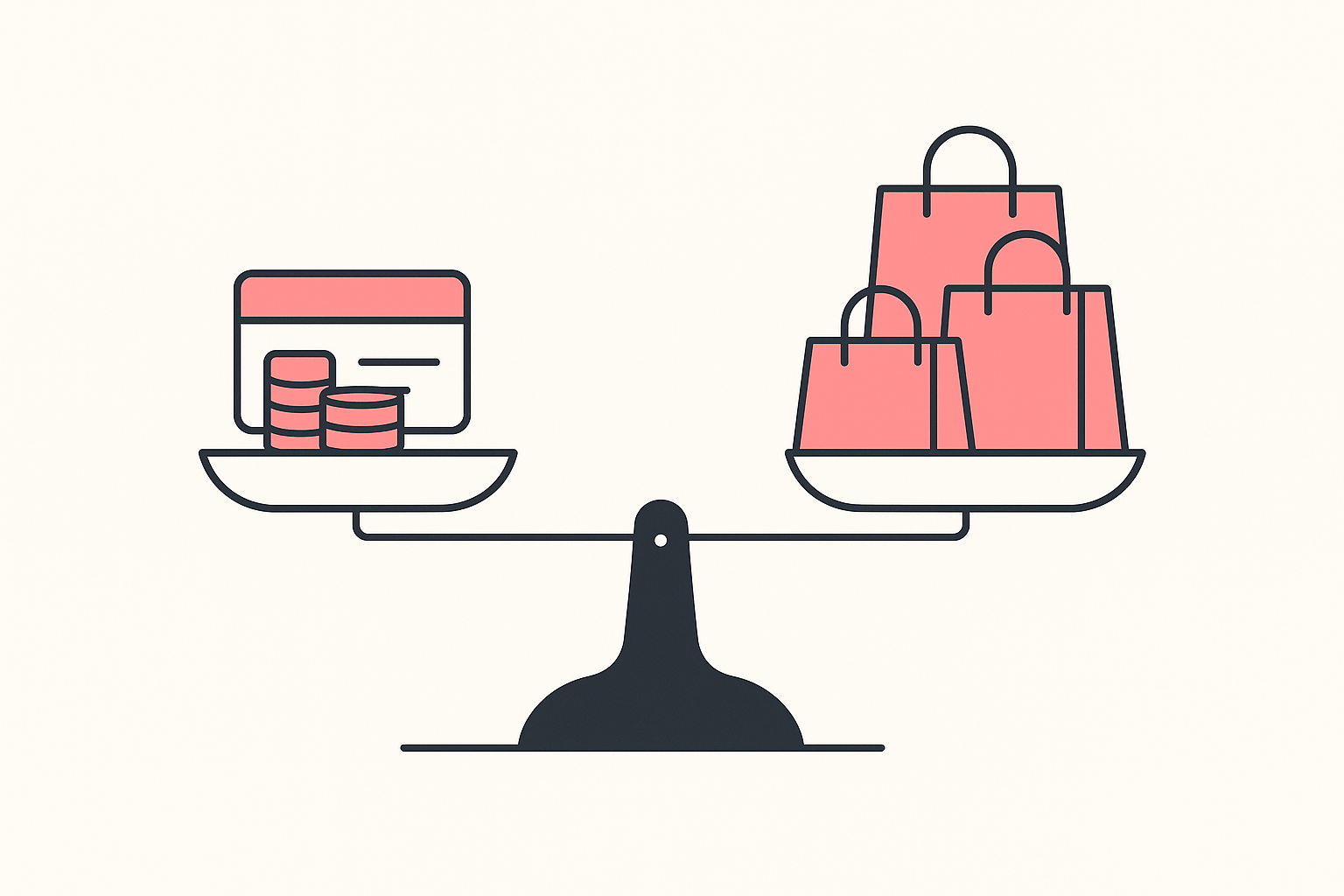
Take 5,000 sessions a month at a $60 average order value. Lifting checkout conversion by one percentage point is 50 extra orders, roughly $3,000 in additional revenue. Processing takes about $102 of that at the Basic card rate, and the plan itself costs $29. The reviews app and the pay-later banner your competitors run are frequently free at your volume.
Run those numbers for your own traffic and average order value before you touch anything. If a single point is worth less than a rounding error to you, your problem is upstream in traffic rather than in checkout, and you should go read how to improve your Shopify conversion rate and how top stores structure product pages first. If a single point pays for your whole app stack several times over, spend the afternoon.
Your 30-minute checkout audit
Work through this in order. Each step is either a leak you close or a competitor decision you copy.
- Buy from your own store on a phone, on mobile data rather than office wifi, using a card you have not saved. Note every screen where you hesitate.
- Find the first screen that names a shipping cost. If that screen is the checkout, move the number to the product page today.
- Look at your payment row through a stranger's eyes. Count how many of those logos a first-time buyer in your main market uses weekly. If the answer is one, you have found your gap.
- Check your product page for reviews above the fold on mobile. Reviews sitting below a long description are reviews nobody reads.
- Open three competitors with the app detector and write down every app that two of them share.
- Audit your own app overlays on mobile. Pop-ups, sticky bars and cart drawers stacking on top of the buy button is a real and common failure.
- Pick exactly one change and ship it, then leave it alone for two weeks. Shipping five changes at once means learning nothing from any of them.
Most stores find at least two of the four leaks on the first pass. Closing those is worth more than any redesign.
Read your competitors' stacks before you rebuild anything
The reason checkout advice feels contradictory is that most of it is written from one store's experience and generalised to yours. The tracked field says reviews and pay-later messaging are the two things working stores have settled on. Your three closest competitors will tell you the category-specific version of that answer in the time it takes to make coffee.
Install Koala Inspector free and read the app stacks of the three stores beating you today. For what those apps cost once you have your shortlist, see how much Shopify apps really cost.
Shopify checkout optimization: FAQ
The questions merchants ask while they are fixing their checkout.
Anyone have any recommendations for relatively easy-to-learn consignment software that integrates seamlessly with Shopify?+
We have not run a consignment store ourselves, so we will not hand you a favourite. The Shopify App Store carries consignment and vendor-payout apps that sit on top of the catalogue you already have, and the fastest way to shortlist one is to open two or three live consignment or resale stores in Chrome and read their installed apps with Koala Inspector's free app detector. A stack that is working in production on a store like yours is better evidence than a review-score ranking written by someone who never handled your inventory.
Are Shopify point of sale payments secure?+
Shopify states on its POS features page that all Shopify card readers are PCI compliant and adhere to EMV standards for security, so customer data is encrypted and firewalls are secure. That covers the hardware and the processing path. The rest is ordinary operational hygiene on your side: keep staff PINs and role permissions tight in the POS app, turn on two-step authentication for the Shopify account, and keep reader firmware current.
Are you ready to upgrade to Shopify Plus?+
Judge readiness on what your current plan is actually blocking, not on ambition. Plus is aimed at merchants who need deeper checkout customisation, higher API limits, more staff accounts and multiple regional storefronts. If shoppers are still leaving at your shipping estimate or your payment step, a bigger plan fixes none of that. One sanity check first: read the app stacks of the stores your size that already convert well in your category. In Koala's data the top 300 tracked stores by rank run a median of 11 apps, so a lot of what reads as enterprise polish is ordinary apps used well.
Can I use my own domain name with Shopify?+
Yes. Shopify supports domains you buy from Shopify and domains bought from any third-party provider, so a domain you already own can either stay registered where it is and point at Shopify, or be transferred in so renewals and DNS live in the same admin. For checkout specifically this matters more than it looks: a shopper who started on your brand domain and lands on a checkout that still shows a myshopify.com address gets a small jolt of doubt at the worst possible moment, so connect the custom domain before you spend anything on traffic.
Can I use Shopify's ecommerce platform to sell internationally?+
Yes. Shopify Markets is built for it: customers shop in their own language and currency, with Shopify Payments handling payment in local currency, and each market can have its own unique domain or sit in a subfolder without harming your SEO. You can also adjust pricing, choose which products appear per region, and localise messaging and imagery, all from one store. The checkout half of going international is showing a payment method the buyer recognises in their own country, which is exactly the leak to check before you switch markets on.
Can Koala Inspector inspect Shopify shops?+
Yes, reading Shopify storefronts is what it is built for. Open any Shopify store with the extension and you get a store overview with the active theme, the store category, the product count, the creation date and the localisation settings, plus every app the store runs grouped by type and its full catalogue with a best-sellers filter. All of that costs zero tokens. Deeper reads are token-gated: site traffic is 3 tokens, ad campaigns 2, product trends 2, Find Suppliers 2, CSV export 1, AI Shop Chat 1, and Shop Tracking 15 tokens per store.
Sources
- Reddit, r/smallbusiness on unexpected shipping cost at checkout - a merchant losing buyers at the shipping estimate step and asking whether showing the cost earlier helps.
- Reddit, r/ecommerce on the small tweaks that improved conversions - free shipping, payment icons and reviews on the product page named as the candidates.
- Reddit, r/ecommerce on four orders against four abandoned carts - every abandoning buyer completed name, email and address, then left before payment.
- Reddit, r/dropshipping on a 0.46% to 0.87% conversion climb - a single-product seller weighing trust against UX against payment options, running card and cash on delivery.
- Reddit, r/ecommerce on fixing a 0.52% conversion rate - a pop-up covering the mobile checkout button and a 78% drop from add-to-cart to purchase.
- Shopify, pricing - Basic at $29 a month on annual billing, $39 month to month, with a 2.9% plus 30 cents online card rate, as displayed on 2 September 2026.
- Shopify, POS features - the statement that all Shopify card readers are PCI compliant and adhere to EMV standards.
- Shopify, Markets - selling in local languages and currencies, with unique domains or subfolders per market.
- Koala Inspector, Chrome Web Store reviews - the two quoted reviews.
- Koala's own store data, read on 1 September 2026 - Judge.me Product Reviews on 1,619 tracked stores, Klarna On-Site Messaging on 751, 3,510 installs across 17 product-review apps, and a median of 11 apps across the top 300 tracked stores. These figures cover the Shopify stores Koala tracks rather than the whole platform.
Written by
Ana Gelevska
eCommerce Content Writer
Ana Gelevska is a content writer with more than five years of experience creating content for eCommerce brands and global clients. She digs into each topic and the people it is for, then turns it into clear, useful articles that Shopify sellers and dropshippers can act on.
Connect on LinkedIn