Find the Theme, Page Builder, and Apps Behind a High-Converting Shopify Store
 By Ana GelevskaJune 17, 2026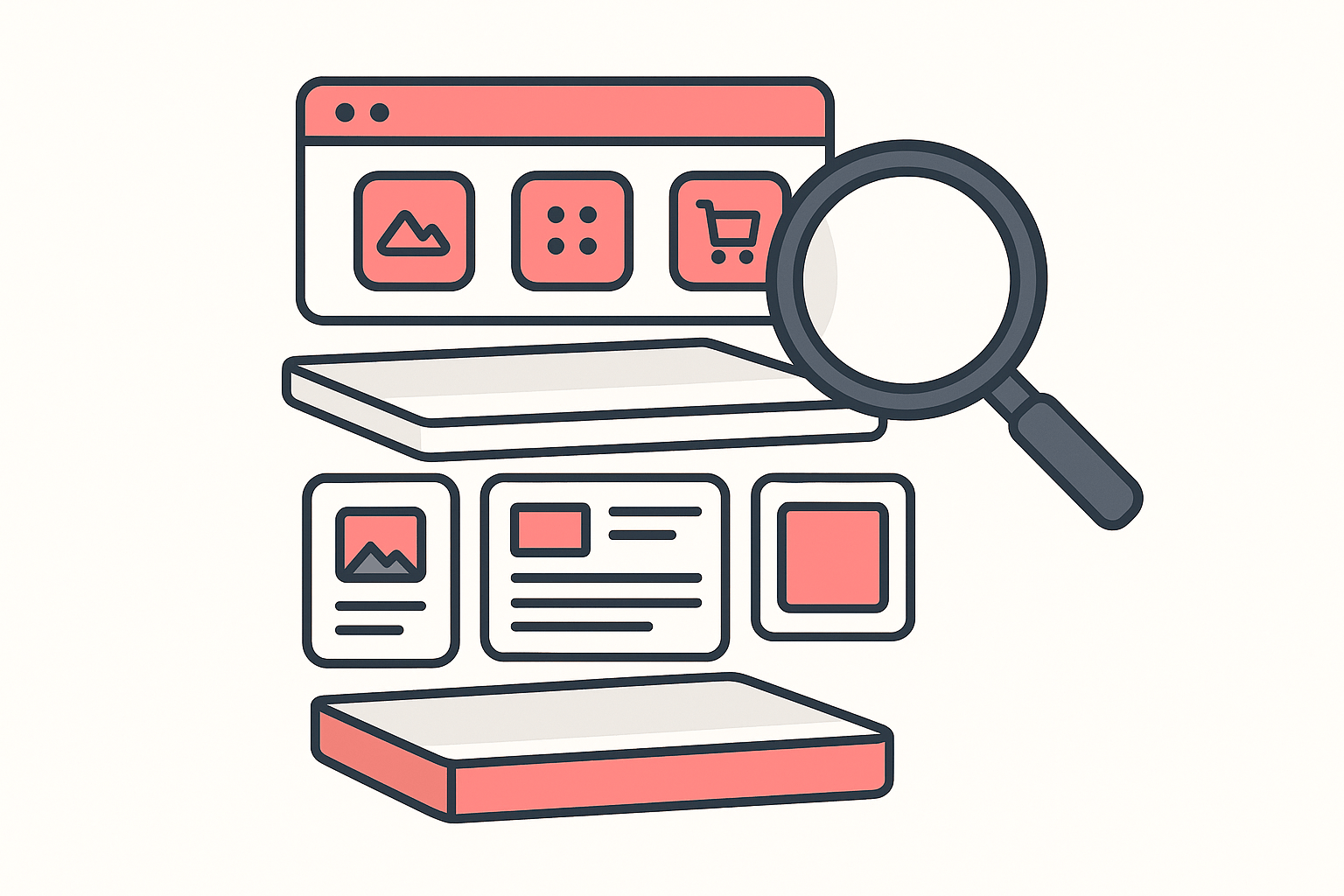
You find a Shopify store that clearly works. The product page flows, the offer is tight, the whole thing feels built to sell. The instinct is to copy the product. The better move is to read how the store is built, because a store that converts is the product, the offer, and the structure working together, and the structure is the part you can actually study.
Here is the short version. You can identify a high-converting store's theme, its page builder, and its full app stack from public signals any visitor's browser can already see. A free one-click inspector surfaces all three together, so instead of guessing why a store converts you see the building blocks and can rebuild the proven structure on your own store.
Why store structure, not just the product, drives conversions
Sellers already treat store structure as something to reverse-engineer. One widely-read r/dropshipping thread asks, in plain terms, how the Shopify stores doing over 10M a year structure their sites, and the replies pull apart layout, page flow, and the apps behind it rather than the product itself. The question keeps coming up because the answer is repeatable: the same product on a sloppy store and on a well-built one does not convert the same.
The expensive version of this lesson is paying for traffic before the store is ready for it. A recurring story in the same community is the seller who was struggling, fixed the store, and posted the turnaround once the structure started doing its job. Running ads to a store that cannot convert just pays to find out the store is the problem. That is why studying a proven structure first is cheaper than testing your way to one.
A high-converting store is built in three layers, and each one is readable from the outside:
- The theme is the foundation: the base layout, the speed defaults, the section system everything else sits on.
- The page builder is the custom layer: the product and landing pages that look like more than the theme could do alone.
- The app stack is the conversion layer: reviews, upsells, bundles, urgency, loyalty, the pieces that nudge a visitor toward checkout.
Read all three and you stop guessing why a store converts. You can see it.
Layer 1: identify the theme
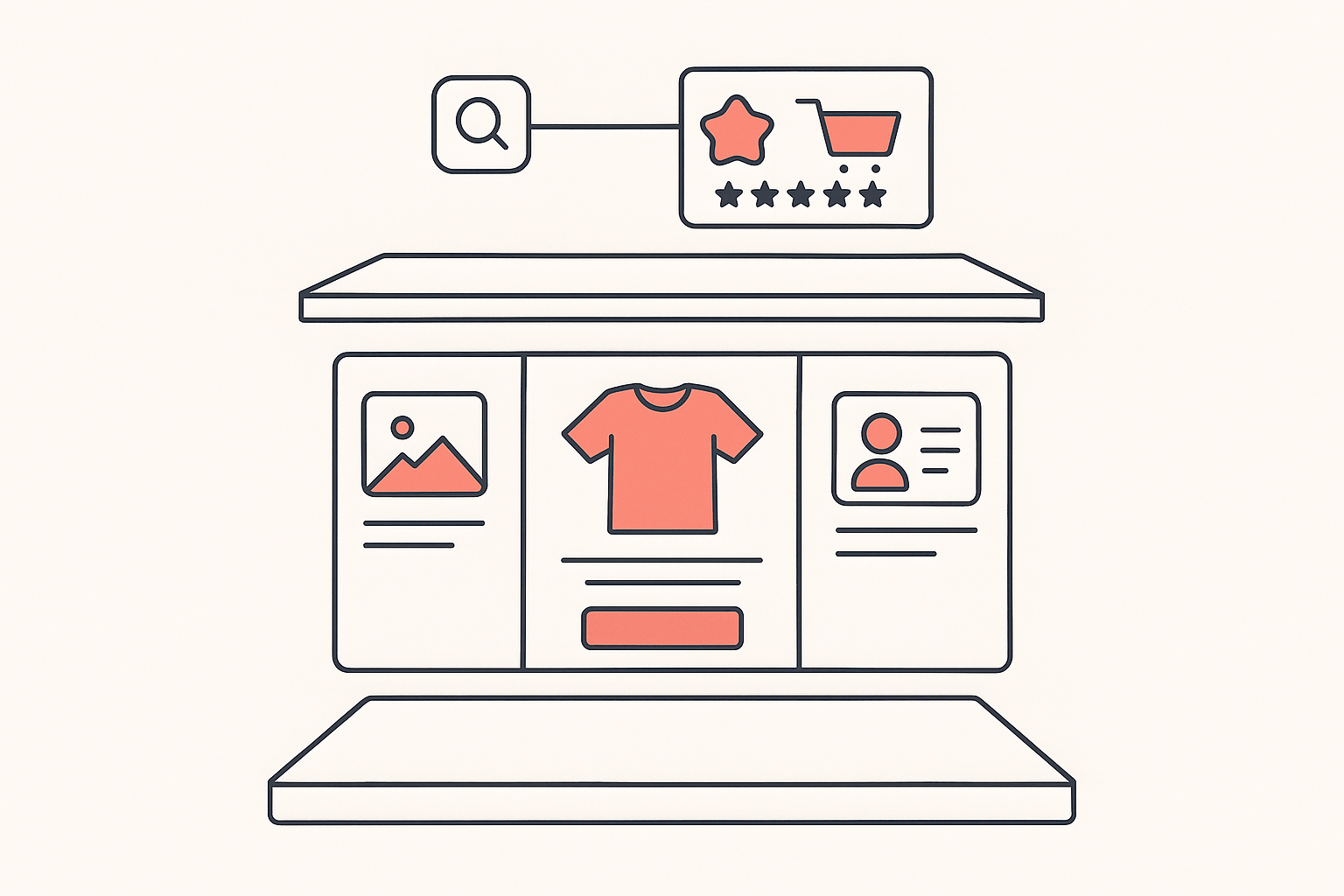
The theme is where the store's whole look starts, so it is the right first question. A theme sets the base templates, the section flexibility, and a big share of the page speed before a single app is added. If a competitor's store loads fast and reads clean, the theme choice is part of the reason.
You can sometimes find a theme by hand if the store left its original name visible, but most stores rename or customize, which breaks a name-only look. A detector reads the public signposts the theme leaves behind and names it even after a rename. We covered the manual method, the edge cases, and what to do with the answer in the full guide to detecting any store's Shopify theme, and the theme detector tool does it in one click.
What the theme tells you: the foundation a store started from, roughly what the build cost, and whether the design you are admiring comes from the theme itself or from heavy work layered on top. If the store is clearly on a free or near-default theme but looks nothing like the demo, the money and effort went into the next two layers.
Layer 2: spot the page builder
When a product page has a layout the base theme could not produce, a page builder is usually doing the heavy lifting. Page builders let a store rebuild product and landing pages section by section, which is how two stores on the same theme can look completely different.
The builders worth recognizing by name, because they show up constantly on high-converting stores, are PageFly, GemPages, and Shogun. You do not need to learn any of them to research a competitor. You need to detect which one is running, because that tells you how a page you admire was actually constructed. A builder installs like any other app, so it leaves the same public signposts the rest of the app stack does, which means you can detect it the same way you detect everything else a store runs.
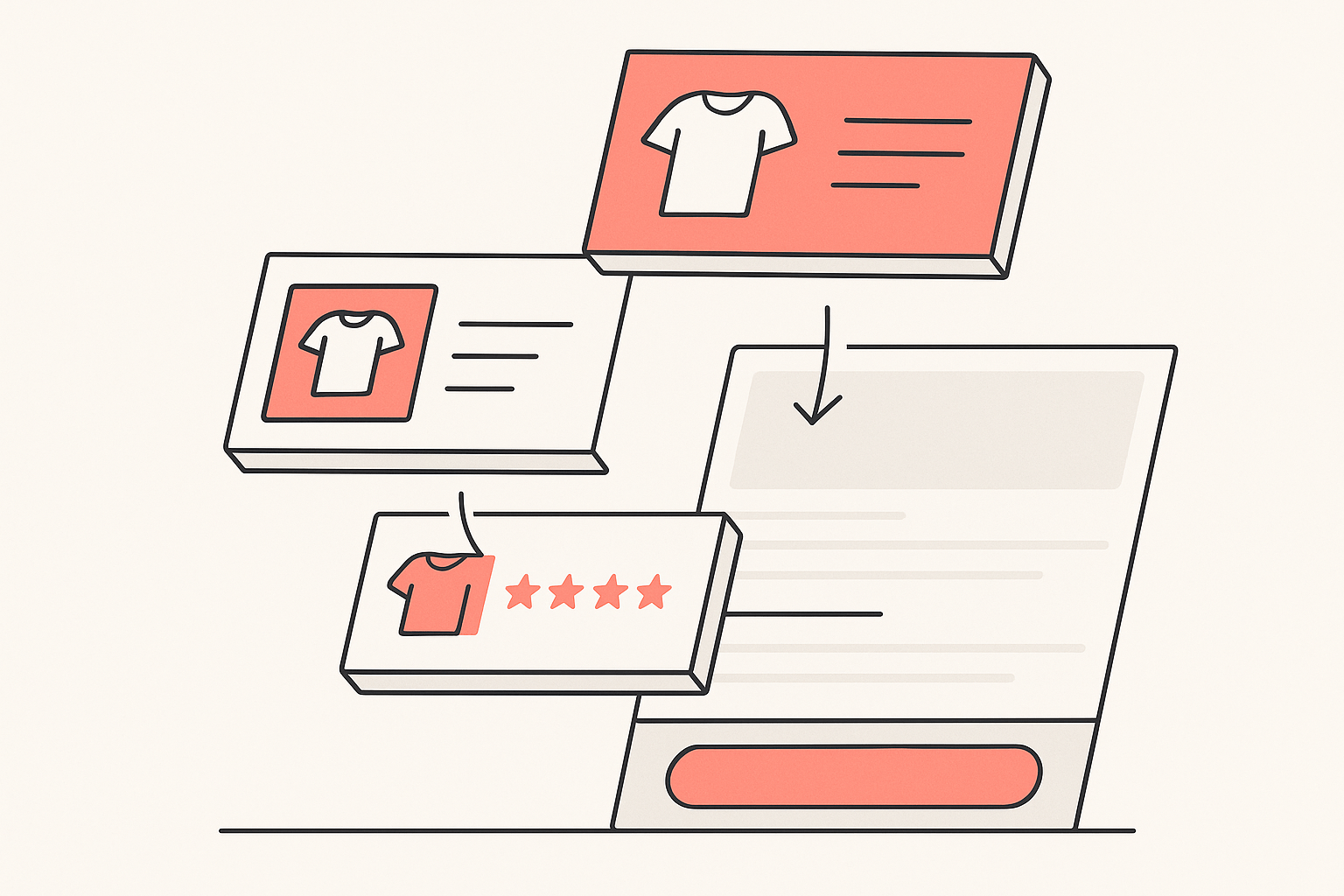
Knowing the builder reframes what you are looking at. A product page that seemed impossible on the base theme is often just a few builder sections: a comparison block, a sticky add-to-cart, a stacked benefits layout. Once you know a builder is responsible, the page stops being intimidating and becomes a structure you can rebuild.
Layer 3: read the installed app stack
The conversion layer is the app stack, and it is the most revealing of the three. A theme and a builder set the stage, but the apps are the specific moves a store makes to turn a visitor into a buyer. The categories that matter most on a high-converting store:
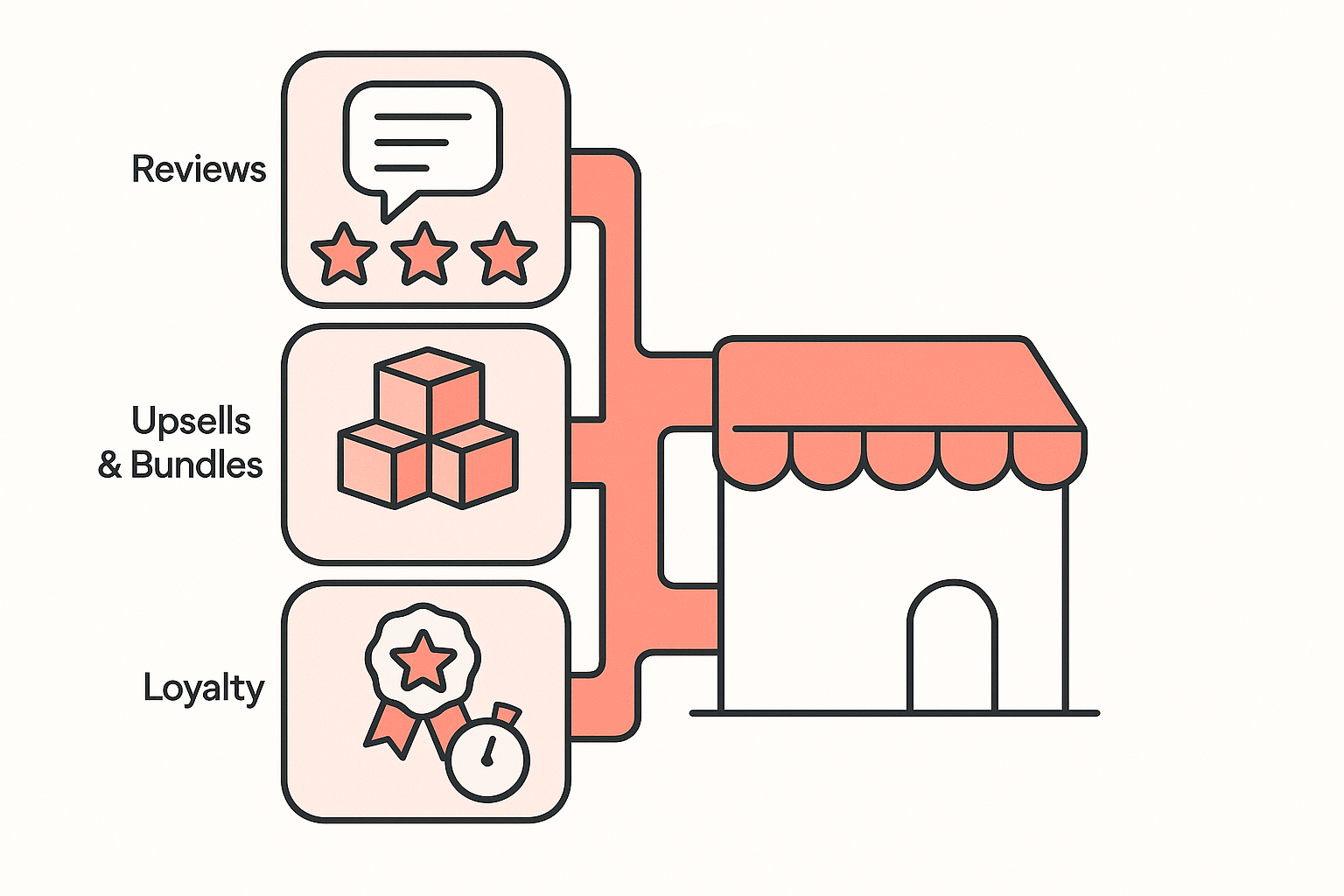
- Reviews and social proof: apps like Judge.me, Loox, or Yotpo that put ratings, photos, and customer content on the product page.
- Upsells and cross-sells: post-purchase and cart upsell apps that raise average order value after the buying decision is made.
- Bundles: "buy more, save more" and product-bundle apps, such as HA Discount Bundles & BOGO, that dynamically lift the average order size directly on the product page.
- Urgency, loyalty, and the rest: countdown timers, stock counters, loyalty points, and the smaller pieces that each shift conversion a little.
Seeing the full stack tells you which levers a store is actually pulling, in priority order. The app detector lists every app a store runs, grouped by type, so the page builder, the reviews widget, and the upsell app all show up in the same place. For a wider read on what the leaders run, see what apps the top Shopify stores actually use.
See all three at once with Koala Inspector
The slow way to do this is one tool for the theme, another for the apps, and guesswork for the builder. The point of doing it in one pass is that the layers explain each other: the theme tells you the foundation, the builder tells you how the custom pages were made, and the app list tells you what is doing the converting.
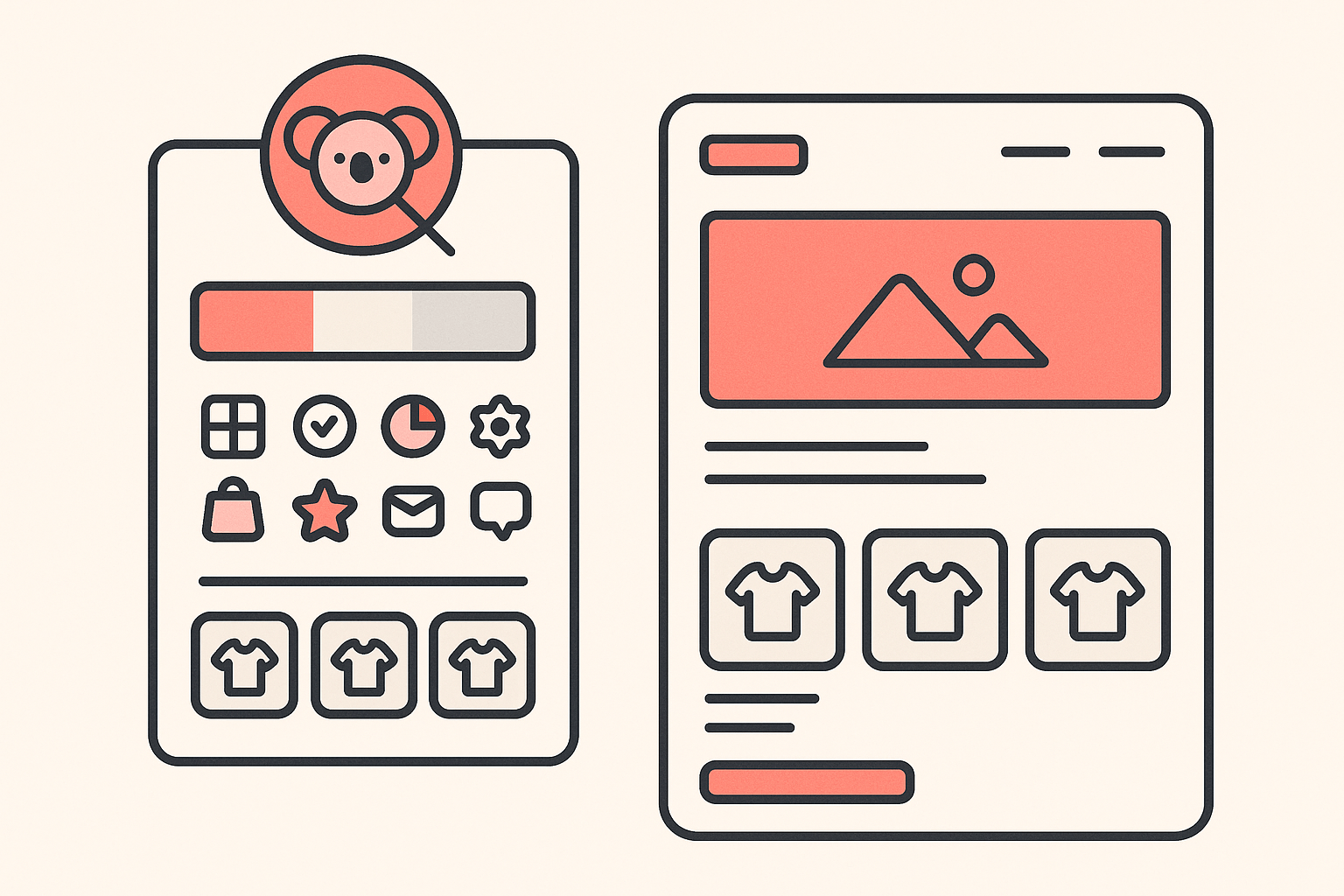
Koala Inspector is a free Chrome extension that reads all three in a single panel. Open any Shopify store, click the Koala icon, and within a few seconds you see the active theme with a link to it, the installed apps grouped by type (the page builder among them), and the product catalog with its likely best-sellers. Theme detection, app detection, and product research are free. Deeper store intelligence such as traffic sources and ad campaigns runs on a token system, and the free plan includes tokens each month with no card required.
Everything it reports is modeled from public signals any visitor's browser can already see. It never touches a store's private admin or checkout, which also means the store owner cannot tell their store is being studied. They see ordinary traffic. So when you read a store's structure, you are reading what it already shows the world, just organized so you can act on it.
Turn what you find into a replication checklist (without copying)
The findings are only useful if they become a plan. Detecting the layers is competitive research; cloning a store's custom code, images, or copy is not, and it is not what wins anyway. Turn the structure into your own checklist:
- Theme: note the base theme and whether the store runs near-default or heavily customized. If it is a commercially available theme, that is a proven foundation you can buy and start from.
- Page builder: if a builder is running, note which pages it powers and what the high-impact sections are (the offer block, the proof, the add-to-cart). Rebuild that structure on your own pages.
- App stack: list the conversion apps and the job each one does, then map them to your own gaps. Reviews missing? That is the first install. No upsell? That is your average-order-value lever.
- Best-sellers and offer: check which products the store actually leads with, so you replicate the structure around a tested offer, not a random one.
The line to hold is simple: copy the approach, not the assets. You are noting that a winning store leads with reviews, runs a bundle offer on the product page, and builds custom sections with a page builder. You are not lifting their photos or their words. The structure is the lesson, and the structure is the part that is fair game.
Frequently asked questions
How do I find what page builder a Shopify store uses? A page builder leaves public signposts on the pages it renders, so you do not have to guess. Open the store in Chrome with the free Koala Inspector extension and check the installed-apps list: a builder such as PageFly, GemPages, or Shogun shows up there alongside the rest of the app stack. If a product or landing page has a layout the base theme could not produce on its own, a page builder is usually the reason, and the app list confirms which one.
How can I see which apps a Shopify store has installed? Open the store with Koala Inspector and click the icon. The app detector lists every Shopify app the store runs, grouped by type, so you can see the reviews widget, the upsell and bundle apps, the loyalty program, and the page builder in one view. App detection is free, reads only what the store already shows every visitor, and works on any public Shopify storefront.
Can you tell the theme, page builder, and apps of a store all at once? Yes. Koala Inspector reports the active theme, the installed apps (the page builder among them), and the product catalog with likely best-sellers in a single panel, all modeled from public signals any visitor's browser can already see. Theme detection, app detection, and product research are free. Deeper store intelligence such as traffic and ad campaigns runs on a token system.
Is it legal to inspect a competitor's Shopify store this way? Yes. Koala Inspector reads only publicly visible information, the same pages any shopper's browser loads. It never touches a store's private admin, dashboard, or checkout. Using the name of a commercially available theme or app to build your own store is normal competitive research. Copying a store's custom code, images, or copy is not, so use what you find as a starting point, not a shortcut.
Written by
Ana Gelevska
eCommerce Content Writer
Ana Gelevska is a content writer with more than five years of experience creating content for eCommerce brands and global clients. She digs into each topic and the people it is for, then turns it into clear, useful articles that Shopify sellers and dropshippers can act on.
Connect on LinkedIn