CapCut for Shopify Product Videos: Where You Can Actually Run Them
 By Ana GelevskaNovember 18, 2026

The short answer
CapCut will cut a usable Shopify product video in an afternoon, with automatic captions, background removal and one-click resizing into every social aspect ratio you need. The editing is the easy part and always was.
The part that decides whether you can actually run the finished clip is the licence on the pieces you built it from. CapCut's Materials License Agreement sorts every template, clip, sticker, font, effect and filter it supplies into two buckets, and only one of them travels into a paid ad. Music sits under a tighter rule still: the commercial library is licensed for CapCut, TikTok and TikTok for Business, and your Shopify product page is none of those.
Learn the two rules once and you can produce store-ready video at volume without a lawyer in the loop. Skip them and you will build a creative library you are not licensed to run.
What CapCut gives a merchant, free and paid
Working from CapCut's own tool pages, read on 18 November 2026, the features that matter for ecommerce are these.
Resizing for every placement. The video resizer adjusts aspect ratio to 1:1, 2:1, 3:4, 4:3, 9:16 and 16:9, with output at 720p, 1080p, 2K or 4K, and preset canvases for YouTube, TikTok, Instagram, Facebook and LinkedIn. One shoot becomes a Reels cut, a feed square and a product-page landscape without reframing by hand.
Captions you do not type. The AI caption generator transcribes spoken audio automatically and supports 20 or more languages. Most ecommerce video is watched muted, so this is the difference between a clip that sells and a clip that gets scrolled.
Background removal, voiceover and templates. CapCut's tool directory covers a video background remover, text to speech, voice enhancement and background-noise removal, plus a template library you drop your own clips into.
On price, CapCut's pricing page in November 2026 listed a Free plan at USD 0, described as free templates and basic editing tools. Pro was USD 19.99 per month or USD 179.99 per year, carrying 1200 monthly AI credits, access to AI features, all premium templates and 1 TB of storage. Ultra was USD 79 per month or USD 900 per year with 8645 monthly AI credits. The page carries its own caveat, which is fair to repeat: displayed pricing is for reference only, and you sign in to see final pricing, taxes and any offers on your account.
For most merchants the free tier covers the actual job. Trimming, captions, resizing and a voiceover do not require the AI credit pool that the paid tiers exist to feed.
Rule one: the commercial-use mark on every asset
CapCut calls the material it supplies Company Content: templates, video clips, images, stickers, text templates, fonts, sound effects, special effects, filters, canvases and animations. Its Terms of Service point you at the Materials License Agreement to find out what you may do with any given piece, and note that permissions vary by which CapCut product you are using.
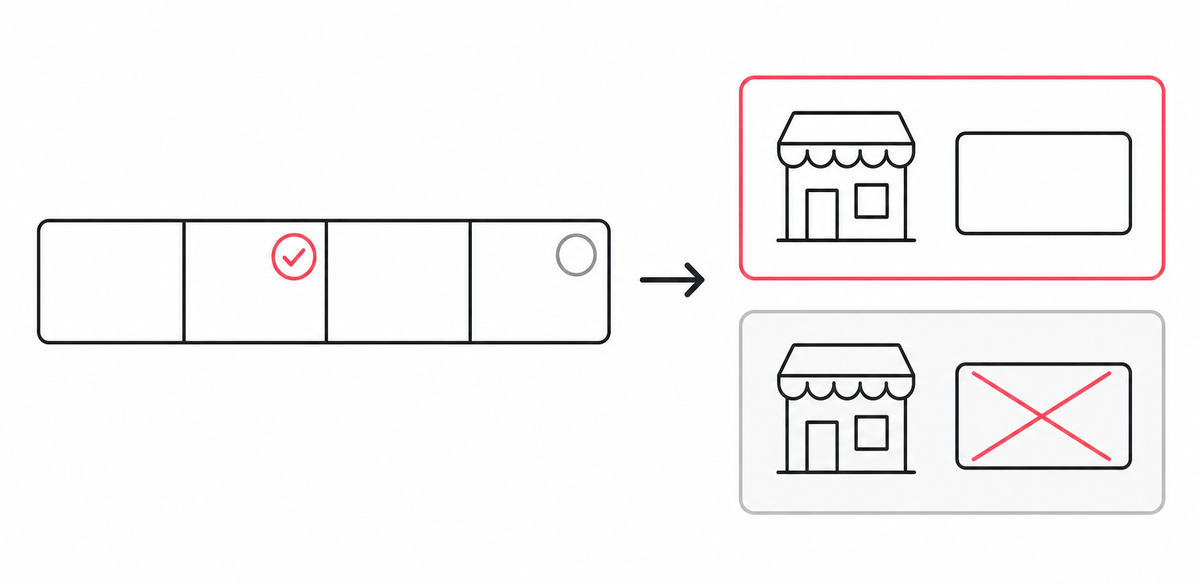
The agreement splits that library in two. Some assets are Non-commercial Use Materials, licensed for personal and non-commercial purposes. Others are Dual Use Materials, licensed for personal use and for limited commercial purposes as well. CapCut says Dual Use Materials are made available with specific marks on the platform, such as a "commercial use" or "commercial" label.
Build a video from solely Dual Use Materials and the agreement grants you a limited right to use it, in digital form, as promotional, marketing or advertising material for goods or services on e-commerce platforms, and as promotional material distributed via other online media. That is the Shopify merchant's exact use case, written into the licence.
Here is the trap. The agreement is explicit that if your video incorporates both Dual Use Material and Non-commercial Use Material, you may only use it for personal and non-commercial purposes. One unmarked sticker in a twelve-clip timeline restricts the whole export. There is no partial credit and no severability on the finished file.
Two smaller conditions ride along with that grant and both are easy to break without noticing. Content made with Platform Materials must not be used to endorse the authenticity, legality or quality of the products or services it promotes, which is a real constraint on a claims-heavy supplement or electronics ad. And a licence limited to one jurisdiction limits your video to that jurisdiction, so an asset cleared for one market does not automatically clear a global campaign.
Rule two: the music is the hard limit
Audio is where merchants get caught, because the library sits right there in the editor and nothing stops you dragging a track onto the timeline.
CapCut's agreement separates two libraries. Sounds are made available to individual users for video content that is for personal entertainment and non-commercial purposes. The agreement states plainly that you should not use a Sound for any commercial purpose, including associating the music with, or promoting, a brand or business, unless you have obtained the necessary rights.
Commercial Sounds are the business library. They are made available to brands, businesses, commercial entities and advertisers, which CapCut groups as Commercial Users. The licence then draws a boundary most people never read: Commercial Users may show or share a video containing a Commercial Sound within CapCut, TikTok and TikTok for Business, which the agreement defines as the Permitted Platforms. Any use outside those requires you to obtain separate permission and license the necessary rights directly from all necessary rights holders.
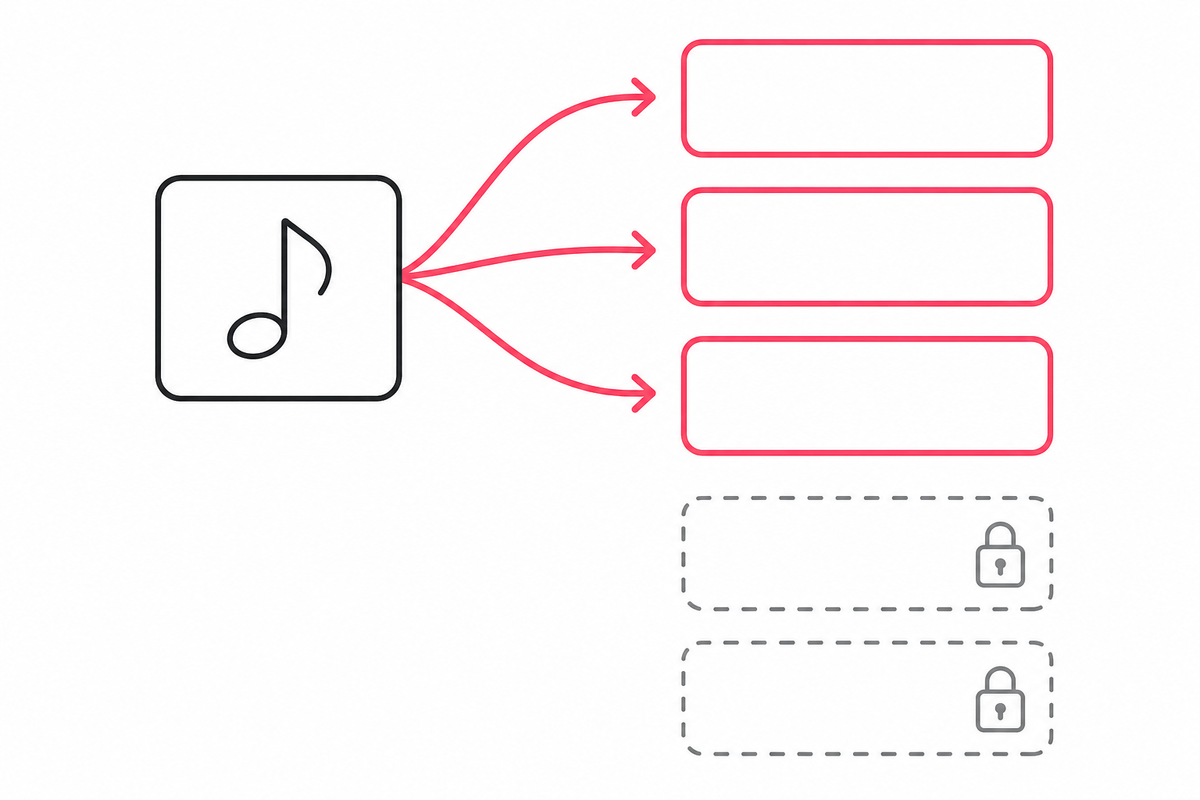
Read that against where a Shopify merchant actually publishes video. A TikTok organic post and a TikTok for Business ad are covered. A Meta ad on Facebook or Instagram is outside the Permitted Platforms. A YouTube upload is outside. A video embedded on your own product page or in an email is outside. The agreement also makes you responsible for third-party claims arising from a breach, with an indemnity clause attached, so the downside is not a takedown alone.
The fix is unglamorous and it works. Score anything leaving the TikTok ecosystem with music you have licensed yourself, from a subscription library where your plan covers paid advertising, or use the product's own audio with a voiceover over it. A clean voiceover track outperforms a trending sound on a product-page video anyway, because that viewer already has purchase intent and wants information.
A production workflow that stays inside the licence
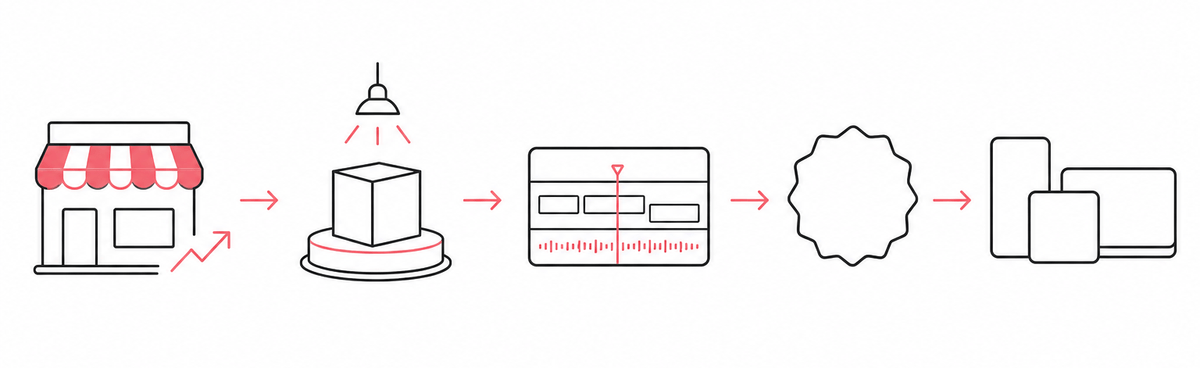
1. Pick the product from data, not from affection. The video that earns its production time is the one attached to a product people already buy. Your own Shopify analytics rank your catalogue; for a competitor's, see the research step below.
2. Shoot more coverage than you think you need. Thirty seconds of usable footage needs several minutes of raw material: the product rotating, a hand opening it, the detail that justifies the price, and the product in use. Daylight near a window beats any lighting kit you were about to buy.
3. Filter the asset browser to commercial-marked material before you build. Doing it first costs nothing. Doing it after the edit means rebuilding the timeline, because swapping a Non-commercial asset out of a finished sequence breaks the timing you just spent an hour on.
4. Caption everything, then read the captions back. Automatic speech recognition on product names, ingredient lists and brand terms is where transcription slips. Fix those manually.
5. Export each placement separately. Resize 9:16 for Reels, TikTok and Stories, 1:1 for feed, and 16:9 or 4:3 for the product page. Export the product-page cut without library music, since that placement sits outside the Permitted Platforms.
6. Test in sets. Three variations of one angle beat one polished hero video, because you learn which hook holds attention rather than which video you liked most. Reading competitor ad creatives tells you which hooks are already surviving in your niche before you spend on your own.
You can try CapCut from CapCut's subscription page, which is where the free tier and the paid plans both start.
Disclosure: the CapCut link above is an affiliate link. If you subscribe through it we may earn a commission, at no extra cost to you. It does not change what we recommend, and it did not change a word of the licensing section above.
Where CapCut stops
Three limits worth knowing before you build a workflow on it.
There is no Shopify integration. CapCut's site names no ecommerce platform integration, and its integrations section lists a ChatGPT plugin instead. Export and upload is the whole workflow, which matters once you are producing video for a large catalogue and want it automated.
The commercial licence is conditional and it is on you to track. Permissions vary by which CapCut product you use, the marks sit on individual assets rather than on the editor as a whole, and the agreement reserves the right to terminate the licence. A merchant building a long-lived creative library should keep a note of which assets a given export used.
The music boundary is narrow. A tool that makes TikTok-native video is a tool whose audio library is licensed for TikTok-native distribution. If your paid spend lives on Meta, plan your audio separately from day one.
Decide what to film before you open the editor
Production capacity is rarely what limits a store's video output. Knowing which product deserves the shoot is.
For your own catalogue, Shopify's analytics answer it. For a competitor's, the storefront carries the signal publicly. Open one and run Koala Inspector:
- Products and best sellers give you their full catalogue, the price range, and the products most likely carrying the store. That is your shortlist of what to film, and it is free.
- Site Traffic breaks their traffic into direct, referral, search and social, with a social distribution across platforms. If social is a rounding error for every store in your niche, video is not the channel starving your revenue. 3 tokens.
- Ad Campaigns shows the ads a store is running, split into Google and Facebook/Instagram tabs, with each card listing the URL, title, description and tags. Seeing a competitor's live offer and angle before you write your own script is worth more than any editing feature. 2 tokens.
Every figure Koala Inspector reports for a store you do not own is modeled from public signals any visitor's browser can already see, sampled over time. Use it to compare and shortlist.
Picking the product is the decision that makes the video worth producing. The editor is downstream of it.
CapCut for Shopify video: frequently asked questions
Can I use CapCut videos commercially for my Shopify store?+
Yes, within the terms CapCut sets. Its Materials License Agreement splits the templates, clips, stickers, fonts, effects and filters it supplies into Non-commercial Use Materials and Dual Use Materials, and marks the Dual Use ones on the platform with a commercial use label. A video built solely from Dual Use Materials may be used in digital form as promotional, marketing or advertising material for goods or services on e-commerce platforms. Mix in one Non-commercial asset and the agreement restricts the whole video to personal and non-commercial use.
Can I use CapCut music in a Facebook ad for my store?+
Not from CapCut's library alone. Its Materials License Agreement licenses Commercial Sounds to business users for videos shown or shared within CapCut, TikTok and TikTok for Business, which it calls the Permitted Platforms. Any use outside those requires you to obtain separate permission and license the rights directly from the rights holders, so a Meta ad, a YouTube upload or a video embedded on your own product page needs music you have licensed yourself.
Does CapCut integrate with Shopify?+
No. CapCut lists no Shopify integration on its site, and its integrations section names a ChatGPT plugin rather than any ecommerce platform. You export the finished file from CapCut and upload it to Shopify, your ad account or your social scheduler yourself.
How much does CapCut cost?+
CapCut's pricing page in November 2026 listed a Free plan at USD 0 with free templates and basic editing tools, Pro at USD 19.99 per month or USD 179.99 per year, and Ultra at USD 79 per month or USD 900 per year. The page states that displayed pricing is for reference only and that you should sign in to see final pricing, taxes and any offers for your account.
Keep going
- How to find winning Facebook ad creatives by spying on competitors' Shopify stores covers the creative research that should precede a shoot.
- The ultimate guide to dropshipping on TikTok is the channel most of this video is built for.
- Best Shopify themes with videos matters once the product-page cut is ready and needs somewhere to sit.
- You saw it go viral on TikTok, here's how to find the store selling it closes the loop from a video back to the store behind it.
Sources
- CapCut, Materials License Agreement - the split between Non-commercial Use Materials and Dual Use Materials, the commercial-use marks, the e-commerce promotional grant for solely-Dual-Use content, the rule that mixing in a Non-commercial asset restricts the whole video, the endorsement and jurisdiction conditions, and the Sounds and Commercial Sounds terms including the CapCut, TikTok and TikTok for Business Permitted Platforms. Read 18 November 2026.
- CapCut, Terms of Service - the definition of Company Content, and that commercial permissions vary by CapCut product and are governed by the Materials License Agreement. Read 18 November 2026.
- CapCut, pricing - the Free, Pro and Ultra plan prices, AI credit allowances, storage, and the page's own note that displayed pricing is for reference only. Read 18 November 2026.
- CapCut, video resizer - the 1:1, 2:1, 3:4, 4:3, 9:16 and 16:9 aspect ratios, the 720p to 4K output options, and the YouTube, TikTok, Instagram, Facebook and LinkedIn presets. Read 18 November 2026.
- CapCut, AI caption generator - automatic speech recognition and support for 20 or more languages. Read 18 November 2026.
This article describes CapCut's published terms as they read on 18 November 2026. Licence terms change, and CapCut reserves the right to amend them, so confirm the current agreement before committing a campaign to a given asset.

Written by
Ana Gelevska
eCommerce Content Writer
Ana Gelevska is a content writer with more than five years of experience creating content for eCommerce brands and global clients. She digs into each topic and the people it is for, then turns it into clear, useful articles that Shopify sellers and dropshippers can act on.
Connect on LinkedIn