What Is Shopify & How Does It Work
 By Ana GelevskaApril 3, 2023 · Updated June 4, 2026
If you've heard of Shopify but aren't sure what it actually does, here's the short version: it's an e-commerce platform that handles everything from storefront design to payment processing, so you don't have to stitch together hosting, a shopping cart, and payment tools yourself. This post covers what Shopify is, the main things it's used for, who gets the most out of it, and the apps and habits that separate stores that grow from ones that go nowhere.
What Is Shopify?
Shopify is an e-commerce platform that lets entrepreneurs and businesses build and run online stores. The founders launched it in 2006 after building what they needed for their own snowboarding store, Snowdevil, and finding the available software inadequate. The company has since gone public on the Nasdaq.
Today, millions of websites run on Shopify across more than 175 countries, and Shopify reports $1.1 trillion in total merchant sales on the platform. Every 26 seconds, an entrepreneur makes their first sale on Shopify.
The platform handles hosting, security, payments, checkout, and store customization under one roof. You pick a plan, build out your store, add products, and start selling. The underlying infrastructure is Shopify's problem, not yours.
What Is Shopify Used For?
Shopify is primarily a tool for creating and running online stores. That covers a lot of ground. Here's a breakdown of the main functions: 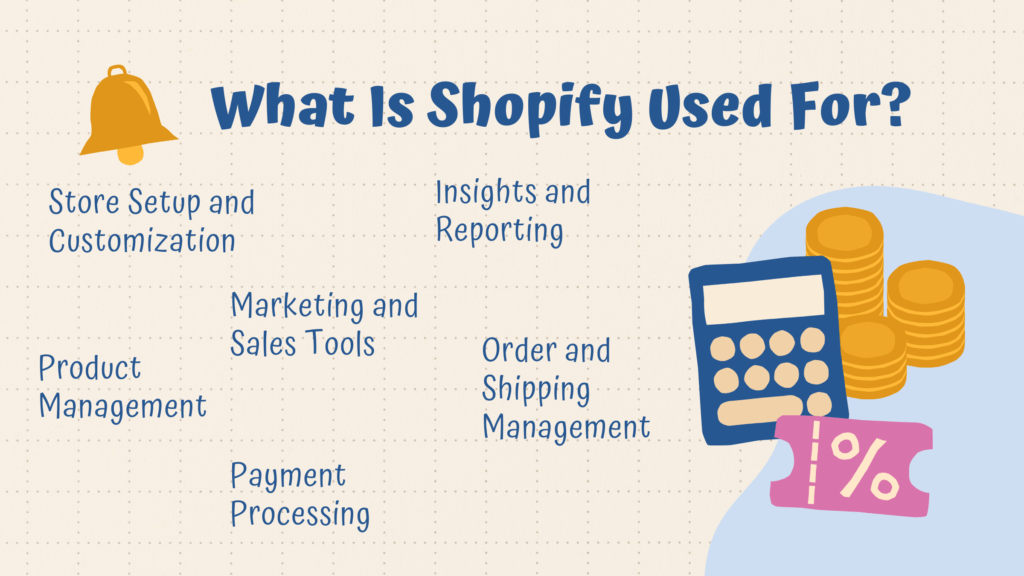
Store Setup and Customization
Shopify has a theme store with well over a hundred themes, including free options and paid ones that typically cost between $100 and $350 once. Free themes are a reasonable starting point; most stores don't need a paid theme until they've validated their product and have revenue to reinvest.
You can also edit HTML and CSS directly, or hire a developer to build something custom. Most merchants don't need to.
Product Management
Adding products is straightforward. Each listing needs at minimum a title, at least one photo, a description, and a price. Shopify lets you group products into collections so customers can browse by category. Variants (size, color, material) attach to a single product listing rather than living as separate entries.
Payment Processing
Shopify has its own payment solution (Shopify Payments) and supports third-party processors like PayPal, Stripe, and dozens of others. If you use a third-party processor, Shopify charges a transaction fee: 2% on Basic, 1% on the mid-tier plan, 0.5% on Advanced. Using Shopify Payments waives that fee. Card rates on Shopify Payments start at 2.9% + 30 cents for online transactions on the Basic plan.
Order and Shipping Management
Shopify provides order management tools built in, and has apps for more complex fulfillment workflows. If you're dropshipping, most supplier apps handle order routing automatically once a sale comes in, so the supplier ships directly to your customer without you touching the product.
Marketing and Sales Tools
The platform includes built-in SEO controls, email marketing basics, discount codes, and social channel integrations. More advanced tools are available through the App Store.
Shopify Analytics
Shopify's built-in analytics dashboard tracks revenue, orders, sessions, and conversion rates. Higher-tier plans unlock more detailed reports. One feature worth knowing: if a product has strong sales relative to the traffic it gets, Shopify flags it as high-potential. That's a useful signal to invest in promotion or content for that product.
What Is Shopify Dropshipping?
Dropshipping on Shopify is when you list products for sale in your store without holding any inventory. When an order comes in, your dropshipping supplier handles storage, packaging, and shipping directly to the customer. Your margin is the difference between what you charge the customer and what the supplier charges you. 
The typical flow: you connect your Shopify store to a dropshipping app, import products from a supplier's catalog with your own descriptions and pricing, and the app routes orders to the supplier automatically when you make a sale.
The global dropshipping market was valued at $365.67 billion in 2024 and is projected to reach $1.25 trillion by 2030, a CAGR of about 22%. The low barrier to entry is also what makes it competitive. The stores that do well usually focus on a specific niche rather than competing as general stores, and they spend real time on product selection and product descriptions.
Benefits of Using Shopify
Here's what actually distinguishes Shopify from alternatives: 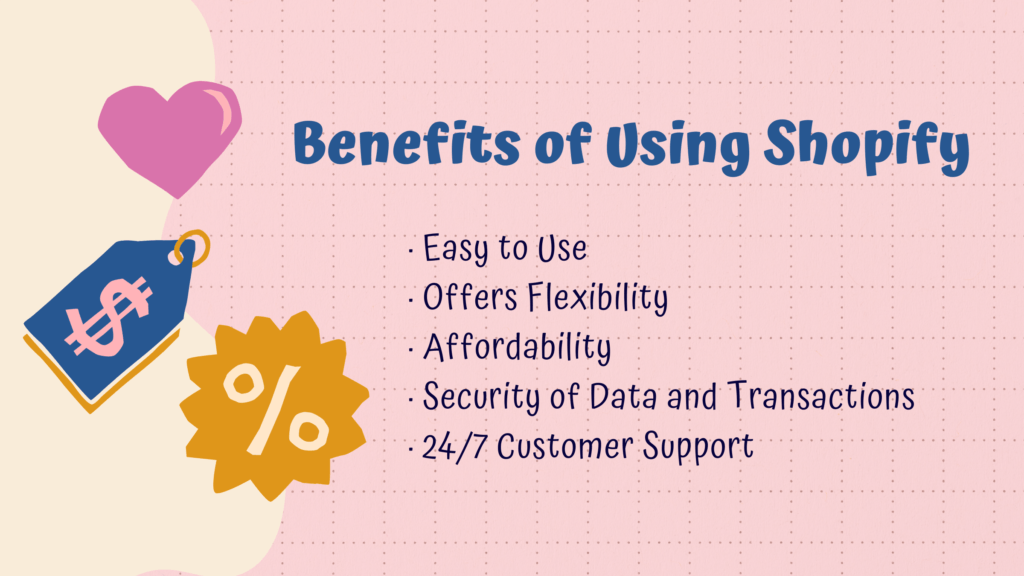
It Handles the Infrastructure
You don't set up hosting, configure SSL, or manage software updates. Shopify's checkout converts 15% better on average than other platforms, partly because it's fast and widely trusted by shoppers.
Flexibility Without a Developer
The theme system and App Store (13,000+ apps) mean most merchants can add functionality without writing code. If you want custom behavior, the API is there.
Plans at Different Price Points
Plans start at $39/month (Basic) and go up to $399/month (Advanced). An annual commitment drops those prices. Shopify offers a 3-day free trial, after which a promotional rate is sometimes available for the first few months.
PCI-DSS Compliance and SSL
Shopify handles PCI compliance for you and provides SSL on every store. For customers, this means the checkout is secure. For you, it means one less thing to manage.
Customer Support
Shopify offers 24/7 support via live chat and email. There's also an active community forum where most common questions have already been answered.
Who Can Benefit From Shopify?
Shopify isn't specific to one type of business. Here's where it's commonly used: 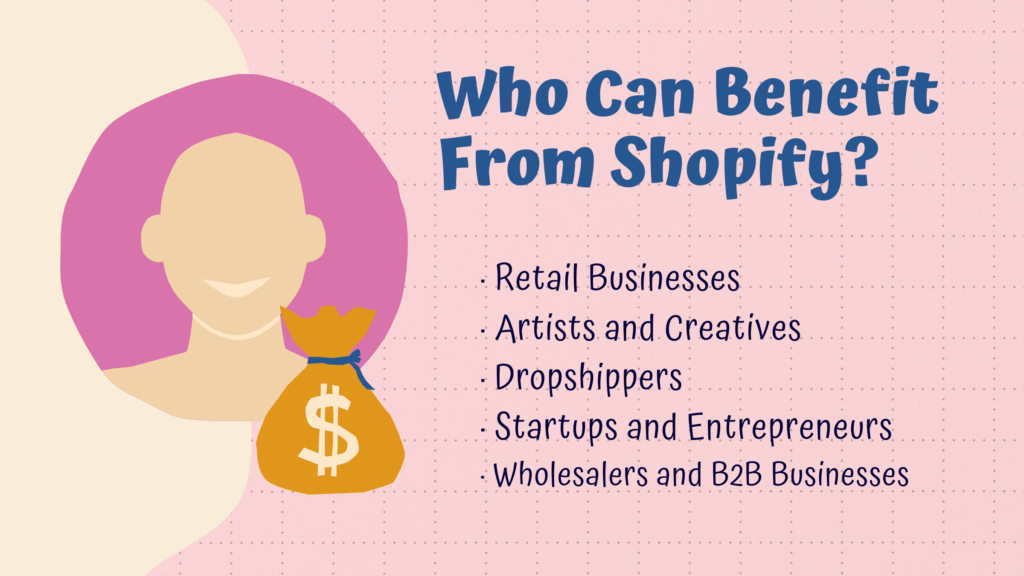
Retail Businesses Moving Online
Physical stores that want an online channel get up and running faster on Shopify than building a custom site from scratch. Shopify POS also ties the online store to in-store sales.
Artists and Creatives
The theme options and Shopify's handling of digital products (downloads, licenses) make it a usable option for creative businesses.
Dropshippers
Shopify is the most common platform for dropshipping. The App Store has multiple dedicated dropshipping apps, and the order management tools fit the model well.
Startups and Entrepreneurs
Low upfront cost and no need for inventory mean you can test a product idea with a basic store, validate it, and scale from there.
Wholesalers and B2B Businesses
Shopify Plus (the enterprise tier) has B2B features, including customer-specific pricing, wholesale channels, and higher API rate limits.
Top Shopify Apps and Integrations
The Shopify App Store has thousands of apps covering everything from dropshipping and email marketing to reviews and upsells. A few worth knowing:
DSers
DSers is the official Shopify dropshipping partner and replaced Oberlo (which shut down in 2022) as the primary tool for AliExpress-based dropshipping. It handles product imports, order routing, and supplier management.
Yotpo
Yotpo collects and displays verified customer reviews. It integrates with Shopify's checkout and sends automated review request emails post-purchase. Social proof matters for conversion rates, especially on newer stores.
Mailchimp
Mailchimp integrates with Shopify to sync customer data, segment by purchase behavior, and run email campaigns. You can automate abandoned cart emails, post-purchase sequences, and promotions.
Koala Inspector
Koala Inspector shows you what's actually working for your competitors: their best-selling products, which apps and themes they're using, their supplier relationships, and their store structure. If you want to understand why a competing store is outperforming you, this is where you start.
SEO Manager
An SEO app that surfaces keyword suggestions, integrates with Google Search Console, and flags broken links. Useful for stores that want to build organic traffic rather than running ads indefinitely.
One practical note: every app adds load to your store. Around 10 apps is manageable for most stores; larger stores with complex operations may need more, but it's worth auditing what each one actually does before adding it.
Tips for Getting More From Your Shopify Store
Write Product Descriptions That Actually Describe the Product
Generic descriptions don't help shoppers make decisions and don't rank well. Write descriptions that answer the specific questions a buyer would have: what it's made of, what problem it solves, what size or weight it is, who it's for.
Use Real Product Photos
Stock photos and supplier images are usually fine for getting started, but stores that invest in original photos, especially lifestyle shots, consistently see better conversion rates.
Build a Real Customer Service Process
The easier it is to reach you, the more trust you build. Email and live chat are the most common channels. A fast response to a frustrated customer often turns a return into a repeat buyer.
Use Social Media as a Traffic Channel
Organic social posts don't cost anything. A dedicated account that posts consistently around your niche builds an audience over time and can drive meaningful traffic. Affiliate and referral tools like GoAffPro can extend your reach through your existing customers.
Run Promotions Strategically
Discounts drive conversions, but setting up a permanent sale trains customers to wait for deals. Time-limited promotions or bundles tend to work better than blanket discounts.
What Shopify Is and Where to Go From Here
Shopify is an e-commerce platform that handles hosting, security, payments, and storefront tools so you can focus on the business side: products, marketing, and customer service. It powers 4.6 million stores across 175 countries, from solo dropshippers to enterprise brands.
Getting the store set up is the easy part. What separates stores that grow from ones that don't is product selection, the quality of your descriptions and images, and how well you understand what's working in your niche. Tools like Koala Inspector exist specifically to give you that competitive visibility. The platform gives you the infrastructure; the rest depends on what you do with it.
Written by
Ana Gelevska
eCommerce Content Writer
Ana Gelevska is a content writer with more than five years of experience creating content for eCommerce brands and global clients. She digs into each topic and the people it is for, then turns it into clear, useful articles that Shopify sellers and dropshippers can act on.
Connect on LinkedIn