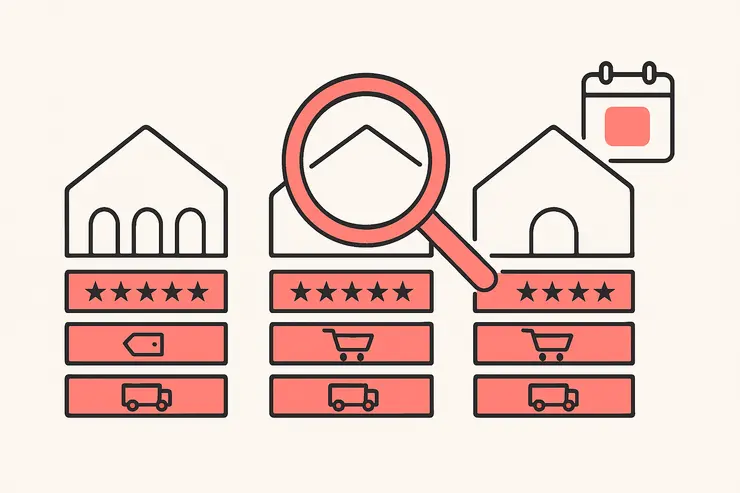
How do I see which ads a Shopify competitor is running? Install Koala Inspector free, open the competitor's Shopify store in Chrome, and open the Ad Campaigns screen. It returns the store's live Google and Facebook/Instagram campaigns in two tabs, each card showing the ad's destination URL, headline, description and tags. One check costs 2 tokens.
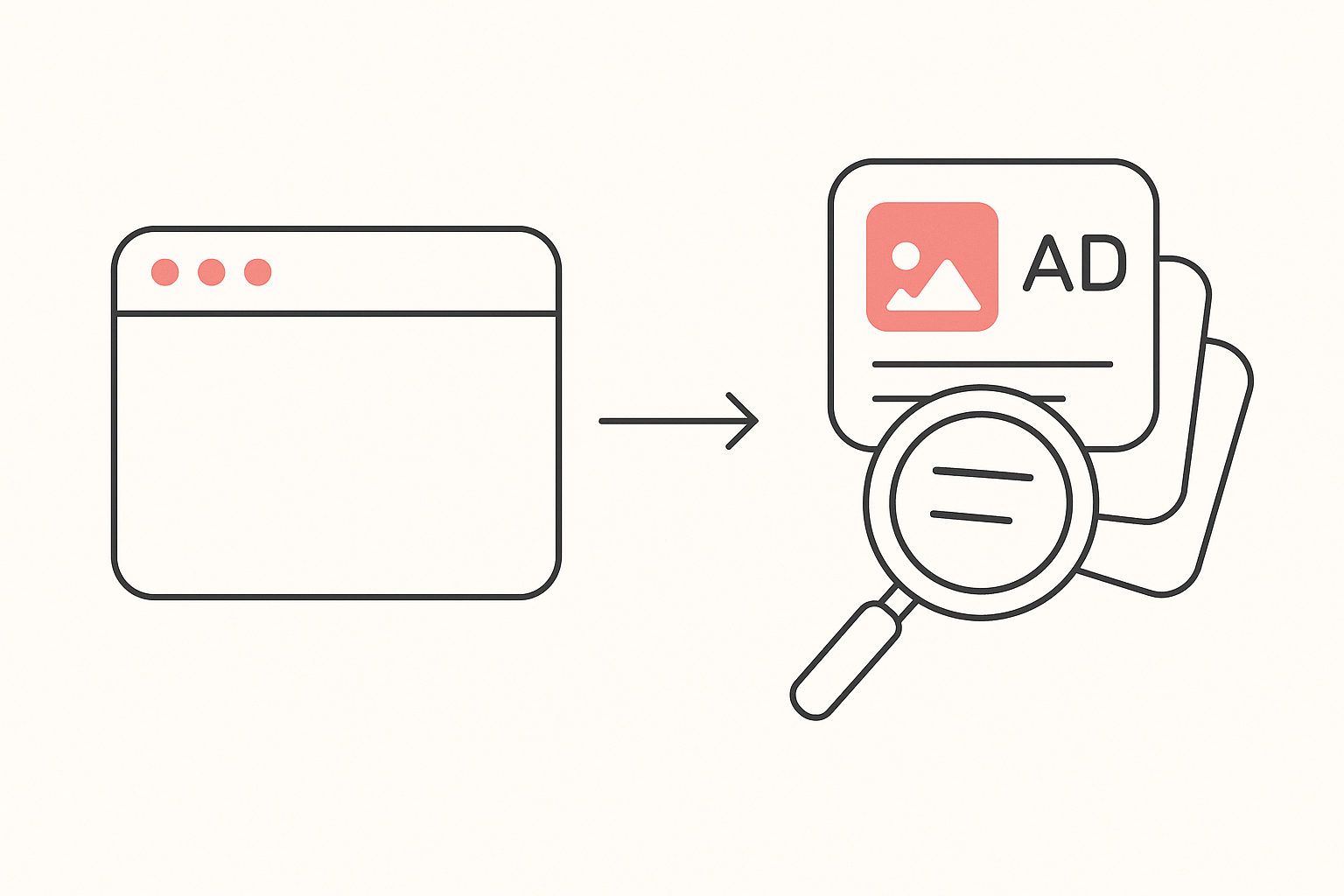
Starting from a store you have already chosen is what makes the result usable. Sellers say it plainly: one media buyer who built their own tracker described the category as tools that "sell you a warehouse of dead ads", and cited a competing platform returning 10,000 results for a single generic query (r/digital_marketing). Ten thousand ads is a browsing session. One store's live campaigns, read next to that store's prices and product mix, is a decision you can act on this afternoon.
The Ad Campaigns screen, step by step
Here is the whole walkthrough. It takes under a minute once the extension is installed.
1. Open the store. Navigate to any Shopify storefront in Chrome and click the Koala Inspector icon. The Explorer dashboard loads and detects Shopify automatically, showing the store's theme, category, product count, creation date, currency and country. All of that is free and costs no tokens.
2. Open Ad Campaigns. It is one of the cards on the Explorer dashboard and also sits in the extension menu. Opening it costs 2 tokens, deducted once for that store.
3. Read the two tabs. Campaigns arrive split into a Google tab and a Facebook/Instagram tab. Each campaign card lists the destination URL, the ad title, the ad description and its tags. The split matters more than people expect, because a store advertising on Google search intent and a store advertising on Meta interest audiences are running two different businesses even if they sell the same product.
4. Click through to the destination. The URL on each card is the page the advertiser is paying to send people to. Open it in the same tab and the extension's Products screen shows you that product, its price, its variants and where it sits in the store's price range. That is the ad and the offer read together, which is the part most spy tools drop.
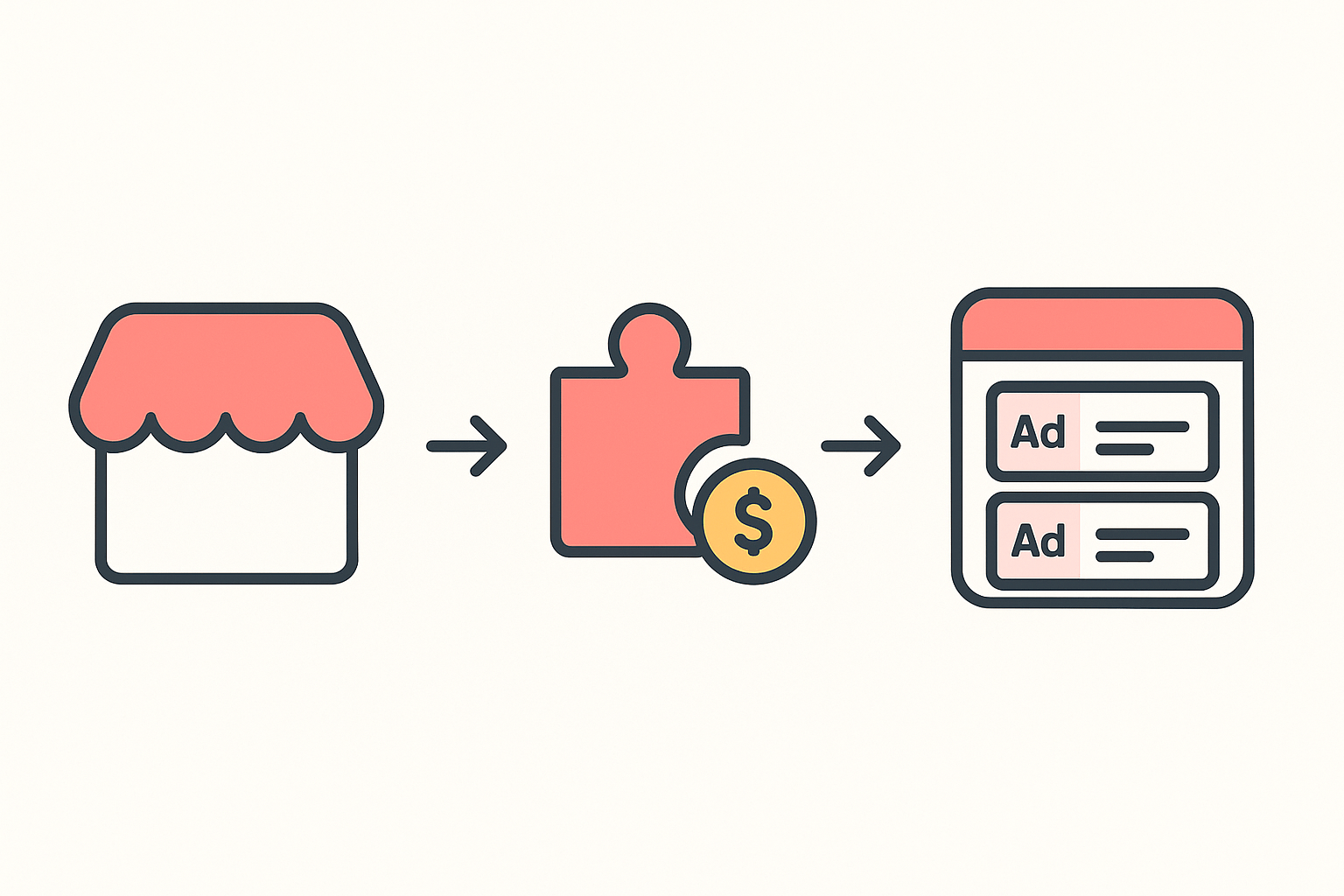
What it costs to do this often. Tokens are the in-app currency for the deeper screens. The free plan gives you 15 a month with no credit card, which is roughly seven ad checks. Premium runs $22 a month for 220 renewing tokens plus tracking on up to 50 stores, and one-time packs top you up without changing plan (pricing as of August 2026, see plans and tokens). Store analysis, app detection, theme detection and product browsing stay free at every tier, so the token spend is genuinely only on the deep reads.
What an ad read tells you that a product read does not
A catalog tells you what a store is willing to sell. An ad tells you what it is willing to pay to sell. Those are different claims, and the second one is much harder to fake.
Longevity is the signal nobody can buy. A creative that has been live for weeks is a creative the advertiser keeps funding, because nobody pays to keep a losing ad running. One widely-read teardown put the rule of thumb bluntly: ads surviving past day 30 are the ones printing money, ads running 45 days or more are confirmed scalers, and a seven-day-old ad is noise. The same post traced a competitor ad that had run 89 days straight with 14 active variations (r/dropshipping). A product page carries none of that. It looks identical on day one and day ninety.
Variation count tells you they have found the control. A store running one creative is testing. A store running six variations of one angle has found a winner and is now scaling around it. Read the campaign cards side by side and the repetition is obvious from the titles and descriptions alone.
The destination tells you the real offer. Plenty of ads point at a bundle, a discounted variant or a landing page rather than the plain product. Following the URL is how you find out whether the thing being advertised is the thing on the shelf.
A store showing no campaigns is a finding, not a failed check. Advertisers pause, rotate and go dark between launches, and plenty of profitable Shopify stores never buy paid traffic at all. If the Ad Campaigns screen comes back empty on a store that is clearly doing volume, the interesting question changes: check its installed apps for an email and SMS platform, a referral or affiliate app, or a heavy review stack, because that is usually where the growth is coming from instead.
Read the two tabs against each other. A store carrying Google campaigns is buying people who already typed the problem into a search box, so its ad copy tends to name the product plainly and lean on price, shipping and guarantees. A store carrying Facebook and Instagram campaigns is interrupting people who were not looking, so its creative has to do the persuading and the hook does most of the work. When one store runs both, compare the two sets: the promise it makes to a searcher and the promise it makes to a scroller are rarely the same, and the gap between them is the clearest map of how that business thinks about its customer.
And here is what no outside tool can give you. Spend, ROAS, cost per acquisition, conversion rate: all of it lives inside the advertiser's ad account and stays there. Anyone promising you a competitor's ROAS is guessing. What is honestly readable from outside is which campaigns are live, what they say, where they send traffic, and how the storefront behind them is built. That is enough to pick your angle, and picking the angle is the expensive part. Sellers routinely say so: the recurring complaint in Meta creative threads is that suppliers hand over only generic product video, leaving nothing to split test (r/dropshipping).
Read a set of stores, not just one
Checking a single rival tells you what one operator believes. Checking eight tells you what the niche believes, and that is the read worth building a media plan on. It is also the job people describe as tedious: one builder listed the pain as checking multiple ad libraries by hand with no consolidated view across platforms (r/SideProject).
Koala's own store-intelligence data shows why the set view changes the answer. Across the Shopify stores Koala tracks, app detection on 24 August 2026 found paid-channel apps on a distinct minority of stores: the Google & YouTube channel app on 188 stores, a Google Shopping feed app on 165, a Facebook pixel and feed app on 85, a conversion-tracking app on 50 and a combined Facebook and TikTok pixel app on 48. For scale, the most common app in that same data, a product-reviews app, sits on 2,520 stores.
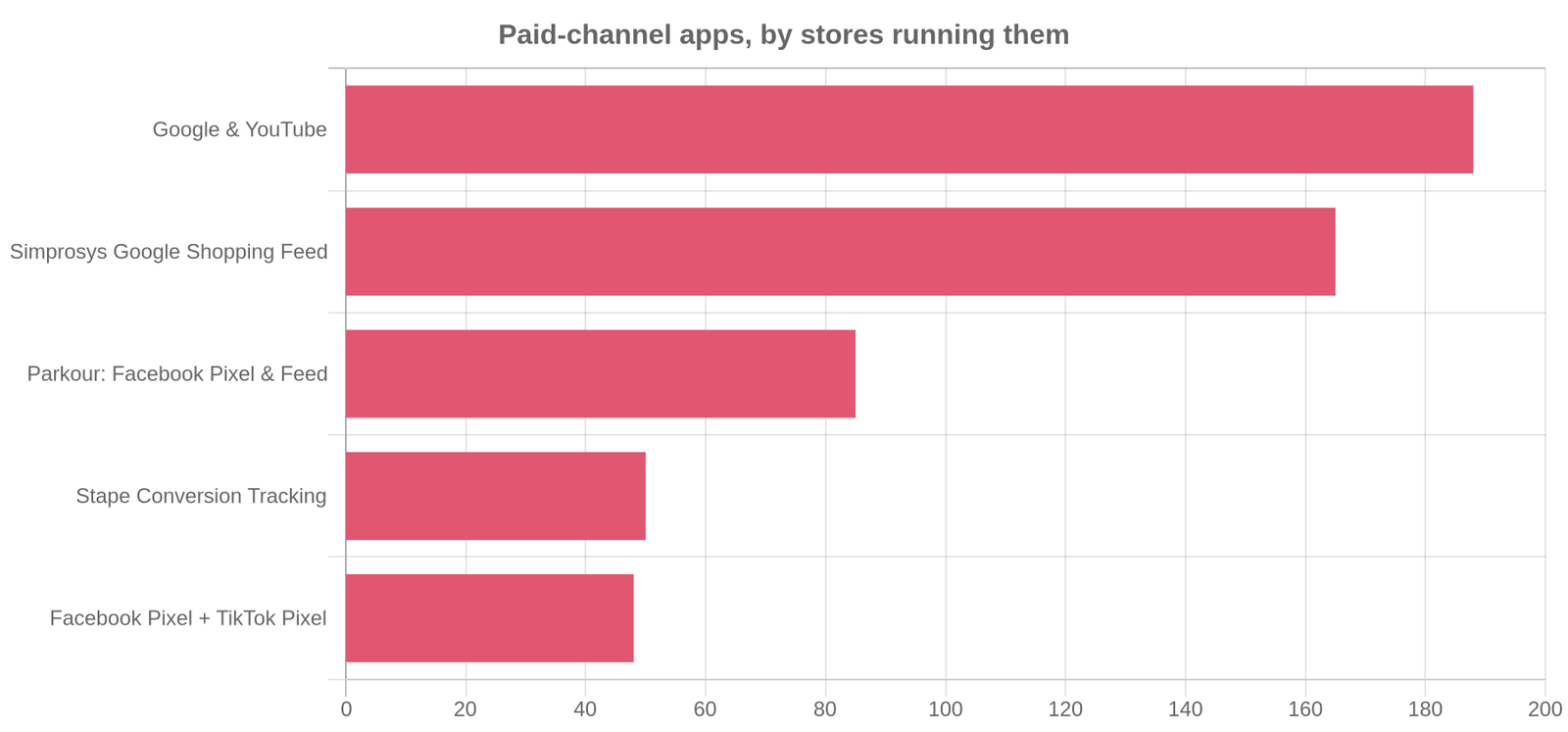
Two things follow. First, most stores in a niche are not advertising seriously at all, so the handful that are deserve all of your attention. Second, the ad stack a store installs is a cheap tell before you spend a single token on its campaigns: a store carrying a Shopping feed app and a pixel app is set up to buy traffic, and a store carrying neither is probably living on organic and email. Read the free app list first, shortlist the stores that are clearly built to advertise, then spend your ad checks on that shortlist.
Do the same read on a schedule and the picture gets sharper again. Add the shortlist to Shop Tracking (15 tokens per store, Premium only) and Koala logs what moves on each of them, so a competitor's new push arrives as a change record instead of something you notice a month late. For a step-by-step version of this workflow with Meta's Ad Library alongside it, read how to spy on a competitor's Facebook ads, and for the wider toolkit see the Shopify spy tools guide.
Once you have the angle, the arithmetic decides whether it is worth running. Beginners in these threads worry openly about paying $30 to $50 a month for tools before making a sale (r/dropshipping), which is a fair worry and the reason the ad screen sits behind a free tier at all. Run your target price through the break-even ROAS calculator before you copy anyone's angle, because a creative that prints money at a 60% margin loses it at 25%.