Shopify Order Status Updates: Stop the "Where Is My Order" Emails
 By Koala TeamSeptember 23, 2026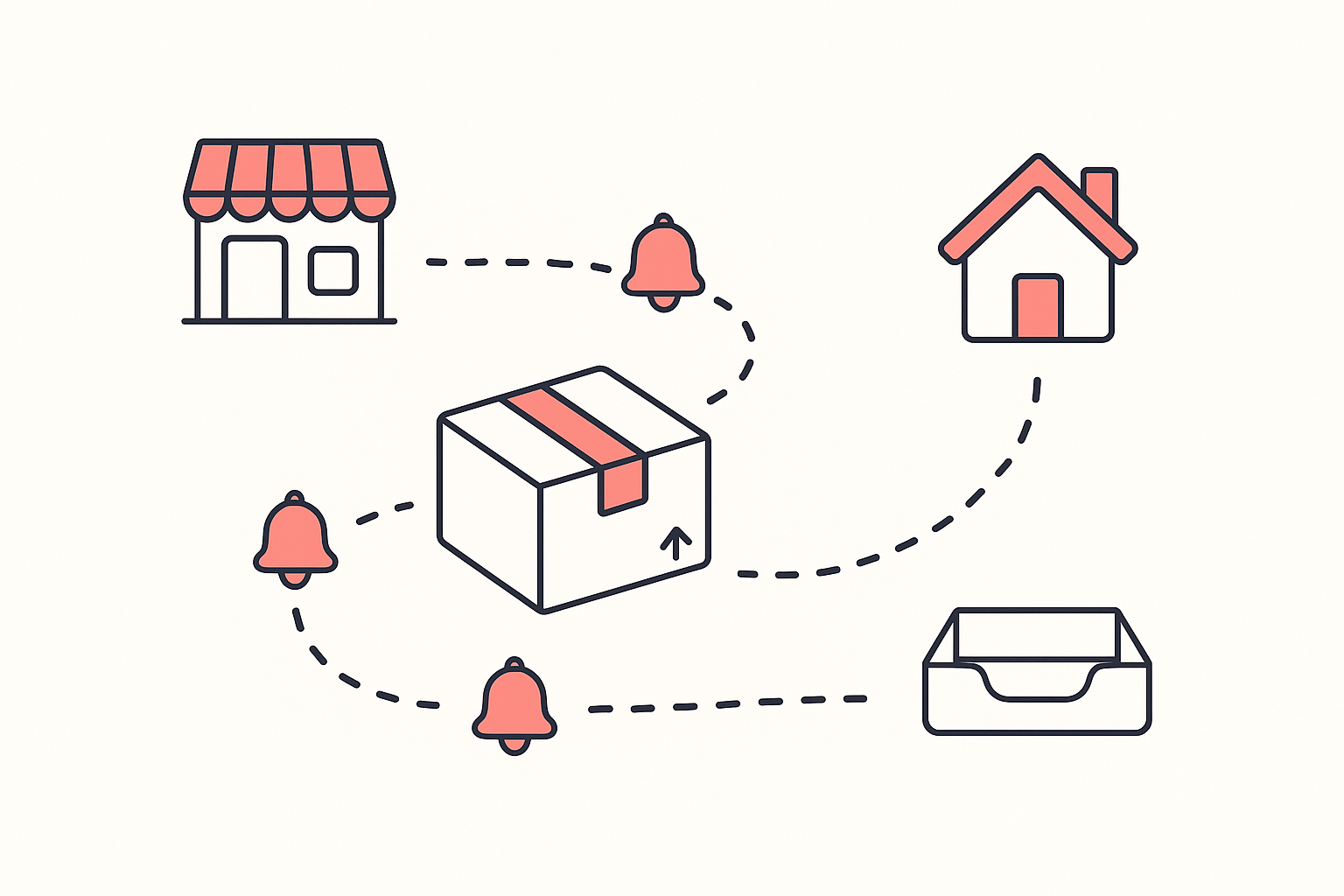
A shopper pays. Two days pass. Nothing arrives in their inbox, so they open yours. Multiply that by your order volume and "where is my order" becomes the most repetitive job in your week, and the ticket is the cheap part. The expensive part is the refund they ask for while they wait, and the second order they never place.
Someone who spent about seven years doing ecommerce support puts the diagnosis in one line: if a customer has to ask you something, your store failed to say it. In their translation table, "where is my order" reports one of three specific defects: your delivery window is not on the product page, your confirmation email does not set one, or there is no order status page the customer can check without you. They also make the point that stings: the ticket is the receipt for damage already taken, because the person who emails is the rare one who cared enough to ask, and the contact rate is a small slice of everyone who hit the same confusion and closed the tab.
So the fix is upstream of your inbox. This guide sets the delivery window before checkout, sequences the notifications Shopify already sends, gives the customer a page they can refresh themselves, and tells the truth about a long international window. Then it shows you how to stop guessing at all: open a handful of stores in your category that clearly have this solved, and read the setup they run.
Table of contents
- Put the delivery window on the product page
- The shipping notification sequence that stops the questions
- What a branded tracking page actually changes
- A long international window, published honestly
- Read the tracking setup your competitors already run
- Order status questions merchants ask
Put the delivery window on the product page
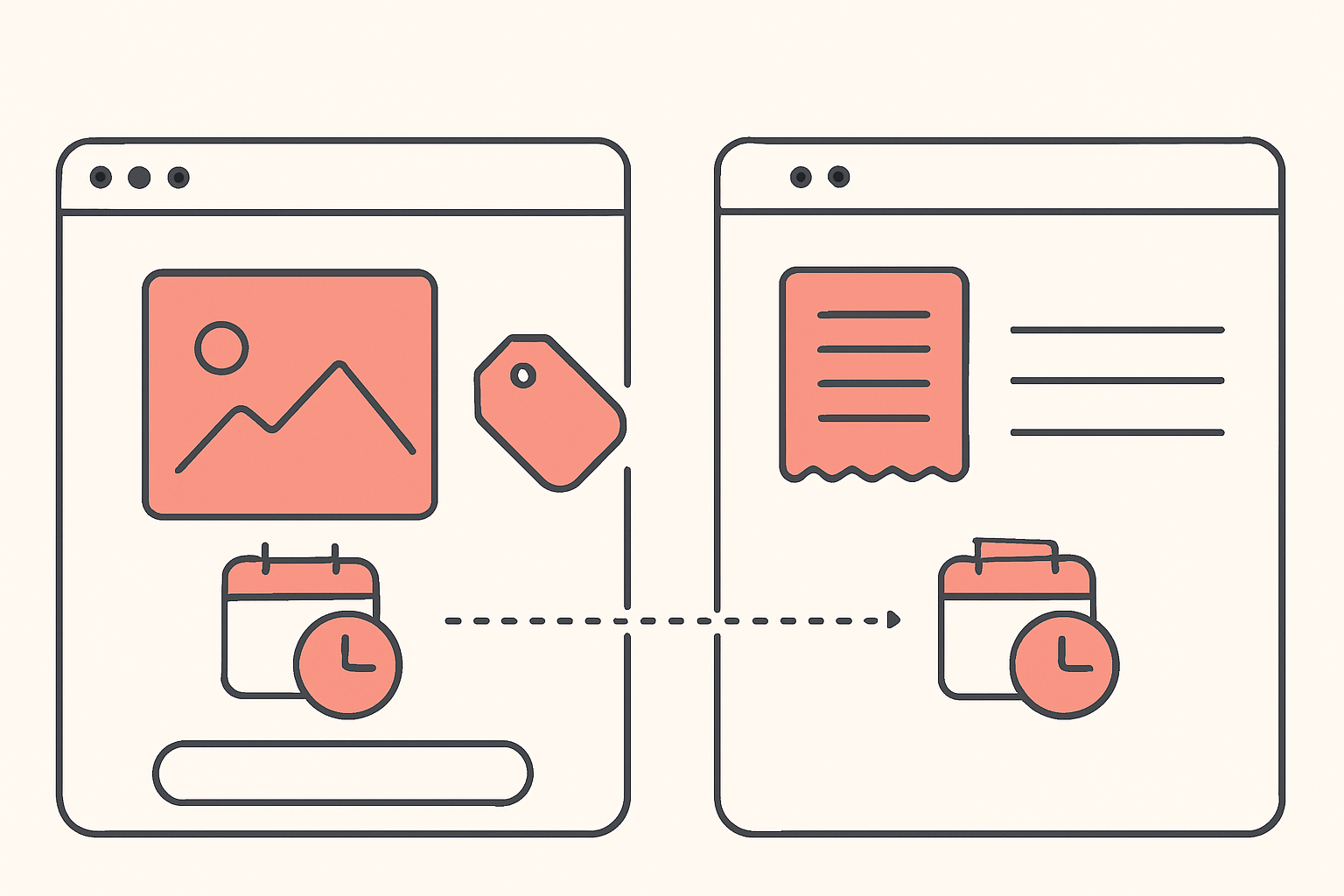
Most stores set an expectation for the first time in the order confirmation email. By then the money has moved and the customer has already invented a date in their head, usually an optimistic one. If your email contradicts it, you have manufactured the exact ticket you were trying to avoid.
Dr. Squatch ran into the sharper version of this and named it plainly. Their senior strategic operations manager, Will Edwards, told Digital Commerce 360: "If someone sees a really aggressive date and orders, then goes to the tracking page and their order is five days away, that's going to drive tickets and make people upset". The brand's fix was to power the pre-purchase and post-purchase dates from the same source, so the date at checkout matches the date on the tracking page. In the first quarter of 2026 they reported a 94% on-time accuracy rate on those estimates.
You do not need their volume to copy the principle. Publish a window where the buying decision happens:
- On the product page, above the add-to-cart button. A window, not a promise: "Ships in 1-2 business days. Delivery to the US in 5-7 business days." Two numbers, because those are two different risks.
- In the cart and at checkout, unchanged. A number that shifts between steps reads as a bait and switch.
- In the confirmation email, restating the same window rather than introducing a new one.
Shopify has a native version of this for the fastest shippers. Shop Promise displays delivery dates and badges on product pages, in cart and checkout, and in the Shop app, and Shopify describes it as recognizing merchants who represent the top 1% of shippers on the platform. Shopify is also clear about what the date is: a guarantee based on historical fulfillment and shipment transit data, not a carrier-provided estimate. If you are not eligible, the badge is not the point. The pre-purchase window is, and you can publish that yourself today.
The shipping notification sequence that stops the questions
Shopify already ships four shipping notifications, and most stores run two of them without knowing the other two exist. From the customer notifications documentation, they are:
| Notification | Shopify sends it when |
|---|---|
| Shipping confirmation | An order is fulfilled |
| Shipping update | Tracking information is updated |
| Out for delivery | A shipment is out for delivery |
| Delivered | A shipment is delivered |
Two details decide whether this sequence works. First, Out for delivery and Delivered are triggered by carrier tracking events, which Shopify states directly in its local delivery documentation, so an order fulfilled without real carrier tracking will never fire them. Second, all four can be switched off, and Shopify's own instructions for doing so live at Settings, then Notifications, then Customer notifications, in the Shipping updated section. Go there and confirm they are on before you buy anything.
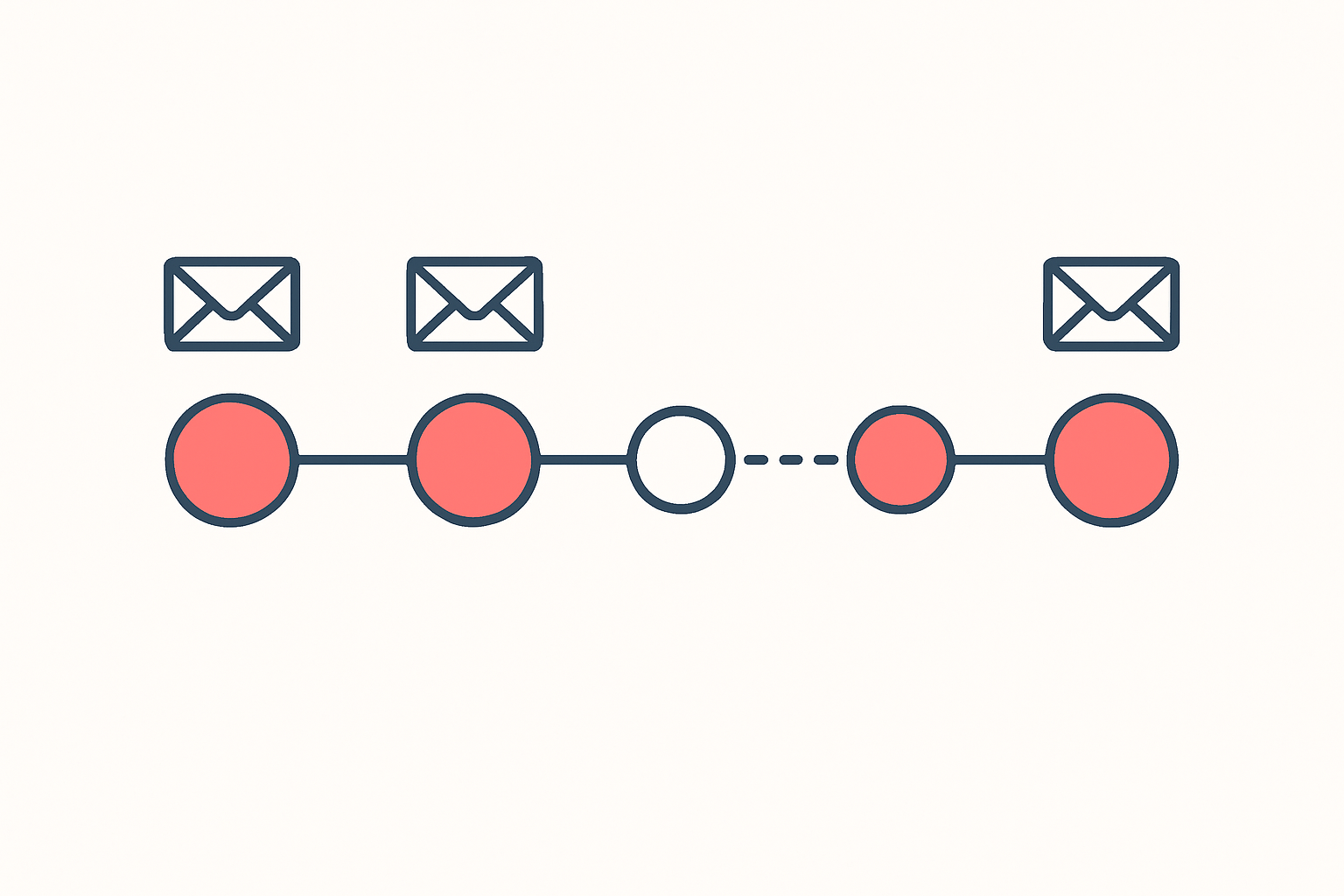
Sequenced properly, the customer hears from you at five moments: order confirmed, order shipped with a tracking link, tracking moved, out for delivery, delivered. Four of those five are already built. The gap in almost every store that still fields WISMO emails is the middle one, because a shipping confirmation sent on day one followed by silence until day nine is functionally the same as no notification at all.
What a branded tracking page actually changes
A carrier tracking number sends your customer to a carrier's website. The page is ugly, the status codes are written for logistics staff, and your brand disappears at the moment the customer is most nervous. A branded tracking page keeps that check-in on your domain, in your language, with a delivery estimate the customer can read without decoding "in transit to next facility".
The ticket reduction is the obvious return. Dr. Squatch reported a 25% drop in "where is my order?" inquiries after moving to AI-generated delivery estimates on its post-purchase pages. The less obvious return is revenue, because the tracking page is a page a waiting customer visits repeatedly and on purpose. Dr. Squatch added product recommendations to theirs and reported a 31.89% click-through rate, $32,978 in revenue directly attributed to those recommendations in the first quarter of 2026, and 766 orders from them.
Treat the page as a real surface, not a utility:
- Your logo, your domain, your typeface.
- A plain-English status with the estimated delivery date at the top.
- The order contents visible, so the customer does not have to dig out the confirmation email.
- One route to support, with your stated response time next to it.
- A small set of product recommendations underneath, once the status question is answered.
A long international window, published honestly
Hiding a long window does not shorten it. It moves the conversation from your product page, where you control it, to your inbox on day twelve, where you do not.
A fulfillment operator in Shenzhen laid out the arithmetic most merchants get wrong. When an agent quotes "7-10 day shipping", the honest follow-up is "seven days from when?", because the quote usually covers the final leg only. Their breakdown: one to two days in a queue, another day or two to reach the warehouse, a day for picking and labeling, a day to hand off to the carrier, then five to twelve days of transit. The front end adds four to five days nobody mentioned, and the customer waited nearly two weeks. A straight agent gives you two numbers separately, processing time and transit time, and their test for any agent is to ask for three recent tracking numbers to your target country, then measure the gap between "order created" and "carrier received".
That number is the one to publish. Once you have it:
- State both halves on the product page. "Handmade to order, ships in 3-5 business days. Delivery to the US in 10-14 business days." The customer can now decide with their eyes open.
- Give the wait a reason. Made to order, printed after you buy, shipped direct from the maker. A wait with a cause is tolerable; an unexplained one reads as incompetence.
- Quote the upper bound. Beating your own estimate is a good day. Missing it is a refund request.
- Fill the silence. The middle of a three-week window is when tickets arrive, so a "your order is on its way and moving" update at the halfway mark costs nothing and pre-empts the email.
- Repeat the window on the tracking page. The customer will check it more than once, and each check should confirm the same date.
Honesty here is also a conversion lever, because the buyer who would have refunded on day fourteen self-selects out at the product page instead.
Read the tracking setup your competitors already run
Everything above is a set of decisions: which window to publish, which notifications to fire and when, whether the tracking page earns a branded domain, how much of the wait to explain. You can reason about those from first principles, or you can open five stores in your category that clearly have it solved and read what they chose.
That is what the free Shopify app detector in Koala Inspector is for. Open a storefront, and it lists every app that store has installed, grouped by what each one does, so the tracking app sits in plain sight next to the reviews app and the email tool it works with. No tokens, no guessing, and the store owner sees ordinary traffic.
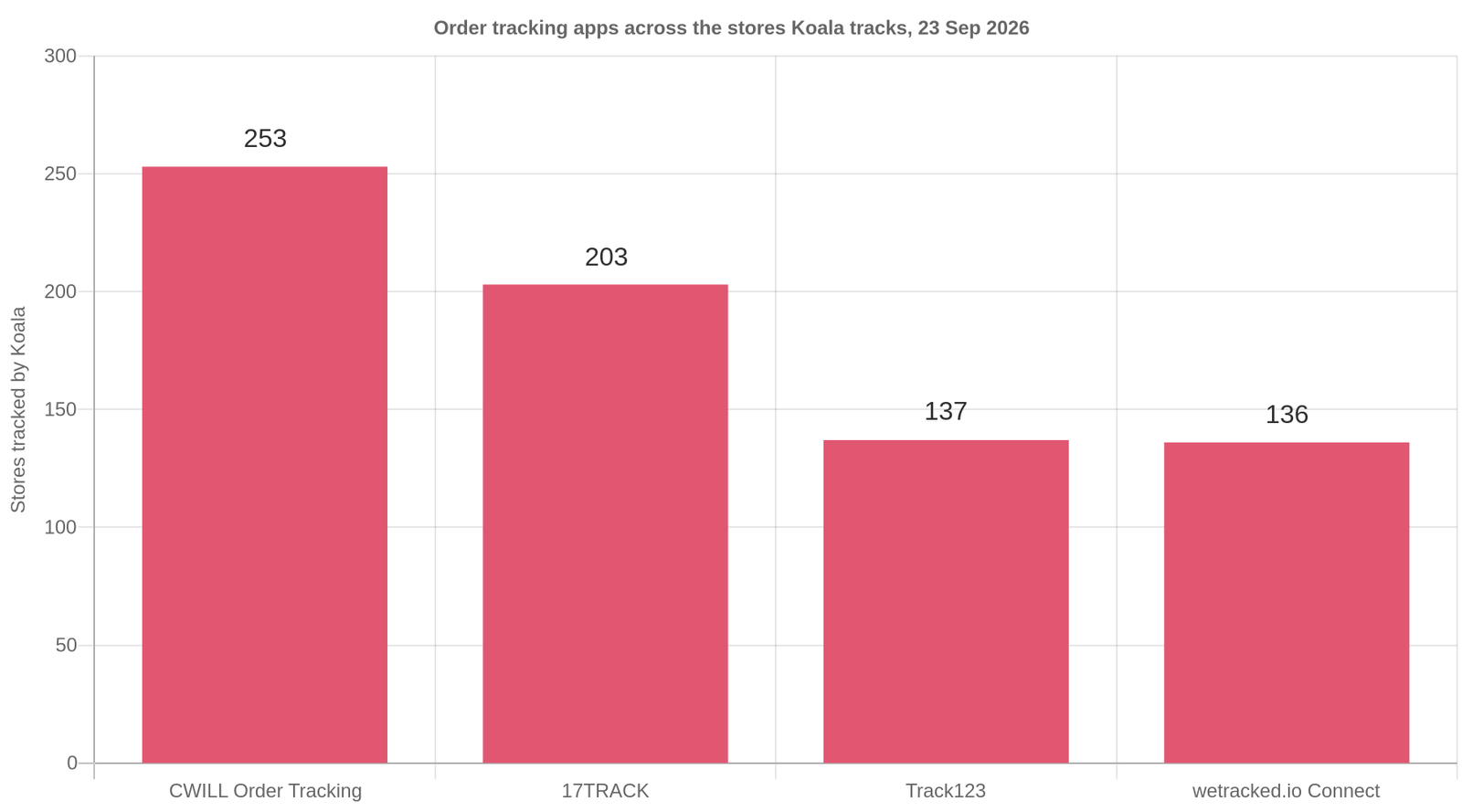
The category rewards this more than most, because it is consolidated. Across the stores Koala tracks on 23 September 2026, CWILL Order Tracking appears on 253 of them, 17TRACK on 203, Track123 on 137 and wetracked.io Connect on 136. That covers the stores Koala tracks rather than all of Shopify, and the shape is the useful part: a handful of choices carry the category, so when you read three competitors you are very likely reading the same short list, and you can see which one the stores selling to your customers actually picked.
Do this as a 20 minute exercise:
- List five stores in your category whose post-purchase experience you would be happy to receive. Include one considerably bigger than you.
- Open each with Koala Inspector and note the tracking app, plus what sits beside it in the stack. An email tool next to the tracking app usually means the notifications were customised rather than left at Shopify's defaults.
- Buy something cheap from the best one. This is the step people skip and it is the one that pays. You get their exact sequence, the wording, the timing, and the tracking page itself.
- Compare their product page window to what the order actually did. A store that beat its own published estimate is telling you their real processing time, which is the number you want.
- Copy the sequence before you copy the app. The app is the cheap decision. The sequence is the one that stops the emails.
Our best Shopify order tracking apps roundup covers pricing and free tiers for the category if you want the comparison written out. For the wider method of reading a competitor's stack, see our guide to Shopify competitor analysis, and for how to read the estimated figures next to the reliable ones, how Shopify revenue estimates are calculated.
What researchers say about Koala Inspector
Verified reviews from the Chrome Web Store.
“Awesome customer support. Insights into store AOV, products, traffic and campaign tracking is extremely helpful!”
 Gabe Abramovich
“Invaluable for competitive insights, Koala Inspector is easy to navigate and helps stay ahead in the Shopify marketplace.”
 Merico Monaldo
“Very easy to use and install. Helps with identifying Shopify stores quickly and saves time by listing best sellers. Also has handy feature of the traffic which I found very valuable.”
 Ali Baloch
Order status questions merchants ask
Order status questions merchants ask
The questions that come up alongside order status, answered straight.
Are Shopify and Myshopify the same?+
They are the same store at two addresses. Shopify's own documentation says your online store was given a myshopify.com URL by default when you signed up, and that you can change that myshopify.com domain name only one time. A custom domain, bought from Shopify or from any third-party provider, becomes the address customers see. This matters for order status because a tracking page served under your own domain keeps the delivery experience inside your brand, while a myshopify.com URL in a shipping email reads as a different company to a customer who is already anxious about their parcel.
Are Shopify point of sale payments secure?+
Shopify states that it is certified Level 1 PCI DSS compliant and that this compliance extends by default to all stores powered by Shopify, covering your store, its shopping cart and its web hosting. Level 1 is the highest of the four PCI merchant levels. Your own operational security sits outside that certification: staff permissions, device access on the shop floor, and who is allowed to issue a refund are still your decisions.
Can I use my own domain name with Shopify?+
Yes. Shopify's documentation says you can use domains that you buy from Shopify or from any third-party domain provider, then set that custom domain as your primary domain so it is the address customers visit. Do this before you set up a branded tracking page, because the tracking page inherits the domain and the whole point is that the customer never feels handed off to a stranger.
Can Shopify spy on sales?+
Nobody can open another merchant's Shopify admin and read their real revenue. What exists are modeled estimates built from signals any visitor's browser can already load, plus facts a store publishes itself. That split is worth holding onto: in Koala Inspector, a store's product catalogue, prices, active theme and installed apps are read from what the store publishes, so they are reliable, while traffic and sales figures are estimates meant for comparing stores and spotting trends rather than exact revenue accounting. For order status research the reliable half is the half you need, because the app list tells you exactly which tracking setup a competitor runs.
Can you make 10k a month on Shopify?+
Yes, and against an established store $10,000 a month is a modest number. All 300 of the busiest stores in Koala's data on 23 September 2026 clear it, with a median around $172,681 in modeled monthly sales. Those are gross, modeled figures before product cost, shipping, fees, ad spend and refunds, and they describe the busy end of the stores Koala tracks rather than a typical new store. The useful detail is how plain the stack is: that median store runs 10 apps and spends roughly $50 a month on them, so software is not what separates a $10k month from a $170k one.
Does Kim Kardashian use Shopify?+
Yes. SKIMS, the shapewear and loungewear brand Kim Kardashian co-founded in 2019 with Jens and Emma Grede, appears in Shopify's own enterprise roundup of fashion ecommerce sites, which says of the brands it lists that they have chosen to build their online store on Shopify's ecommerce platform. That is also why big-brand storefronts are useful reference material: they are built on the same platform you are, so the post-purchase setup they run is one you can read and copy.
Fix the page, not the reply
Order status questions are a defect report written in your customer's own words. Publish the window where the decision happens, switch on all four shipping notifications, put the tracking page on your own domain, and tell the truth about a three-week wait. Then check your work against the stores in your category who already did it, because their setup is visible and yours is the only one you are guessing about.
See the tracking setup any Shopify store runs
Install Koala Inspector, open a store with a post-purchase experience you admire, and read every app it has installed, grouped by what each one does. Free, no card, no tokens for the app detector.
Written by
Koala Team
Koala Apps Editorial Team
The Koala Team is the crew behind Koala Inspector. We test tools, track what is selling across Shopify, and turn it into practical roundups and reference guides for store owners and dropshippers.