Meta Ad Library for Shopify Research: What It Shows and What It Hides
 By Assaf ShalinNovember 10, 2026
The short answer
Meta's Ad Library is free, public and needs no account. Search a Shopify competitor's brand and you get every ad they are currently running on Facebook and Instagram: the creative itself, the copy, the platforms it serves on, the date it started running, and the exact link it points at. That is a real advertiser's tested creative library, handed to you at no cost.
Here is the half it does not contain. For an ordinary ecommerce ad, Meta publishes no spend and no results. Meta's own transparency documentation reserves spend, reach and funding details for ads about social issues, elections or politics, which are the ads stored for seven years. A dropshipping creative is visible while it runs and nothing more, unless it was delivered in the EU, where it is "archived for one year upon the delivery of their last impression." And the library says nothing at all about the store behind the ad: not its apps, not its theme, not its catalog, not its best sellers, not its traffic.
So the method is two halves. Read the creatives in the Ad Library, then read the store on the storefront. This guide covers both, and you can run it on one competitor in about twenty minutes.
What you can see in the Ad Library for a Shopify store
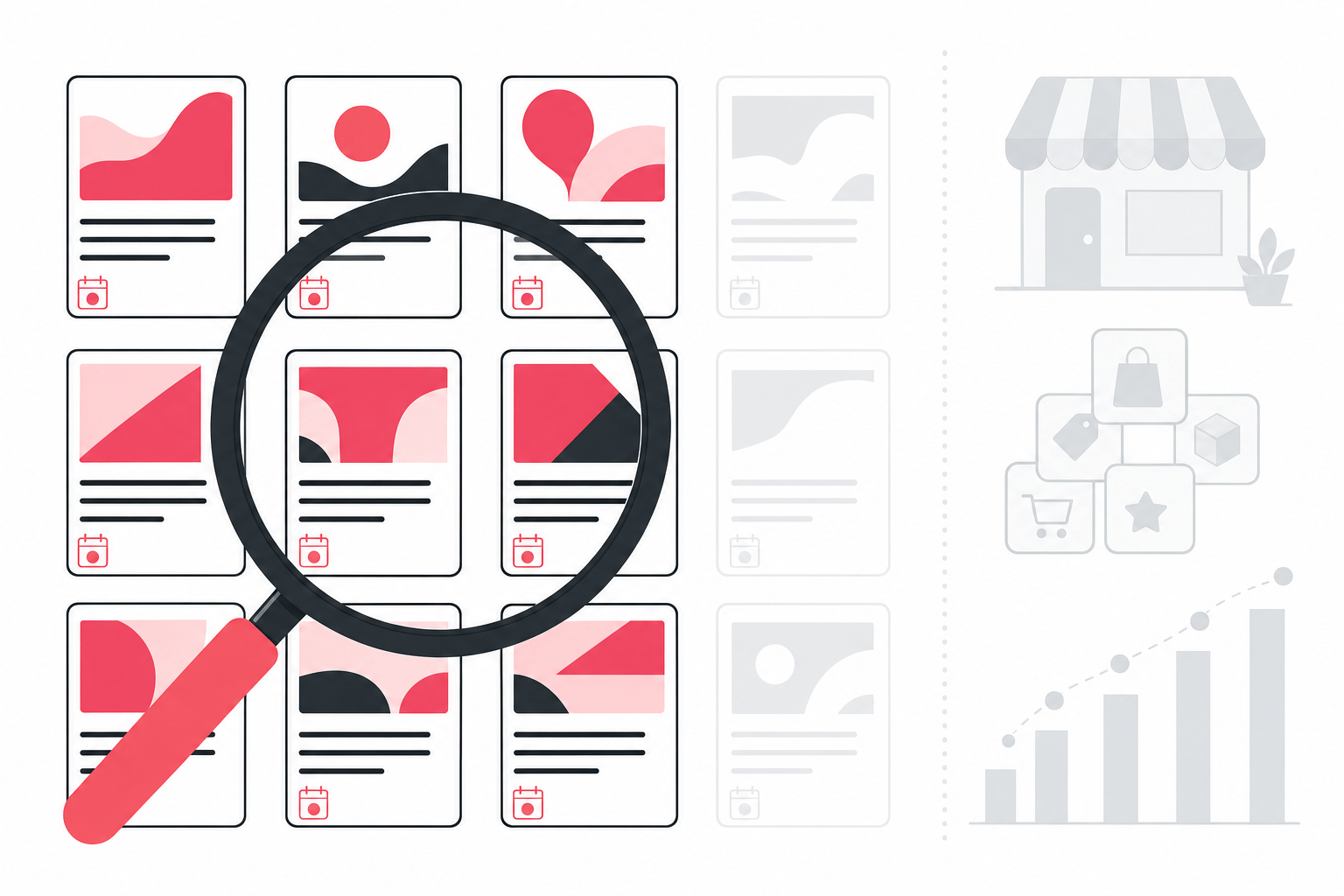
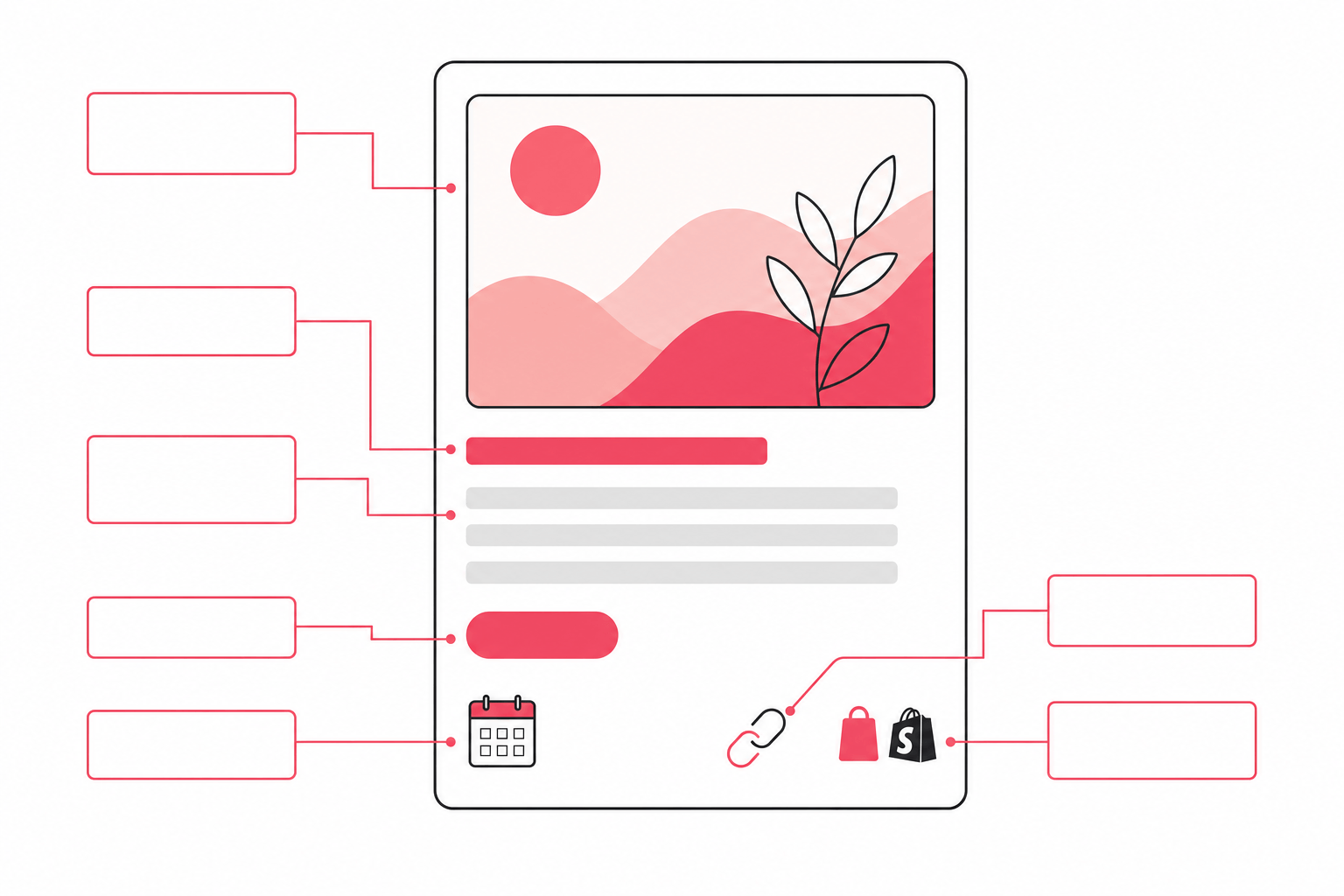
Open facebook.com/ads/library, pick a country, set the category to all ads, and search a brand. Each result card gives you:
- Active or inactive status, and the date the ad started running.
- The creative: the image or the video, exactly as a shopper sees it.
- The ad copy: primary text, headline, description, and the call-to-action button.
- The platforms it serves on, so you can tell a Facebook feed ad from a Reels placement.
- The destination link, which is usually a product page or a collection on the advertiser's Shopify store.
- Creative groupings, where several near-identical ads are collapsed under one card.
That list is the whole surface. Everything else a competitor-research pitch promises you is either modeled by the tool making the promise or sitting on the storefront waiting to be read.
The walkthrough: one competitor, six steps
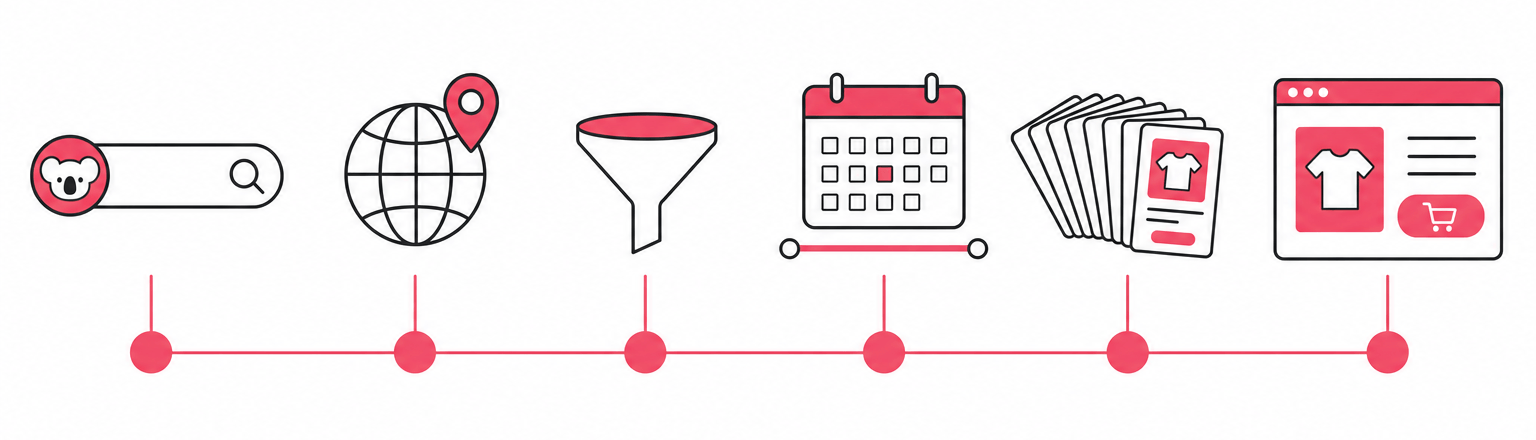
1. Find the advertiser, not the keyword
Search the brand name first. If the store has more than one Page, the search box suggests each one, and picking the Page rather than typing the words gets you that advertiser's full set instead of every ad mentioning them. Keep the brand's Page open in a second tab, because the Page's own posts tell you which creatives the brand is proud of, which is a different list from the ones it is paying to push.
2. Set the country to the market you sell in
An advertiser runs different creatives in different countries, and the library filters by the country the ad was delivered in. Research a US competitor from the UK with the country left wrong and you get a thinner, older set than the one that is actually working. Check two or three of your real markets before you draw conclusions.
3. Filter to active ads
Inactive ads are history. Active ads are the current bet. Filter to active, then sort your attention by the start date rather than by what looks slickest, because the ad still running after weeks of spend is the one the advertiser's own numbers approved.
4. Read the run dates as the scoreboard
This is the single most useful field on the card. Advertisers switch off creatives that lose money, so an ad's age is a proxy for its profitability. One seller breaking down a competitor teardown in r/dropshipping put the thresholds plainly after finding a creative on day 89 with 14 live variations: "if a creative survives past day 30 it is printing money", while "anything launched in the last 7 days is noise."
5. Separate the tests from the spend
A store testing an angle runs one creative and watches it. A store scaling an angle runs many variations of the same core creative at once. When you see six versions of one hook with small changes to the opening frame or the headline, you have found a control the advertiser is confident in and is now optimizing around. That cluster is worth more study than any single ad in the account.
6. Click the destination and read the page
Every card carries the link the ad buys. Follow it. You learn which product the advertiser is pushing, whether they send cold traffic to a product page or a built landing page, what the offer and price point are, and how the page handles the objection the ad raised. The ad is the promise; the page is where the money is actually won or lost.
Reading the signals
Once you have the set in front of you, three readings do most of the work.
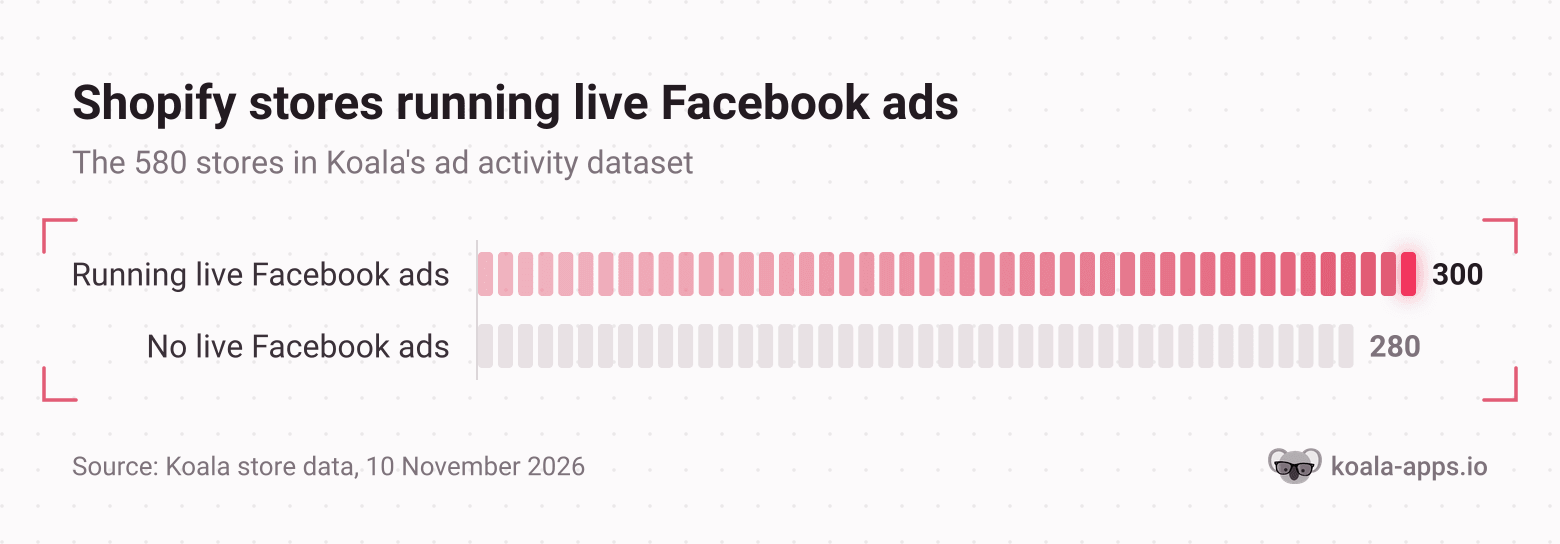
Volume tells you the stage. A store running three live creatives is testing. A store running dozens is scaling, with the budget and the creative pipeline to match. In Koala's own ad activity data, that gap is wide: on 10 November 2026, 300 of the 580 Shopify stores in the dataset showed live Facebook ads and 280 showed none at all, and among the advertisers the heaviest were running about 90 live creatives at once, with 41 stores carrying 80 or more. When a competitor jumps from a handful of ads to that kind of count, something in their account started working.
Creative age tells you what is working. Sort the active set oldest first and you have the advertiser's own ranking of their creatives, written in spend. A six-week-old static image beside three two-day-old videos says the market is still rewarding the static, and the videos are an experiment that has not been judged yet.
The destination tells you the funnel. A store sending every creative to the same product page is running a one-product bet. A store sending each angle to a different landing page has built infrastructure, and the pages themselves show you the offer structure, the bundle, and the guarantee they lean on.
Where the Ad Library runs out
Most guides stop at the walkthrough. The limits are what decide whether your research is worth anything, so here they are in plain terms.
It shows creatives, not spend. Meta publishes spend and reach for ads about social issues, elections or politics, and stores those for seven years. An ecommerce ad gets neither number. Anyone quoting you a competitor's Facebook ad spend from the Ad Library is quoting a guess.
It shows no results. No clicks, no conversion rate, no revenue, no return on ad spend. Creative age is the only performance proxy you get, and it is an inference rather than a measurement.
It mostly disappears when the ad does. Commercial ads are visible while they are active. Ads delivered in the EU are archived for a year after their last impression, which is why EU delivery is worth checking before you assume a brand's history is gone. Outside that, a switched-off creative leaves the library, so a store's full testing record is not something you can go back and read.
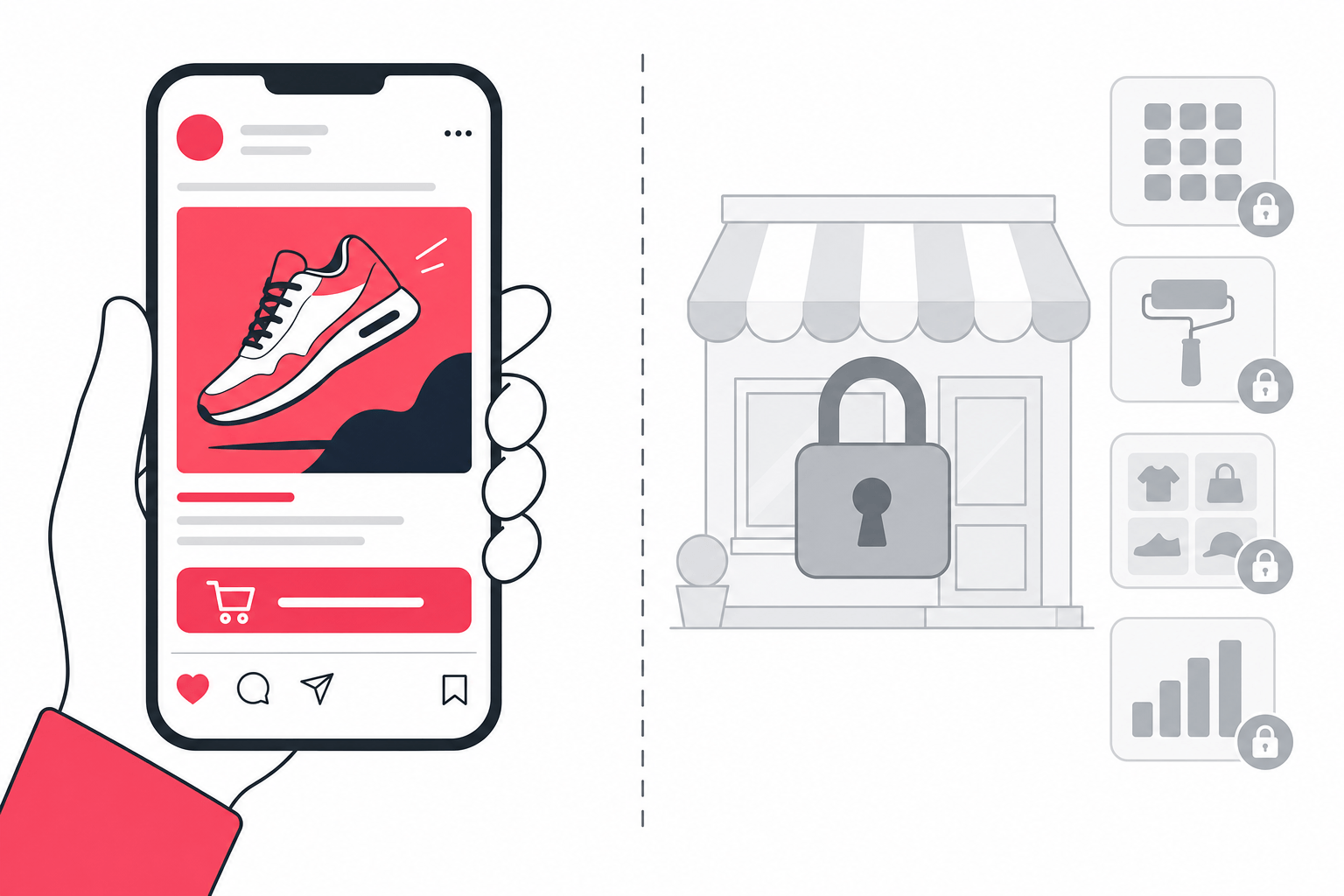
It knows nothing about the store. The library sits on Meta's side of the funnel. It cannot tell you which Shopify apps the advertiser runs, which theme their page is built on, how big their catalog is, which products are likely their best sellers, or how much traffic the store gets. Those are exactly the questions you need answered before you copy anything, and they all live on the storefront.
That last gap is the expensive one. Reading a competitor's creative without reading their store is how sellers end up cloning an ad for a product whose margin only works because the advertiser has a supplier you do not, or whose conversion rate only works because of a page builder and a review app you have not installed.
Closing the other half on the store itself
Open the competitor's storefront and run Koala Inspector. It reads the public storefront and fills in the half Meta withholds:
- Ad Campaigns shows the ads tied to that store, split into Google and Facebook/Instagram tabs, with each campaign card listing the destination URL, the title, the description and its tags. The point is where it sits: beside the store's apps, theme and catalog, in one pass, so the creative and the machine behind it are on the same screen. Full detail on Koala Inspector for ad tracking.
- The app detector lists every Shopify app the store installed, grouped by type. Free.
- The theme detector names the theme their landing pages are built on, with a link to it. Free.
- Products and best sellers give you the full catalog, the price range, and the products most likely carrying the store. Free.
- Site Traffic gives you monthly traffic volume and trend, the split across search, social, direct and referral, the top keywords, and the geography. 3 tokens.
- Shop Tracking puts the store on a watch list and records what changes: apps added or removed, a theme swap, products added or removed, price changes. 15 tokens per shop.
Every figure Koala Inspector gives you for a store you do not own is modeled from public signals any visitor's browser can already see, sampled over time. It is there to compare and screen, not to report another company's books.
A worked example, start to finish
Say the Ad Library shows you a skincare brand running nine active creatives, six of them variations on the same before-and-after video, the oldest started seven weeks ago, all nine pointing at one product page.
From the library alone you know the angle works, the format is video, and the offer is a single hero product. That is enough to copy an ad and not nearly enough to copy a business.
Now open the store and run the extension. The catalog shows 34 products, and the likely best sellers put that hero product first with two bundles behind it, which reprices the whole bet: the ad sells one item, the store monetizes three. The app list shows a review app, a bundle app and an upsell app, so the conversion rate the creative is riding on is partly bought. The theme tells you what their page is built on, which is the difference between recreating the page in an afternoon and rebuilding it from scratch. Ad Campaigns shows the same Facebook creatives next to a Google set the library never mentioned, so you learn they are buying search intent too. Traffic shows whether the nine creatives are the whole business or a slice of a store already pulling organic.
Twenty minutes, two tools, and you leave with the creative, the offer architecture, the stack and the traffic shape. That is a competitor read you can act on.
Run it on one competitor today
Pick the store whose ads keep showing up in your feed. Open the Ad Library, filter to active ads, sort your attention by start date, and write down the three oldest creatives and the page each one points at. Then open that storefront and install Koala Inspector free to read their apps, theme, catalog and best sellers at no cost, then spend 2 tokens on Ad Campaigns to see their full ad picture in the same place. Difficulty picking winners is what kills test budgets, and the fix is reading the store behind the winning ad rather than the ad on its own.
Meta Ad Library and Shopify research: frequently asked questions
Anyone actually running ChatGPT ads for their Shopify store?+
Yes, OpenAI runs a self-serve Ads Manager with cost-per-click bidding, so a Shopify store can buy placements inside ChatGPT answers. It has no equivalent of the Meta Ad Library, so you cannot browse what a competitor is running there the way you can on Facebook and Instagram. Treat it as a test budget you measure yourself, and keep your competitor reading on the channels that publish their creatives.
Are Shopify point of sale payments secure?+
Shopify is certified Level 1 PCI DSS compliant and that compliance covers the stores it powers, so card data on integrated POS hardware is handled by Shopify's payment infrastructure rather than stored by you. The part that stays your job is account hygiene: staff permissions, two-step verification and a tight admin. None of that is visible in an ad library, which is one more reason competitor research stops at the public storefront.
Can I use my own domain name with Shopify?+
Yes. Buy a domain through Shopify or connect one you already own from another registrar, then set it as primary. It matters for paid traffic, because the Ad Library shows you the exact link every competitor ad points at. A branded domain reads as a real business to a cold shopper, and a myshopify.com address in an ad gets second-guessed before the page even loads.
Do I need to be a designer or developer to use Shopify?+
Has anyone experienced a drop in sales when bot add to cart activity suddenly spikes on Shopify?+
A spike in bot add-to-carts usually breaks your reporting before it breaks your sales. Automated traffic adds sessions and cart events without ever paying, so conversion rate falls and cost per add-to-cart collapses while real orders sit flat. Check order count rather than conversion rate for the same days, and compare the spike against your live ad set start dates. If the ads did not change, the traffic is noise, not demand.
How can I check my Shopify store's sales for free?+
Keep going
- How to spy on competitor Facebook ads for Shopify goes deeper on creative formats, fatigue and the scaling workflow.
- Koala Inspector for ad tracking is the Ad Campaigns feature in full.
- How to reverse engineer a winning product takes the next step, from the ad to the supplier and the margin.
- Shopify competitor analysis is the wider framework this research fits into.

Written by
Assaf Shalin
Co-founder & Developer, Koala Apps
Assaf Shalin is a co-founder of Koala Apps and one of the developers behind Koala Inspector. He builds the tools that let Shopify sellers see what is actually working in other stores, from installed apps and themes to best-selling products. On the blog he covers the technical side of store research: how competitor research really works, what public store signals can and cannot tell you, and how to turn them into decisions.
Connect on LinkedIn