How to Turn Shopify Store to App
 By Ana GelevskaNovember 25, 2022 · Updated June 5, 2026
Thinking about converting your Shopify store into a mobile app? This guide walks you through the process in 5 practical steps and reviews 6 Shopify mobile app builders worth considering.
Mobile shopping is no longer a secondary channel. According to Newstore, 1 in 3 shoppers in the US prefer buying through a mobile app over other channels. For Shopify merchants, a dedicated app gives customers a direct path to your catalog, removes the browser friction that kills conversions on mobile web, and opens push notifications as a retention channel.
The question isn't whether a mobile app makes sense. It's which tool fits your store, and how to get there. Here's what you need to know.

Why Turn Your Shopify Store into a Mobile App
The honest answer is that it pays off in one specific way for most stores: retention. An app gives you a persistent spot on a customer's home screen, which a browser tab never gets. Pair it with loyalty programs that reward purchases and you start to see a more predictable repeat-purchase rate instead of a one-off bump. The same logic runs through what makes Shopify stores stick around: keeping a customer is cheaper than winning a new one.
The retargeting math is the other piece. When someone installs your app, they're opting into a direct channel. A push notification announcing a sale, recovering an abandoned cart, or flagging a restock costs nothing per send, where the same message through paid social costs you an impression every time. For stores leaning hard on paid acquisition, that adds up.
And it's simply another way to buy. If you're already hunting for ways to attract sales on your Shopify store, an app gives loyal customers a path that skips the browser friction entirely. None of this means an app is right for every store, but if repeat purchases and retargeting spend are on your mind, it's worth the look.
5 Steps to Turn Your Shopify Store into a Mobile App
Step 1. Pick a Shopify mobile app builder
Before anything else, decide which app builder fits your situation. The right choice depends on your budget, how much customization you want, and whether you need features like live selling or augmented reality. Jumping to the most affordable option without checking whether it covers your use case costs more in the long run.
Step 2. Get started with your chosen builder
Once you've picked a builder, install it from the Shopify app store and connect it to your store. Most builders sync your existing product catalog, collections, and store branding automatically. Take advantage of free trials before committing. Shopify Partners can also help you evaluate options before you sign up.
Step 3. Add your Shopify store link
After installing the builder, connect it to your Shopify store URL. The app builder pulls your catalog, images, and categories into its layout system. From this point, you're working inside the builder's interface, not inside Shopify itself.
Step 4. Customize your app layout
A generic default layout isn't worth publishing. Spend time adjusting the color scheme, navigation, and featured collections so the app reflects your brand. App builders let you do this without writing code. Pay attention to the checkout flow in particular. A confusing checkout on mobile will cancel out whatever loyalty gains the app was supposed to deliver.
Step 5. Publish on iOS and Android
After reviewing your layout and testing the purchase flow, submit the app to Apple's App Store and Google Play. Most builders handle the submission process as part of their service. Once live, your customers can download the app directly and shop without a browser.
The 6 Best Shopify Mobile App Builders
With so many options in the Shopify app store, choosing isn't obvious. Here's a breakdown of six builders, including pricing and what makes each one worth considering.
1. Vajro
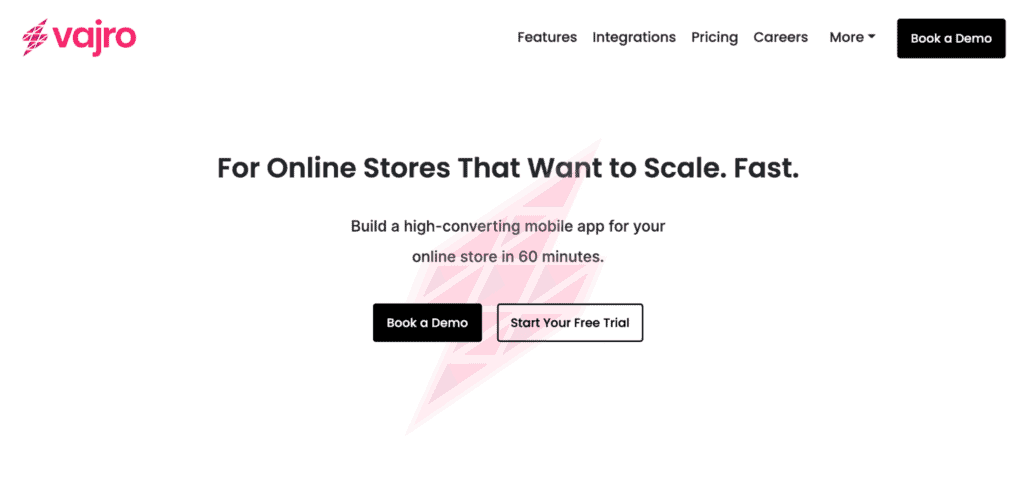
If live selling is part of your plan, Vajro is the one to beat. It runs live streams straight from the app and lets you archive past streams to reuse as marketing content, which matters if video drives your acquisition. The rest of the package is well-rounded too: four prebuilt themes you can recolor and rearrange, push notifications for promotions and restocks, and an analytics dashboard that breaks out app-specific sales so you can tell which products convert better in-app than on your main store.
Integrations include Smile.io, Facebook SDK, Google Analytics, Apple Pay, Sezzle, and Avada Size Chart, and support runs 24/7. Pricing starts at $99/month with a 30-day free trial.
2. Shopney
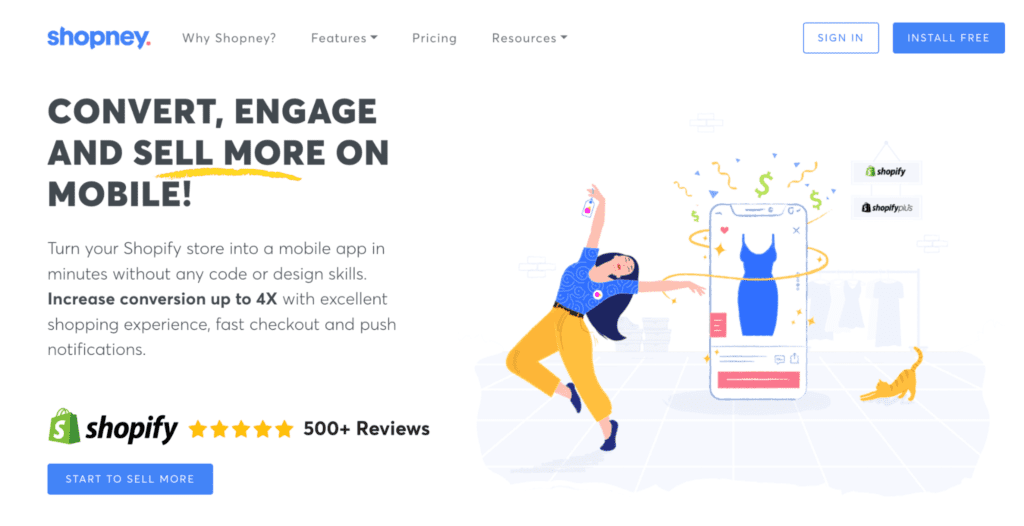
Shopney's pitch is speed: same-day launch, under 24 hours, even if you have no design or coding experience. It claims up to 5x higher conversion than mobile web, and the conversion-focused features back that framing up: a countdown timer, app-only discount codes, abandoned cart notifications, and a one-page checkout. Cancellation is no-questions-asked, which is a fair sign of confidence at the $99/month starting price (30-day free trial).
It integrates with Apple Pay, Klaviyo, LoyaltyLion, WhatsApp, Growave, and Judge.me.
3. MageNative
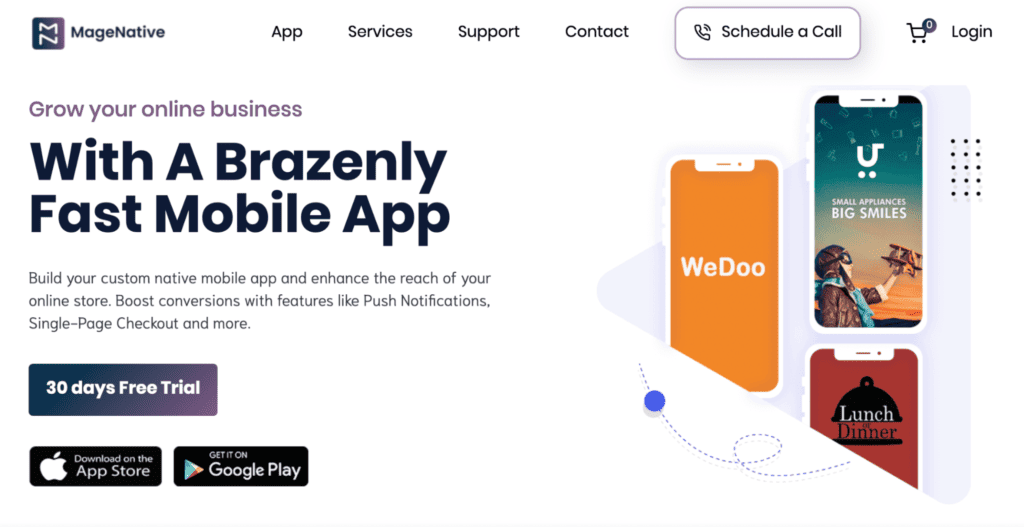
At $49/month (30-day free trial), MageNative is the cheapest of the major builders here, and it doesn't strip out much to get there. Built by CedCommerce, it gives you a drag-and-drop layout editor, augmented reality for product visualization, Instagram integration for in-app sharing, and multi-currency support. If you sell internationally or want AR without paying enterprise rates, it's the obvious starting point.
4. Tapcart
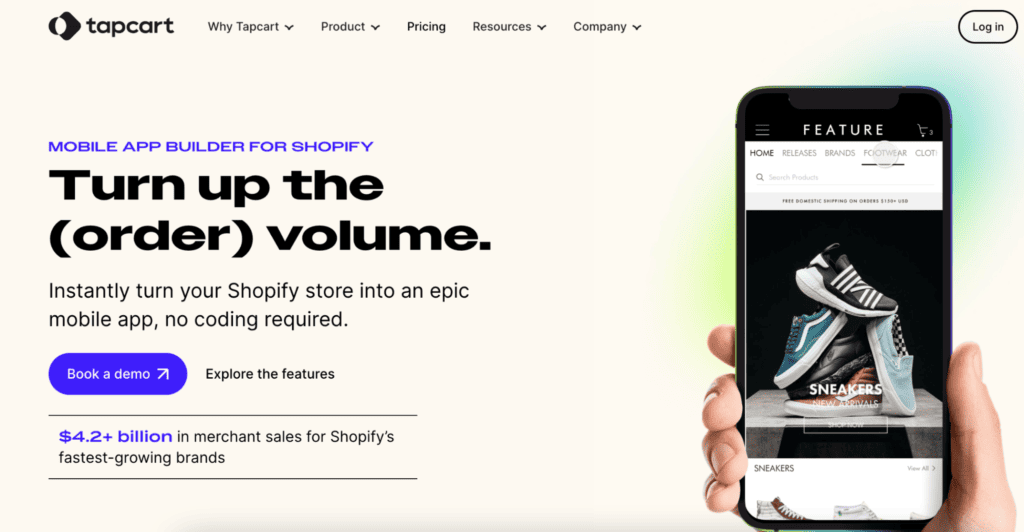
This is the premium pick, and the $250/month price (14-day free trial) buys a different kind of product. Tapcart is closer to a managed service than a self-serve builder: you get a dedicated implementation specialist, an account manager, and in-house designers who handle the build for you. That means launch takes a few weeks rather than a few hours, and you end up with a polished, brand-accurate app instead of a template you fought into shape yourself.
You also get unlimited push notifications at no extra cost, one-click checkout, and flexible payment options. It's overkill for a small store, but if you're doing serious volume and would rather hand the build to specialists, this is the one built for that.
5. Automizely
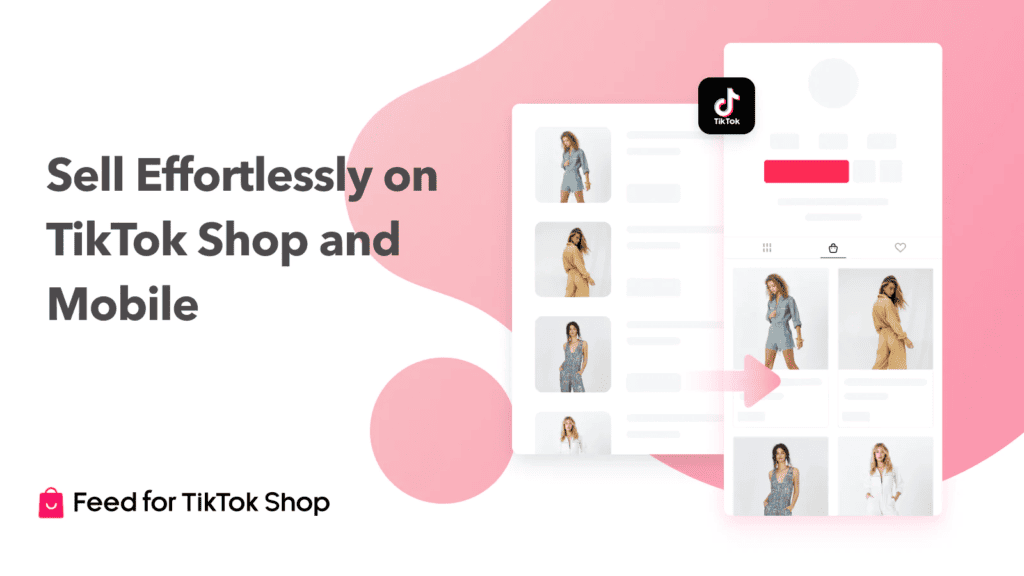
Automizely is the odd one out, and it has a free plan. Instead of building a standalone app, Automizely Feed syncs your catalog to TikTok Shop or a branded mobile storefront, migrating up to 10,000 products at once and keeping any Shopify changes in sync automatically. It also spins up a QR code or direct download link you can drop into campaigns to drive installs. Reach for it if you're already experimenting with TikTok Shop and want one tool covering both channels rather than a dedicated native app.
6. Mowico
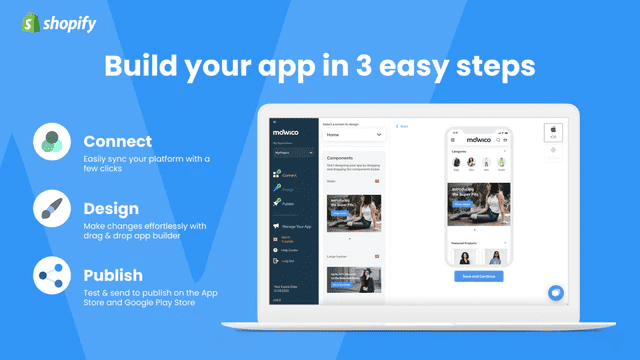
Mowico's draw is the feature spread for the money. At $69/month you get loyalty points, gift coupons, discount codes, product subscriptions, AR shopping, e-wallet support, and hybrid checkout, plus a dedicated customer success manager from day one. Its push notifications include in-app messaging, so you can personalize outreach instead of sending one broadcast to everyone. The workflow stays simple: connect, design, publish.
What to Do Once Your App Is Live
Publishing the app is the start, not the finish. The version you launch with is a guess about what your customers want; the merchants who actually get a return are the ones who keep watching what's working in their category and adjust the build around it.
A catalog alone rarely gives shoppers a reason to reopen the app on day two, but an in-app engagement layer does. "Stories, mini-games, in-app messaging and banners all do one job: turn a static storefront into something people come back to, not another push to ignore," says Vlad Lastovsky, CEO at InAppStory.
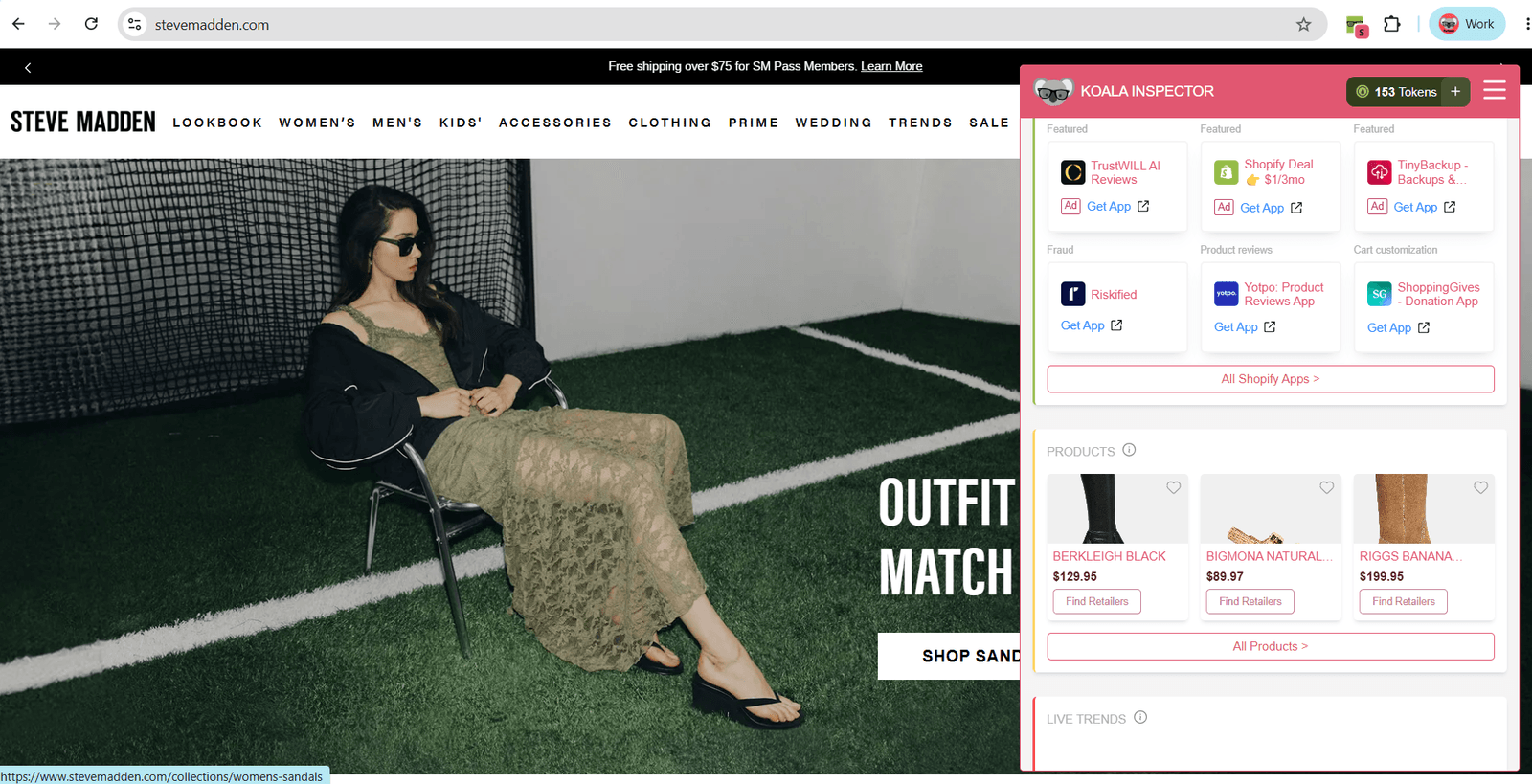
That's where competitor data is more useful than another round of guessing. Koala Inspector, a Chrome extension, shows you what competing Shopify stores are running: use the Shopify app detector to see which apps they've installed, the theme detector to read their store design, and the ad campaign analytics to see where their budget goes. When you can see which loyalty programs, push tools, or checkout apps similar stores rely on, choosing your own stack stops being a coin flip.
You can add it to Chrome here and pull up a competitor's setup in a couple of clicks, then put that intel to work alongside the customer-segmentation tactics that grow repeat business.
Written by
Ana Gelevska
eCommerce Content Writer
Ana Gelevska is a content writer with more than five years of experience creating content for eCommerce brands and global clients. She digs into each topic and the people it is for, then turns it into clear, useful articles that Shopify sellers and dropshippers can act on.
Connect on LinkedIn