How To Check a Shopify Store's Revenue (+ 8 Best Revenue Checker Tools)
 By Koala TeamFebruary 6, 2025 · Updated July 1, 2026
Short answer: to check a Shopify store's revenue, run it through a revenue checker. That's a tool that models a store's monthly sales from the public signals its storefront already shows, then hands you an estimated figure you can compare against other stores. You never see the store's exact books (only the owner logs into those), but a solid estimate is close enough to size up a competitor, validate a niche, or confirm that a product is actually moving before you spend on it. The fastest free option is to install a browser extension like Koala Inspector, open the store, and read its estimated monthly sales in one click.
If you'd rather work it out by hand, our free Shopify revenue calculator uses the standard eCommerce formula (traffic × conversion rate × average product price) to ballpark a store's revenue.
Below, I'll show you how to read a modeled revenue estimate so the number actually means something, then compare the 8 best revenue checker tools so you can pick the right one for your problem.
How To Read a Modeled Revenue Estimate
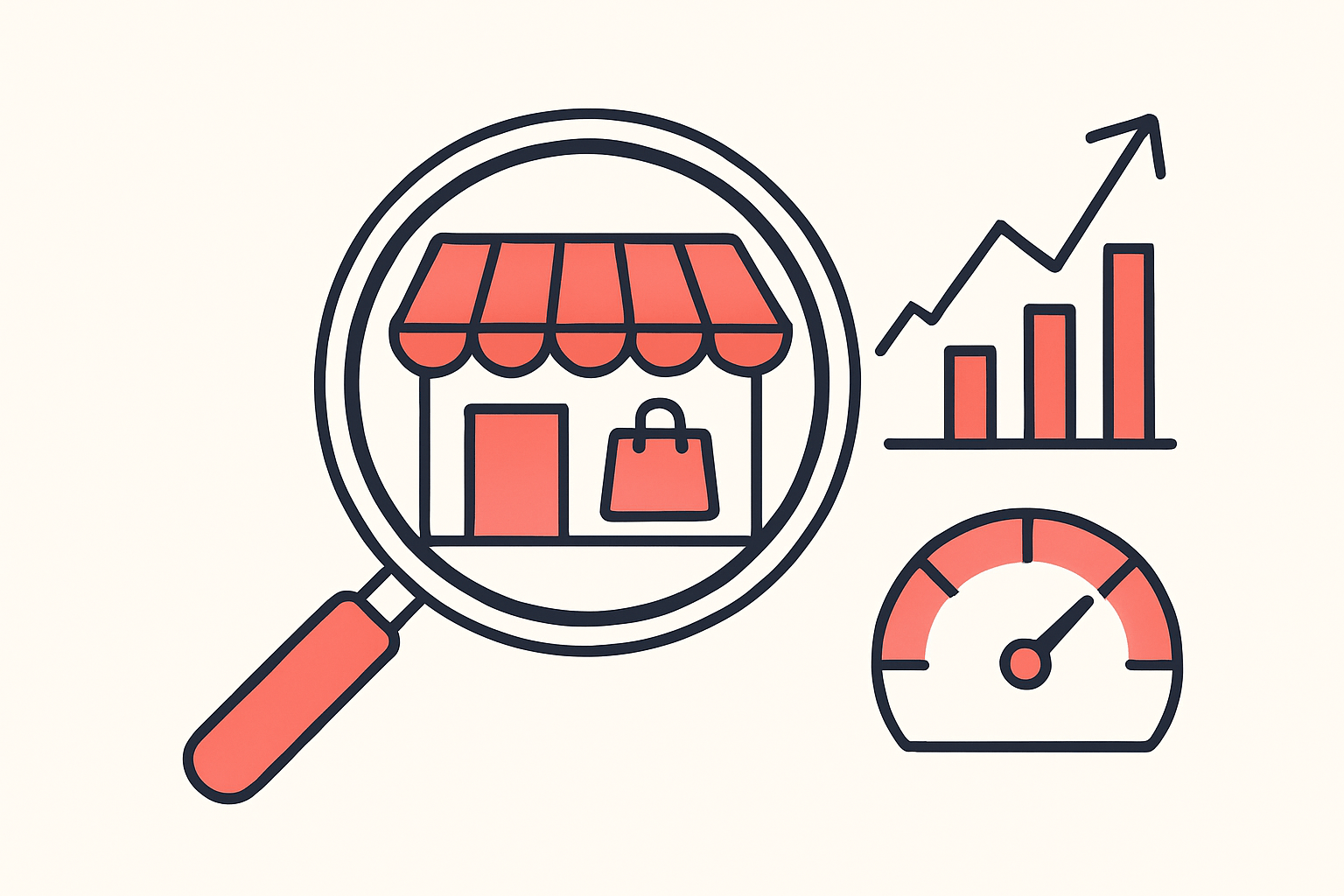
A revenue checker doesn't pull a number out of the store's admin. It estimates monthly sales from what any shopper's browser can already see on the storefront, so the figure is directional, not exact accounting. Here's how to read one without fooling yourself:
- Treat it as a range, not a receipt. An estimate of "$40k/month" means the store is somewhere in that neighborhood, not exactly $40,000. It's built to help you compare stores and spot trends, so use it that way.
- Separate the reliable data from the estimated data. A store's product list, prices, installed apps, and active theme are read straight from its public pages, so those reflect what the store genuinely runs. Sales and traffic are the estimated layer. Trust the first group as fact and the second as a well-informed guess.
- Compare, don't fixate. The estimate is most useful side by side. Store A shows roughly triple Store B's modeled sales tells you which niche and which playbook is winning, even if neither number is perfect.
- Watch the direction over time. A single snapshot is a starting point. A store whose estimated sales and product count keep climbing month over month is scaling, which is the signal that actually changes your decisions.
- Sanity-check it with the formula. If a store gets modest traffic, converts at a normal 1-3%, and sells $30 products, its revenue can't be in the millions. Run the numbers yourself in the revenue calculator when an estimate looks off.
Read this way, a modeled estimate answers the question that matters ("is this store bigger than mine, and is it growing?") without pretending to be the store's private ledger.
How To Find Any Shopify Store Apps With Koala Inspector
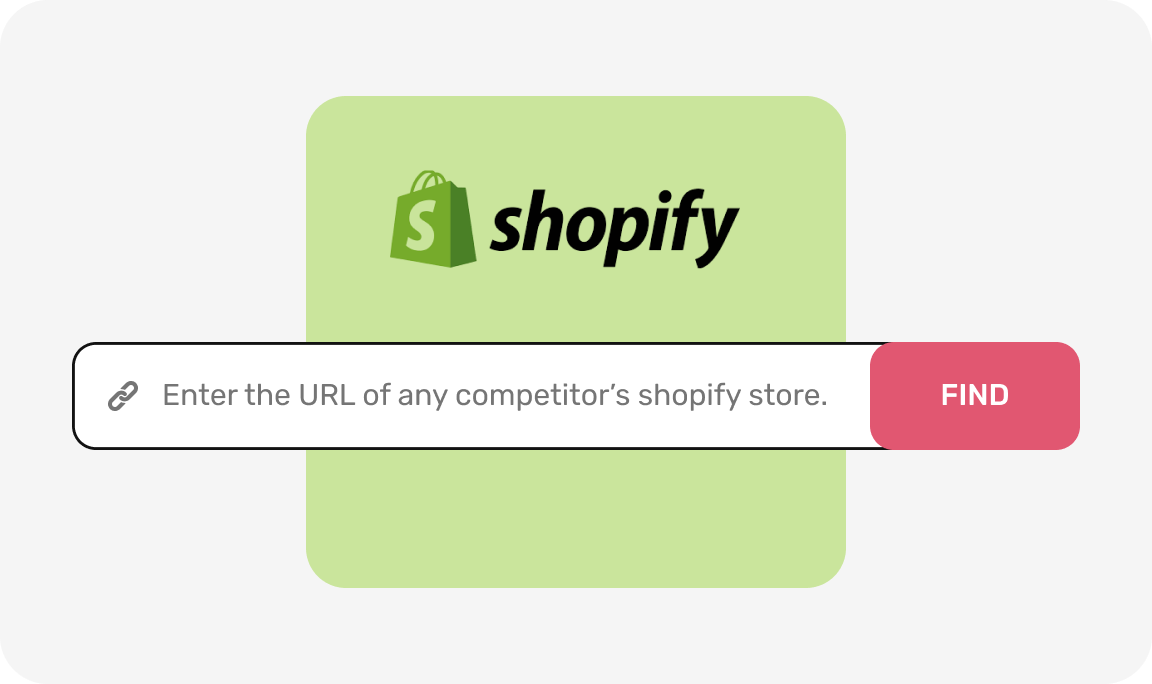
visit any shopify store

Click Koala inspector
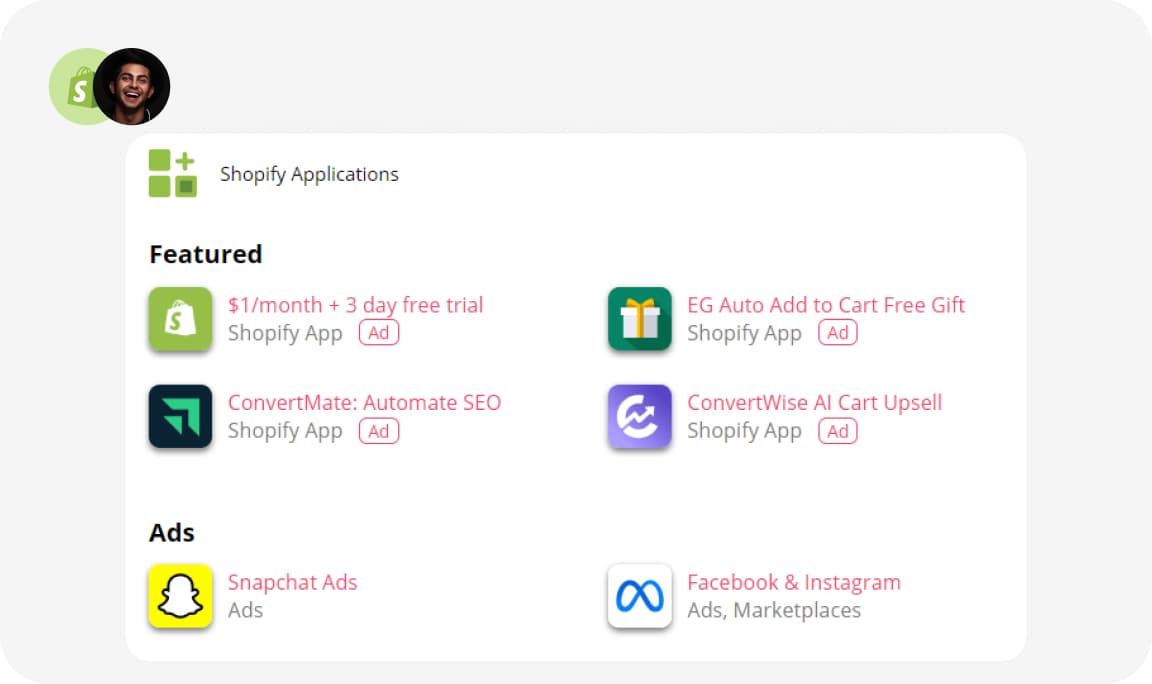
See the stores apps

8 Best Shopify Store Revenue Checker Tools and Apps
| Rank | App | Price | Description |
|---|---|---|---|
| 1 | Hotjar | Free plan available | Heatmaps, session recordings, and funnel analysis to find where your store leaks revenue. |
| 2 | Koala Inspector | Free, $22/month Premium (plus optional token packs) | Reveals the apps, products, and revenue estimates behind any competitor's Shopify store. |
| 3 | SpyFu | From $39/month | Shows which keywords and ads drive competitor traffic so you can close the gap. |
| 4 | Dropship.io | From $29/month | Live Shopify sales tracker with product-level revenue data and a curated winning-product feed. |
| 5 | AdSpy | $149/month | Searchable database of Facebook and Instagram ads to find what's working in your niche. |
| 6 | SEMrush | From $139.95/month | Full-suite SEO and traffic analytics with competitor domain comparisons. |
| 7 | Commerce Inspector | From $99/month | Tracks competitor store bestsellers and sales velocity across 21 million searchable products. |
| 8 | Xpareto | Free | Surfaces top products and traffic estimates for Shopify stores. |

Want to see apps on any Shopify store?
Download for free and start exploring a whole new ecommerce world!
1. Hotjar
Hotjar records how visitors actually move through your store. Heatmaps show which sections of a product page attract attention and which get ignored. Session recordings let you watch real visits and spot where people abandon carts or give up on checkout.
- Developer: Hotjar Ltd (acquired by Contentsquare in 2021)
- Price: Free plan covers up to 35 daily sessions. Paid plans start at €32/month (Plus) with business and scale tiers at €80 and €171/month respectively.
- App Type: User behavior analytics
- Rating: 4.3/5 on G2 (307 reviews)
Key Features
- Heatmaps: Click, scroll, and move maps show exactly which page elements visitors engage with and which they skip entirely.
- Session recordings: Watch individual visits to identify confusing navigation, broken flows, or checkout drop-offs.
- Feedback polls: On-page surveys to find out directly why visitors aren't buying.
- Funnel analysis: Step-by-step conversion tracking to pinpoint where the most visitors exit.
Pros
- Fast to set up on any Shopify theme.
- Heatmap data is genuinely useful for prioritizing which page elements to test.
- Recordings often surface UX problems that standard analytics never would.
Cons
- Free plan's 35-session daily cap is too small for stores with real traffic volume.
- Volume of recording data can be hard to process without a clear review process.
Best For
Store owners who want to understand why their conversion rate is where it is. A fitness equipment store that sees low add-to-cart rates might find through Hotjar recordings that product images aren't loading fast enough on mobile, or that their size guide is buried.
2. Koala Inspector
Koala Inspector is a Chrome extension that gives you a view inside any competitor's Shopify store. Install it, visit a competitor, and you'll see their revenue estimates, top-selling products, installed apps, the theme they're running, and recent changes to their catalog.
- Developer: Koala Inspector
- Price: Free plan ($0/month, 15 tokens per month). Premium is $22/month (220 tokens, track up to 50 shops, VIP support). One-time token packs start at $3.99 and never expire.
- App Type: Shopify competitor intelligence
Key Features
- Store revenue estimates: Get approximate monthly revenue figures for competitor stores based on their sales signals.
- Product tracking: See which products competitors are adding, removing, or discounting.
- App detection: Discover every Shopify app a competitor has installed, so you can replicate what's working without the trial-and-error.
Pros
- Works as a browser extension, so there's no extra login or dashboard.
- App detection is accurate and genuinely saves time when setting up a new store.
- Useful for both early-stage research and ongoing competitive monitoring.
Cons
- Revenue estimates are approximations, not exact figures (no tool has that data directly).
- Chrome-only, so it doesn't work on Firefox or Safari.
Best For
Shopify store owners doing competitive research. A pet supplies store could use Koala Inspector to find which competitor apps are driving upsells, or to spot when a competitor starts aggressively discounting a product you both carry.
3. SpyFu
SpyFu shows you the paid and organic search strategy behind any competitor's website. Enter a competitor's domain and you'll see which keywords they're bidding on, how much they're estimated to be spending on Google Ads, which organic keywords they rank for, and how their visibility has changed over time.
- Developer: SpyFu, Inc.
- Price: Basic plan from $9/month; Pro at $49/month. Monthly plans start higher at $39/month.
- App Type: Competitor SEO and PPC research
- Rating: 4.5/5 on Capterra (143 reviews)
Key Features
- Competitor keyword research: See exactly which search terms a competitor ranks for organically and which they're targeting with paid ads.
- Ad copy history: Review competitor ad variations over time to understand what messaging has worked.
- Rank tracking: Monitor your own keyword positions and track changes after content updates.
Pros
- Historical keyword data goes back years, which helps identify seasonal patterns.
- Good for understanding which competitor content is driving the most organic traffic.
- Ad copy analysis can shorten your own testing cycle considerably.
Cons
- The full feature set requires a Pro plan or above.
- Primarily useful for search-focused strategies; less relevant if your traffic comes mainly from social or email.
Best For
Stores that compete heavily on Google, either through SEO or Google Ads. A tech gadgets store could use SpyFu to find which product review keywords competitors rank for and then build content to target the same queries.
4. Dropship.io
Dropship.io tracks live sales data across Shopify stores. Unlike tools that estimate revenue from traffic proxies, Dropship.io monitors actual order activity to show sales velocity by product. Its catalog covers a large slice of Shopify's public-facing stores, and its curated product feed surfaces items with recent sales momentum.
- Developer: Dropship.io
- Price: Basic from $29/month (or $19/month billed annually); Standard $49/month; Premium $79/month.
- App Type: Product research and competitor sales tracking
Key Features
- Live sales tracker: Monitor how many units specific products are selling per day across tracked stores.
- Curated product feed: The team hand-picks up to 40 products per week showing strong current sales.
- Store research: Enter any Shopify store URL to see its estimated revenue breakdown and top sellers.
Pros
- Sales data is more granular than most competing tools.
- The curated product feed is useful if you want validated product ideas without doing all the research yourself.
- 7-day free trial available.
Cons
- Basic plan limits live store tracking to 15 stores per day; Standard allows 30, Premium 60.
- Focused on Shopify; doesn't cover WooCommerce or other platforms.
Best For
Dropshippers and product researchers who want to validate a product idea before investing in inventory or ad spend. Seeing that a competitor's product has consistent daily sales removes a lot of the guesswork from product selection.
5. AdSpy
AdSpy is a searchable database of Facebook and Instagram ads. You can search by keyword, product type, landing page URL, or even specific ad text, and filter by engagement, date, audience demographics, and country. The database spans millions of ads.
- Developer: AdSpy, LLC
- Price: $149/month flat rate.
- App Type: Social media ad intelligence
- Rating: 4.4/5 on Capterra
Key Features
- Ad search engine: Find top-performing ads for any niche or product type.
- Audience targeting data: See which demographics and interests competitors are targeting.
- Ad creatives library: Browse actual ad images and copy, not just performance summaries.
- Advanced filtering: Narrow results by platform, engagement metrics, ad format, and keywords.
Pros
- Database is large and regularly updated.
- Audience targeting data helps you understand which customer segments competitors are prioritizing.
- Useful for finding proven creative formats before spending on your own tests.
Cons
- At $149/month, it's expensive relative to alternatives for stores with modest ad budgets.
- Limited to Facebook and Instagram; no TikTok coverage.
Best For
Shopify store owners who rely heavily on Meta advertising. A beauty products store could use AdSpy to analyze which ad creative formats are getting high engagement in that category before committing to a creative production budget.
6. SEMrush Traffic Analytics
SEMrush covers the full SEO toolkit: keyword research, backlink analysis, rank tracking, site audits, and competitor traffic comparisons. Its Traffic Analytics feature estimates how much traffic any domain receives and breaks it down by source and geography.
- Developer: SEMrush
- Price: Pro from $139.95/month; Guru $249.95/month; Business $499.95/month.
- App Type: SEO and traffic analytics
- Rating: 4.5/5 on G2 (2,392 reviews)
Key Features
- Traffic source analysis: See what percentage of a competitor's traffic comes from search, direct, referral, paid, and social.
- Organic keyword research: Find which queries drive the most traffic to competitor pages.
- Backlink analysis: Understand which sites link to competitors and why.
- Competitor traffic comparison: Stack up to 5 domains side-by-side on traffic and keyword metrics.
Pros
- The most comprehensive SEO dataset available outside Google's own tools.
- Backlink data is genuinely useful for link-building strategy.
- Good for identifying which competitor content pages attract the most organic traffic.
Cons
- Expensive for stores that only need occasional competitive snapshots.
- Requires a baseline understanding of SEO to use the data meaningfully.
Best For
Stores with a content or SEO strategy who want to understand the competitive landscape. A store selling eco-friendly products could use SEMrush to find which sustainability-related search terms competitors are ranking for and whether there are gaps to target.
7. Commerce Inspector
Commerce Inspector is a competitor analysis platform specifically built for ecommerce stores. Its catalog covers over 21 million searchable products across Shopify stores, with sales velocity data and trend tracking.
- Developer: Commerce Inspector
- Price: Starter at $99/month; Growth at $199/month; Pro at $499/month.
- App Type: Competitor analysis and product research
Key Features
- Bestseller tracking: See which products are selling the fastest at any tracked store.
- Revenue estimates: Estimate competitor revenue based on product and traffic data.
- Product search: Query the catalog of 21 million products to find trending items across the platform.
Pros
- One of the largest Shopify product databases available.
- Trend tracking across a wide range of stores, not just individual competitors.
- Useful for spotting category-level demand shifts early.
Cons
- Revenue estimates are approximations, not guaranteed figures.
- Pro-tier pricing ($499/month) is hard to justify for smaller stores.
Best For
Established Shopify sellers and agencies running competitive analysis across multiple stores or niches. A fashion accessories brand could use Commerce Inspector to track which products are gaining traction across the top 50 stores in their category.
8. Xpareto
Xpareto is a free tool that pulls publicly available data from Shopify stores to estimate traffic and surface top products. It's lightweight and doesn't require an account to use.
- Developer: Xpareto
- Price: Free.
- App Type: Shopify store analysis
Key Features
- Traffic estimates: Get rough visitor numbers for any Shopify store.
- Top product discovery: See which products a store highlights and how they're performing.
- Quick store overview: Get a fast snapshot without navigating the store manually.
Pros
- Free with no signup required.
- Fast way to get a directional sense of a competitor's store size.
- Low barrier to try before committing to a paid tool.
Cons
- Data is less granular than paid alternatives.
- No tracking or alert features; it's a one-off lookup, not ongoing monitoring.
Best For
Store owners who want a free sanity check on a competitor before deciding whether to invest in deeper research with a paid tool.
Check a store's revenue in one click, free
You don't need a paid subscription to start. Install Koala Inspector, open any Shopify store, and click the extension to see its estimated monthly sales, likely best-sellers, installed apps, and active theme. The free plan gives you 15 tokens a month with no credit card, which is enough to run real research before you decide whether to upgrade. Prefer to work the math yourself first? Start with the free Shopify revenue calculator.
Frequently Asked Questions
How do I check a Shopify store's revenue?
Use a revenue checker. Install a browser extension like Koala Inspector, open the store, and read its estimated monthly sales, or plug the store's traffic, conversion rate, and average price into a revenue calculator. Both give you a modeled estimate, since only the owner can see a store's exact sales.
Is there a free Shopify store revenue checker?
Yes. Koala Inspector has a free plan (15 tokens a month, no card required) that shows a store's estimated sales, top products, apps, and theme in one click. Our revenue calculator is free to use as well.
How accurate are Shopify revenue estimates?
Sales and traffic figures are estimates, so treat them as directional. A store's products, prices, installed apps, and active theme are read straight from its public pages and are reliable. Use the revenue number to compare stores and spot trends, not as exact accounting.
Can a store owner tell I checked their revenue?
No. A revenue checker reads the same public pages any shopper's browser loads, so the store owner sees you as ordinary traffic. There's no notification and nothing shows up in their admin.
What's the difference between a revenue checker and Shopify's own analytics?
Shopify's built-in analytics only show your own store's numbers. A revenue checker estimates other stores' sales from the outside, which is how you benchmark competitors, validate a niche, and find products that are already selling before you invest.
Written by
Koala Team
Koala Apps Editorial Team
The Koala Team is the crew behind Koala Inspector. We test tools, track what is selling across Shopify, and turn it into practical roundups and reference guides for store owners and dropshippers.