How to Find Any Shopify Store's Best-Selling Products in Seconds
 By Ana GelevskaJune 11, 2026
Open any Shopify store and the homepage tells you almost nothing about what actually sells. The featured products are a merchandising choice, not a sales report. The "best sellers" collection, when a store even has one, is often hand-picked or stale. So most people end up guessing which products carry the store, and a guess is a weak thing to build a product decision on. The good news: you can find a Shopify store's best sellers in seconds, from the real signals the store leaves behind, without asking the owner or buying a report.
This guide covers why best-seller data beats guessing, the manual methods people fall back on and where each one breaks down, and a fast, repeatable way to surface any store's top products, newest additions, and estimated sales using the Koala Inspector Chrome extension.
Table of contents
- Why best-seller data beats guessing
- The manual ways people try (and where they fall short)
- The fast way: find best sellers in seconds
- Who gets the most out of this
- FAQ
Why best-seller data beats guessing
Product research splits into two camps. One picks products that look promising and hopes. The other reads what is already selling and decides from there. The gap between them is data. Finding genuinely winning products is hard without real sales signals, and seeing what competitors are actually doing takes proper tools rather than a hunch. When you can see a store's best sellers, you are no longer betting on what might work. You are reading the result of a test the store already paid to run.
That difference shows up in how experienced sellers change their approach over time. A dropshipper with seven years in laid out a blunt first rule: stop picking products emotionally and start from real market signals, checking which products are already being scaled rather than guessing at the next trend. Best-seller data is the shortcut to that same read on a single store: it tells you where the store's traffic, ad spend, and inventory attention are going, which is the closest public proxy you get to its private dashboard.
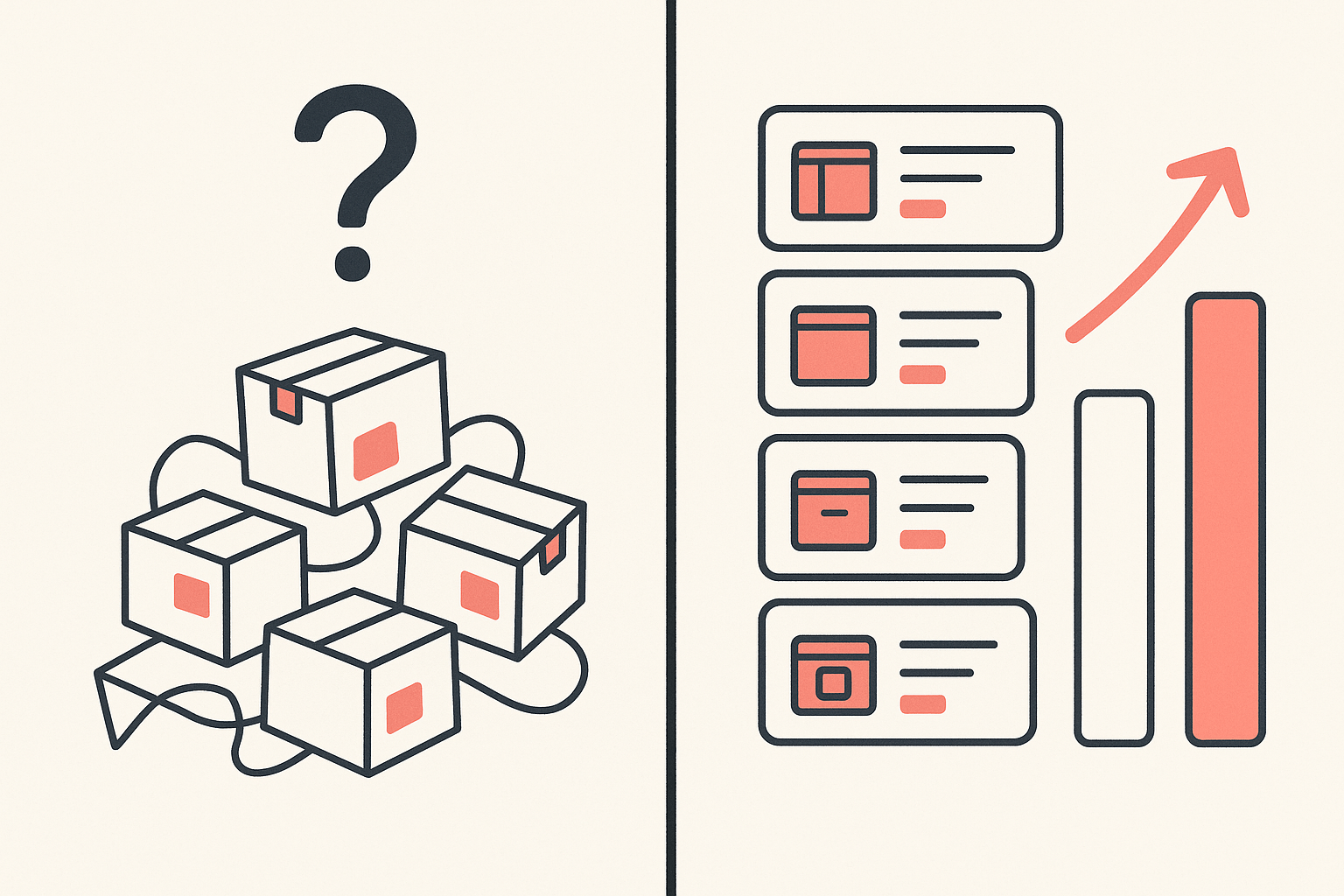
There is a practical reason this matters more now than it used to. The same viral product lists circulate to thousands of sellers at once, creatives get cloned within days, and ad costs climb as everyone chases the same audience. A best-seller read on a real, working store cuts through that noise. Instead of asking "does this look like it could sell," you get to ask "is a store with real traffic selling this right now, and how much."
The manual ways people try (and where they fall short)
Before reaching for a tool, most people try to reverse-engineer a store by hand. These methods can give you hints, but each one has a ceiling.
- Reading the homepage and collections. The fastest manual check is to scan what the store features. The problem is that featured placement is a design decision. A store can push a new launch or a high-margin item to the top while its real volume comes from a product three clicks deep. The homepage shows you what the store wants you to see, not what people buy.
- Sorting a collection by "best selling." Many storefronts let you sort a collection by best-selling. When it works it is genuinely useful, but plenty of stores turn it off, override the order by hand, or scope it to one collection so you never see the catalog-wide picture. You are trusting a setting the owner controls.
- Counting reviews. A product with hundreds of reviews has clearly sold, so review counts feel like a proxy for sales. They lag badly, though. Reviews accumulate over months, many buyers never leave one, and apps can import or seed them. A brand-new best seller can have almost no reviews while a fading product sits on a big pile of old ones.
- Listing out the full catalog. Some people try to pull a store's complete product list to spot recent additions by date. This surfaces the full catalog and what is new, which is real signal, but it says nothing about volume. A long product list with no sales ranking is just a list.
- Watching the store's ads. If a store runs Facebook or Google ads, the products it advertises are usually the ones it is betting on. Useful, but partial: you only see what is being advertised in places you happen to look, and a store's quiet best seller may not be in any ad you catch.
None of these is worthless. Stacked together they form a rough picture. The trouble is the time cost and the blind spots: you are hopping between tabs, trusting settings the owner can switch off, and still missing the one thing you most want, which is a ranked read of what sells with a rough sense of how much.
The fast way: find best sellers in seconds
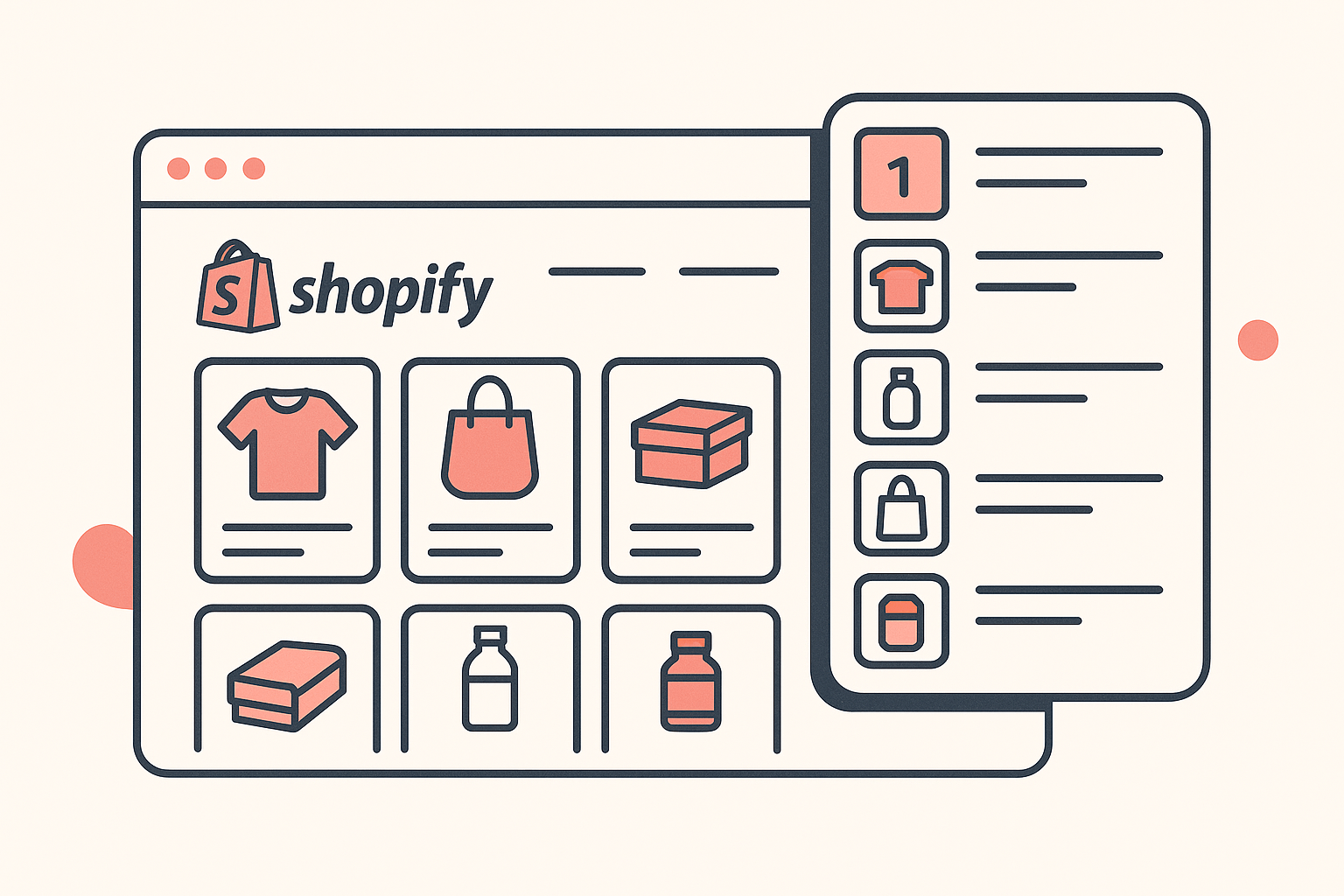
Koala Inspector collapses that whole manual routine into a single panel. It is a free-to-start Chrome extension built to read Shopify stores. Install it, open any store, and it surfaces the store's products, best sellers, newest additions, estimated sales and traffic, plus the theme and apps the store runs, without you leaving the page. Here is the workflow.
- Install the extension. Add Koala Inspector to Chrome from the Chrome Web Store. It runs in your browser, so there is nothing to configure after the install.
- Open the store you want to read. Navigate to any Shopify storefront, a competitor, a brand you admire, or a store you found in an ad. Koala Inspector activates on the page.
- Open the best-sellers view. The extension pulls the store's products and surfaces its best sellers as a ranked list, drawn from the store's own public data rather than its featured placement. This is the read the homepage hides.
- Scan the newest products. Switch to the newest-products view to see what the store has added recently. A scaling store's new additions are its current bets, so this tells you where the operator sees opportunity next.
- Check estimated sales and traffic. For context on whether a best seller is a real winner or a minor listing, look at the estimated sales and traffic figures. Treat them as directional, since they come from public signals and not the store's private analytics, but a clear pattern across a store's top products is meaningful.
- Cross-reference the setup. While you are there, the panel shows the store's theme and installed apps. If you want to go deeper on the build, the dedicated Shopify theme detector names the exact theme so you can see how the best sellers are merchandised.
The whole pass takes seconds per store. You go from "I think these products sell" to "here is the ranked list, here is what is new, here is the rough scale," all without trusting a setting the owner can hide.
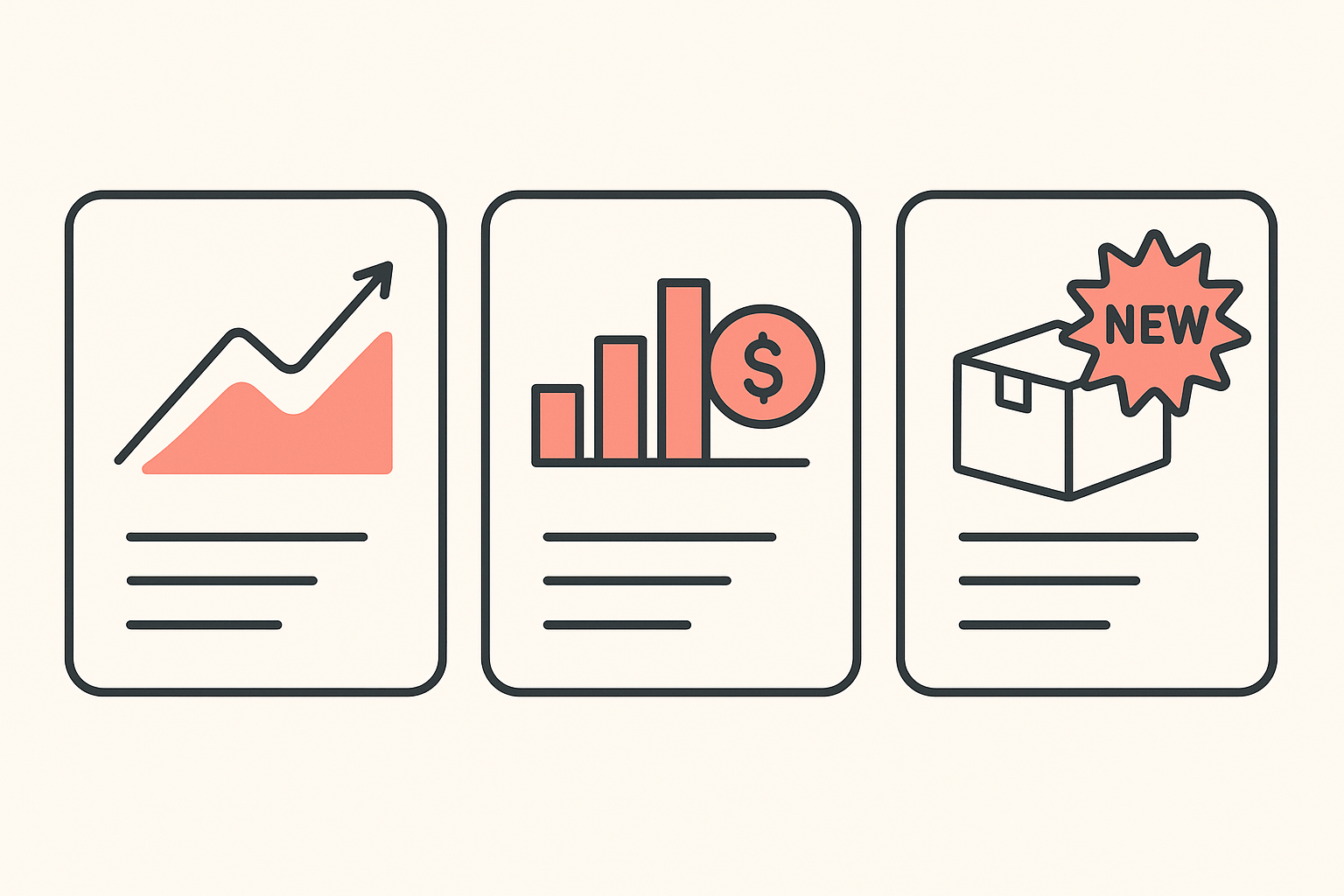
If you want to do this across many stores rather than one at a time, the same data backs a watchlist approach. Koala Inspector lets you track shops and watch their best sellers and new products change over time, which is the method behind tracking stores that are already scaling.
Who gets the most out of this
Two groups lean on this hardest.
Dropshippers and product researchers. If your job is to find products with proven demand, reading a working store's best sellers is faster and safer than scrolling a feed. When the same kind of product shows up as a best seller across several stores you check, you are looking at repeatable demand instead of a one-off. That is the difference between research and luck.
Store owners doing competitor research. If you already run a store, your competitors' best sellers tell you what your shared audience is buying right now. Seeing their top products, their newest launches, and a rough sense of their scale helps you decide what to stock, what to drop, and where a gap is open. It is competitive intelligence you can act on the same afternoon.
In both cases the point is the same: stop guessing what sells and read it. The free plan is enough to start reading stores today, and the Premium plan adds depth when you want to research at volume.
Open a store, surface its best sellers, and decide from data instead of a hunch. Install Koala Inspector for free and read your first store's top products in the next five minutes.
FAQ
Can you see a Shopify store's best sellers without a tool? Sometimes, partly. A store can expose a best-selling sort on its collections, and you can scan its featured products or count reviews for rough hints. But stores control those settings and can switch them off, and none of the manual methods give you a ranked, catalog-wide read with a sense of sales volume. A tool like Koala Inspector reads the public signals for you in one place.
How accurate are estimated sales figures? They are directional, not exact. Estimated sales and traffic come from public signals rather than the store's private dashboard, so treat a single number with caution. What is reliable is the pattern: which products rank as best sellers, what is new, and the relative scale across a store's catalog. Use the estimates to narrow a shortlist, then validate before you commit budget.
Is finding a competitor's best sellers allowed? Yes. You are reading public information that any visitor to the storefront can access, organized into a clearer view. Competitor research from public store data is a normal part of running an ecommerce business, the same way you would walk a competitor's shop floor offline.
Does this work on every Shopify store? It works on public Shopify storefronts, which is the large majority of stores you will want to research. Password-protected or unpublished stores expose no public data to read. For any live store you can browse, Koala Inspector can surface its products and signals.
What else can Koala Inspector show me about a store? Beyond best sellers and newest products, it surfaces estimated sales and traffic, the store's theme, and the apps it runs. That gives you a fuller picture of how a successful store is built, not just what it sells, which is useful whether you are sourcing products or planning your own store's setup.
Written by
Ana Gelevska
eCommerce Content Writer
Ana Gelevska is a content writer with more than five years of experience creating content for eCommerce brands and global clients. She digs into each topic and the people it is for, then turns it into clear, useful articles that Shopify sellers and dropshippers can act on.
Connect on LinkedIn