Stop Chasing Random Products: Track Shopify Stores That Are Already Scaling
 By Ana GelevskaJune 9, 2026 · Updated June 11, 2026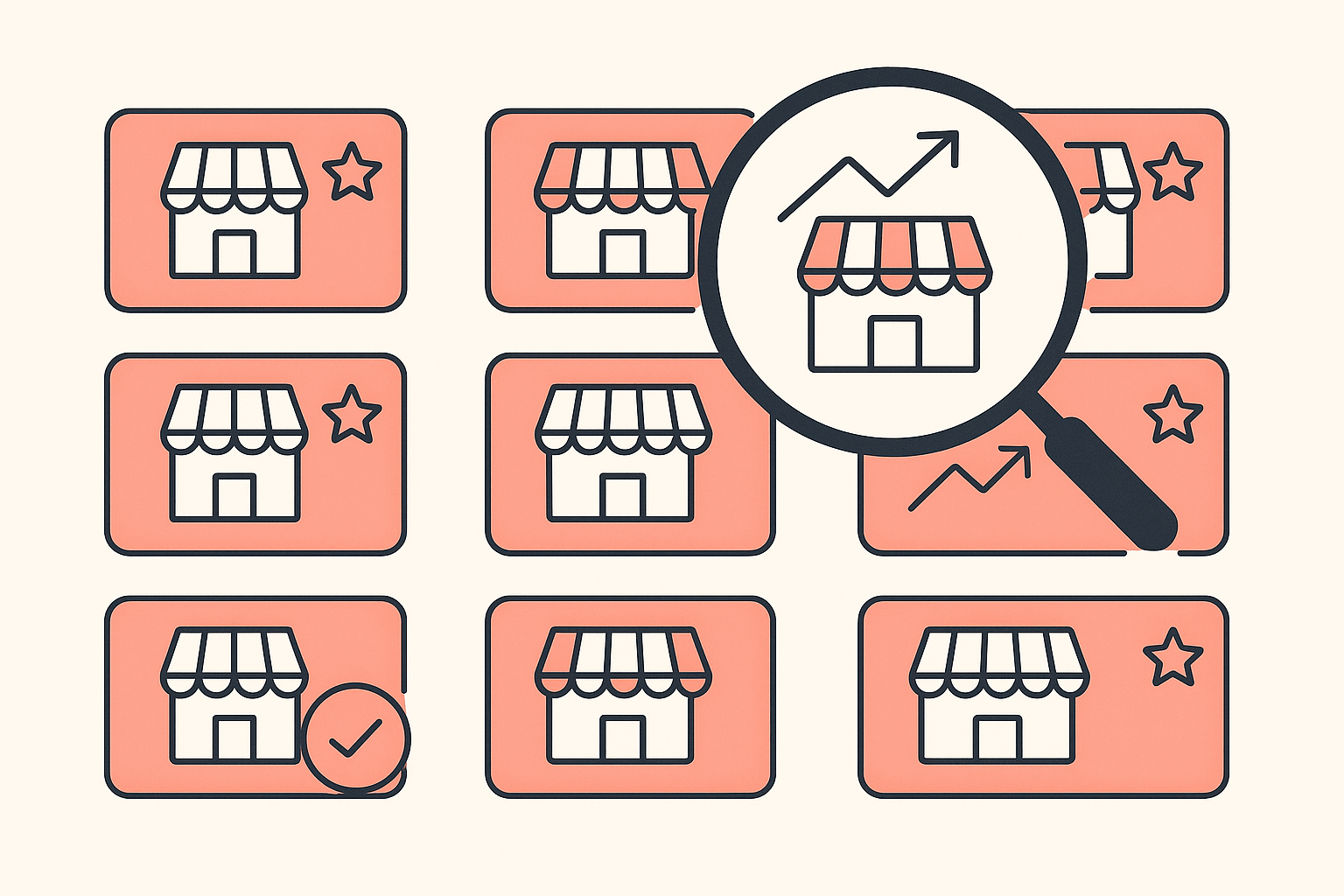
Most product research advice still tells you to scroll a feed, spot something that looks interesting, and test it. That worked better a few years ago. Today the same "winning product" lists get shared across thousands of stores at once, the creatives get cloned, and the cost to reach anyone who might buy keeps climbing. You end up paying to compete against everyone who read the same list you did.
There is a more reliable way to spend your research time. Instead of guessing which product will work, find Shopify stores that are clearly already scaling and watch what is actually selling for them. The demand is proven, the offer is live, and you get to learn from a store that has already done the testing. This post covers why random picking fails, how to recognize a store on the way up, the signals worth watching, and a step-by-step for tracking those stores with the Koala Inspector Chrome extension.
Why random product-picking keeps failing
The core problem is that everyone is fishing in the same pond. When a product trends, the creative behind it gets copied fast, audiences see the same angle on repeat, and ad platforms charge more to serve a message people have already scrolled past. One dropshipper who had failed repeatedly before landing an 8k-then-11k month credited the turnaround to researching a product from real demand signals instead of chasing whatever looked good, the same random approach that had him fighting saturated creatives and rising costs before.

There is a second problem underneath that one: validation. A product looking good in a viral clip tells you nothing about whether it sells at a price that leaves margin, whether returns eat the profit, or whether demand lasts more than two weeks. Finding genuinely winning products is hard without real sales data, and seeing what competitors are actually doing takes dedicated tools rather than a hunch. When you pick at random, you are paying your ad budget to run the validation test that someone else has already run and paid for.
Tracking stores flips that. You are no longer the one funding the experiment. You watch stores that already have traffic, already have an offer that converts, and already survived the early testing phase, and you read the result instead of buying it.
How to spot a Shopify store that is scaling
Not every active store is worth following. You want stores showing momentum, not ones coasting or fading. A few signals separate the two.
- A catalog that keeps changing. Stores that are scaling test constantly. New products appear, weak ones get pulled, and the front page rotates. A static catalog that has not moved in months is not learning anything.
- A focused best-seller set. Healthy stores usually have a handful of products doing most of the work rather than a sprawling catalog with no clear hero. When you can see which few products carry a store, you are seeing where its budget and attention go.
- Traffic that is climbing, not flat. A store adding visitors month over month is finding something that works. Estimated traffic gives you a directional read on whether a store is growing or stalling.
- Active advertising. Stores investing in ads on Google or Facebook are spending real money because the numbers justify it. Ad activity is a vote of confidence from someone with their own cash on the line.
- A clean, deliberate setup. A polished theme, a tight product page, and apps chosen for a reason usually signal an operator who knows what they are doing. Stores like that are worth learning from.
No single signal is proof. A store can run ads and still be unprofitable. The point is to stack the signals: a store that is rotating its catalog, concentrating sales on a few heroes, growing traffic, and advertising consistently is a far safer thing to study than a product you found at random.

The signals worth watching once you are tracking
Once you have a store on your watchlist, three things tell you the most.
Best sellers. This is the single most useful signal. It shows you which products a store has decided are worth pushing, based on its own data rather than your guess. If the same kind of product shows up as a best seller across several stores you track, you are looking at proven, repeatable demand instead of a one-off.
New products. When a scaling store adds a product, it is usually placing a bet informed by everything it already knows about its audience. Watching new additions is like watching a research team's shortlist update in real time. If a store you respect keeps adding products in a category, that category is heating up.
Estimated sales and traffic. Numbers turn a hunch into a read you can act on. Knowing roughly how much traffic a store gets, and how its sales are trending, tells you whether a best seller is a genuine winner or a minor listing. Treat these as directional rather than exact, since they come from public data and not the store's private dashboard, but a clear trend across weeks is meaningful.
Put together, these three answer the question random picking never can: not just "does this product look cool" but "is a real store, with real traffic, actually selling this right now."
Step by step: track scaling stores with Koala Inspector
Koala Inspector is a free-to-start Chrome extension built for exactly this. Install it, open any Shopify store, and it reads the store's products, apps, theme, estimated traffic, and ad activity without you leaving the page. Here is how to use it to build a watchlist of stores that are scaling and read what is selling for them.
-
Install the extension. Add Koala Inspector to Chrome from the Chrome Web Store. It runs in your browser, so there is nothing to set up beyond the install.
-
Find candidate stores. Start from places where scaling stores show up: brands advertising in your niche, stores ranking for the products you care about, or competitors you already know. Open each store and let Koala Inspector pull its details.
-
Qualify the store before you commit a slot. Check the signals from the section above. Is the catalog active? Is there a clear set of best sellers? Is estimated traffic trending up? Is the store running ads? A store that checks those boxes earns a place on your watchlist.
-
Track the shop. Click Track Shop to add the store to your tracked list. Koala Inspector lets you track up to 50 shops, which is enough to cover the strongest stores across a couple of niches without losing focus. Keep the list curated: drop stores that stall and add ones showing momentum.
-
Read the best sellers. For each tracked store, look at its estimated best-selling products. This is where you spot demand that is already proven. When a product type recurs across several tracked stores, that is your signal to look closer.
-
Watch new products as they appear. Check your tracked stores on a regular cadence. New additions from a store you trust are early signals of where that operator sees opportunity next.
-
Cross-check the numbers before you spend. Use the estimated sales and traffic figures to separate real winners from noise, then validate against a second source before you put money behind anything. The data is directional by design, so use it to narrow your shortlist, not to make the final call alone.
Done consistently, this turns product research from a guessing game into a routine. You are reading proven demand from real stores instead of gambling on a feed.
What this changes about your research
The shift is simple but it changes everything downstream. When you chase random products, your ad budget is the validation test, and a high share of those tests fail expensively. When you track stores that are already scaling, the validation has happened before you arrive. You spend your budget on products that already have a track record, against creative angles you can see are working, in categories with demonstrated demand.
Koala Inspector is built to make that workflow fast: track up to 50 shops, read their best sellers and new products, and pull estimated sales and traffic in a couple of clicks per store. The free plan is enough to start building a watchlist today, and the Premium plan adds depth when you are ready to research at scale.
Stop funding everyone else's product tests. Find the stores that are already winning and learn from what is selling for them. Install Koala Inspector for free and start tracking your first scaling store in the next five minutes.
Written by
Ana Gelevska
eCommerce Content Writer
Ana Gelevska is a content writer with more than five years of experience creating content for eCommerce brands and global clients. She digs into each topic and the people it is for, then turns it into clear, useful articles that Shopify sellers and dropshippers can act on.
Connect on LinkedIn