How to Fulfill Dropshipping Orders on Shopify
 By Ana GelevskaMay 23, 2025 · Updated June 4, 2026
Getting your first order on Shopify feels great right up until you realize you need to actually send the product to the customer. In dropshipping, you never touch the inventory, so the fulfillment process runs through your supplier. When it works, it's nearly invisible. When it doesn't, customers notice.
This guide covers exactly how fulfillment works in a Shopify dropshipping store, the three main approaches, and which apps handle the heavy lifting. No filler, just the practical steps.
What is Dropshipping Fulfillment on Shopify?
When a customer places an order on your Shopify store, that order has to reach your supplier so they can pack and ship the product directly to the buyer. That handoff, plus everything that follows, is the fulfillment process.
Shopify doesn't send orders to suppliers automatically out of the box. You either handle it manually, use an app like DSers or Spocket to automate it, or hand it off to a third-party logistics provider. The method you choose affects how fast orders ship, how much time you spend on operations, and how cleanly you can scale.
Benefits of Shopify Dropshipping Fulfillment
Shopify is the most widely used platform for dropshipping, and fulfillment through the platform has a few genuine advantages.
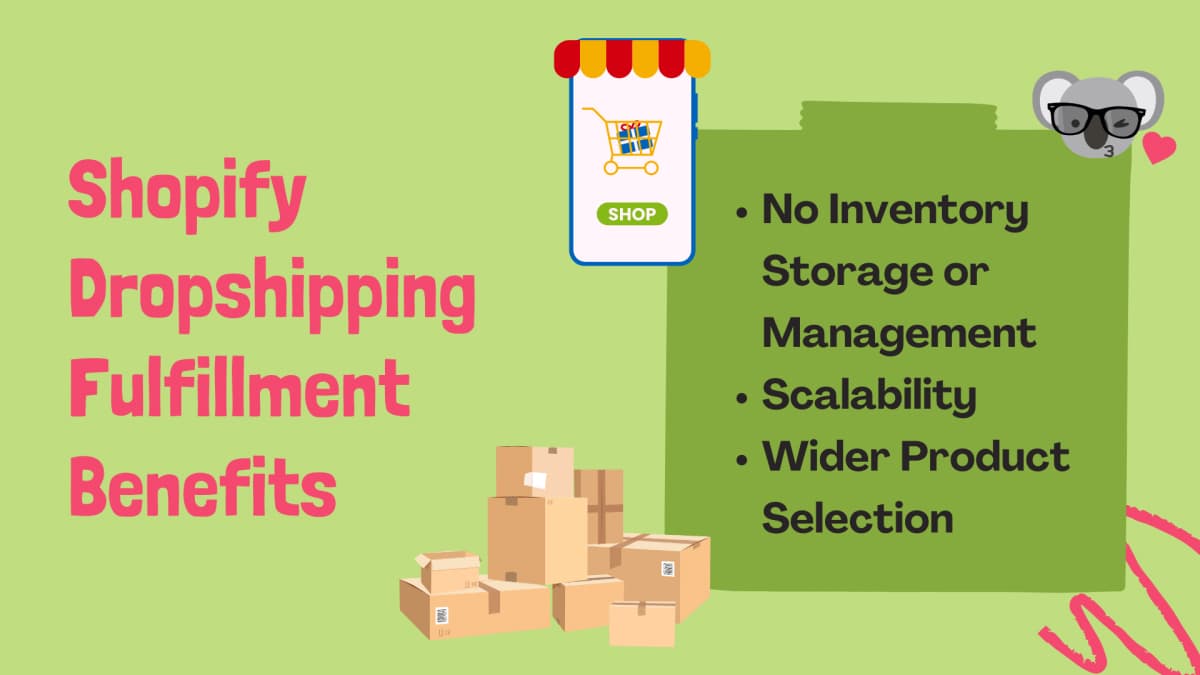
No Inventory to Store or Manage
Your supplier holds the stock. You never buy inventory upfront or manage warehouse space. This keeps your fixed costs low and lets you test products without committing to bulk orders.
Easy to Scale
Because the physical work sits with the supplier, adding new products or handling a spike in orders doesn't require you to hire staff or expand warehousing. You scale through your supplier relationships and app automations, not physical infrastructure. Research from McKinsey found that fulfillment automation can cut fulfillment costs by up to 25 percent, which compounds fast as order volumes grow.
Wider Product Selection
With no storage constraints, you can offer products from multiple suppliers across different categories. Testing a new niche means adding products, not stocking inventory.
What is Reverse Order Fulfillment?
Returns are a real part of the job. Reverse order fulfillment is the process of handling products a customer sends back. That includes receiving the item, inspecting it for damage, deciding whether it goes back into sellable stock, and processing the refund or exchange.
In dropshipping, this is more complicated than with standard retail because the product often ships from an overseas warehouse. You need a clear policy, and you need to know in advance whether your supplier accepts returns or whether you'll issue refunds without requiring the physical item back.
Three Methods of Fulfilling Shopify Dropshipping Orders
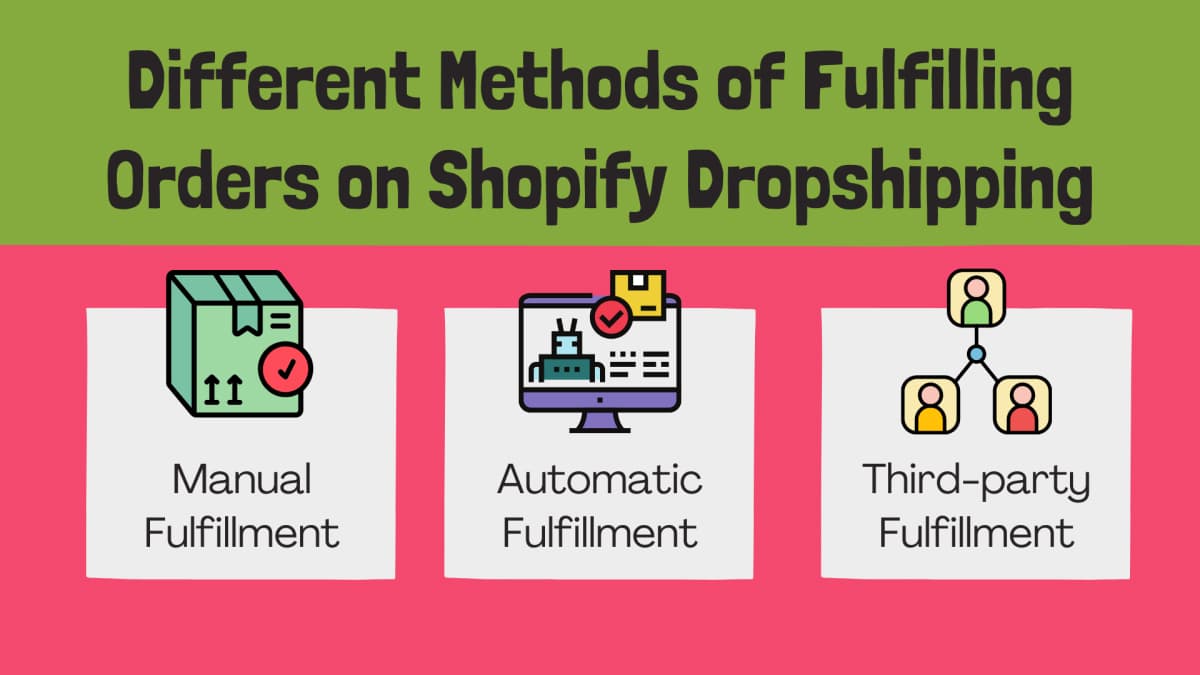
Manual Fulfillment
With manual fulfillment, you log into your supplier's website or portal after each order comes in, copy the customer's details, and place the order directly. Shopify lets you mark orders as fulfilled manually and send the customer a shipping confirmation.
This works fine when you're starting out and receiving a handful of orders per week. The problems surface fast as volume increases. Manual fulfillment is error-prone, time-consuming, and not viable at scale.
Steps for manual fulfillment in Shopify:
- Go to Orders in your Shopify admin and open the unfulfilled order.
- Review the line items and confirm the shipping address.
- Log into your supplier's website and place the order with the customer's details.
- Get the tracking number from the supplier.
- Enter the tracking number in Shopify and mark the order as fulfilled.
- Shopify sends the shipping confirmation email to the customer automatically.
Automatic Fulfillment
Automatic fulfillment uses an app to forward orders to your supplier the moment a customer pays. The supplier receives the order details, processes it, and usually pushes the tracking number back into Shopify without you touching anything.
This is the standard approach for most dropshipping stores. Apps like DSers, which is the official AliExpress dropshipping partner for Shopify, can cut fulfillment time by up to 95 percent compared to manual processing. For digital products, automatic fulfillment also handles delivery links immediately after payment.
To activate this, you install the relevant app, connect it to your supplier, and map your products. The app handles the rest.
Third-Party Fulfillment
A third-party logistics provider (3PL) holds physical inventory and ships on your behalf. This is different from supplier-direct dropshipping because the 3PL warehouses stock you've already purchased. It's a natural step when a product is proven and you want faster shipping times or more control over packaging and branding.
You add the 3PL as a fulfillment service in Shopify under Settings > Shipping and Delivery, then configure which products or locations route through them.
Manual vs. Automatic Fulfillment: What Actually Differs
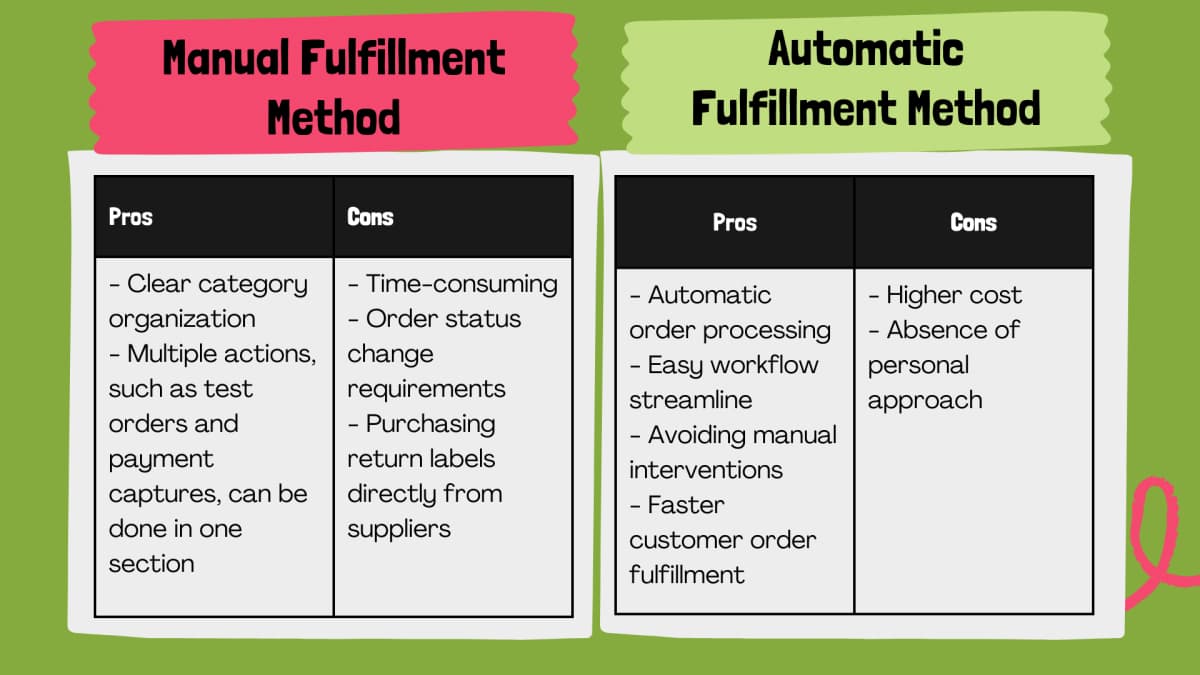
| Manual | Automatic | |
|---|---|---|
| Setup | None required | Requires app install and product mapping |
| Time per order | 5-15 minutes | Near zero once configured |
| Error rate | Higher (copy-paste mistakes) | Low, errors come from app misconfiguration |
| Best for | 1-20 orders/week, testing | Any store past the test phase |
| Cost | Free | App subscription (typically $19-$49/month) |
One note on automatic fulfillment for physical products: Shopify's "auto-fulfill on payment" setting marks an order as fulfilled in Shopify before the supplier has actually shipped it. For digital products that's fine, but for physical goods most store owners keep the default behavior where the fulfillment app marks the order fulfilled only after the supplier confirms shipment.
How Dropshipping Fulfillment Works in Shopify: Step-by-Step
Here's the full flow from order placed to package delivered.
1. Order Placement
A customer buys from your store. Shopify records the order and marks it as unfulfilled. If you're using an automatic fulfillment app, it picks up the order here. If you're doing it manually, you get a notification and act on it.
2. Forwarding the Order to Your Supplier
Manual: you log in, place the order, copy the tracking number. Automatic: the app sends the order details and payment to the supplier without you needing to do anything.
Most Shopify dropshipping stores that survive past their first few months are using an app for this step. 84 percent of ecommerce retailers say finding reliable suppliers is their biggest operational challenge, according to Grand View Research. The right app also helps you monitor supplier performance, not just forward orders.
3. Supplier Processes and Ships
Your supplier picks, packs, and ships the order. Typical processing time from a well-run supplier runs 1-3 business days. Shipping time depends on where the supplier is located and where the customer is. AliExpress suppliers shipping to the US can take 2-4 weeks. US or EU-based suppliers (via Spocket, for example) typically deliver in 4-7 business days.
4. Tracking Updates
Your fulfillment app pulls the tracking number from the supplier and updates Shopify. Shopify triggers the shipping confirmation email to your customer. If you're on manual, you enter the tracking number yourself.
5. Delivery and Post-Delivery
The carrier delivers the package. If something goes wrong, you handle the issue through your return/refund process. Shopify doesn't automatically know the package was delivered, so you set order status expectations based on shipping timeframes.
The "Ship From" vs. "Fulfill From" Distinction on Shopify
These two settings cause confusion. "Fulfill from" is the location that manages the order process in Shopify's system. "Ship from" is the physical location the carrier uses to calculate rates and delivery estimates.
For a standard dropshipping setup, these don't matter much because the supplier handles both. They become important when you're working with multiple fulfillment locations or mixing dropshipping with 3PL inventory.
Typical Fulfillment Timeframes
After an order comes in, here's what the clock looks like:
- Processing (supplier picks and packs): 1-3 business days for most suppliers, longer during peak periods
- Shipping to US from US/EU supplier: 4-7 business days
- Shipping to US from AliExpress: 10-30 business days, sometimes up to 60 days for slower shipping options
- Shipping within the EU from EU supplier: 3-7 business days
Delays happen. Wrong addresses, inventory stockouts, and customs clearance are the common culprits. For customers, 42 percent expect two-day shipping on every online purchase, so choosing suppliers with short lead times makes a real difference in satisfaction and repeat purchase rates.
Popular Dropshipping Fulfillment Apps for Shopify
Spocket
Spocket connects Shopify stores with suppliers in the US and EU, which is its main draw. Faster domestic shipping means you can compete on delivery time rather than just price. The app handles order automation, tracking updates, and lets you set custom pricing rules. Around 500,000 entrepreneurs use it, and it holds a 4.7 out of 5 rating on the Shopify App Store.
DSers
DSers is the official AliExpress dropshipping partner for Shopify, replacing Oberlo after Oberlo shut down in June 2022. It handles bulk order placement, meaning you can fulfill hundreds of orders with one click rather than one at a time. The free plan supports up to 3 stores and 3,000 orders per month. Paid plans add more stores and higher order limits.
Printful
Printful is a print-on-demand supplier, not a general dropshipping tool. You design custom products, Printful prints and ships them when someone orders. The print-on-demand market is currently worth around $6.3 billion and growing fast. If you're selling branded or custom merchandise, Printful integrates cleanly with Shopify and handles fulfillment end to end.
Zendrop
Zendrop focuses on connecting Shopify store owners with suppliers, mostly sourcing from China. It offers automated fulfillment, US-based warehousing for faster shipping on some products, and a product sourcing service if you can't find what you need in their catalog. Pricing runs higher than DSers or basic Spocket plans, but the supplier vetting is more hands-on.
You can pair Zendrop with Koala Inspector to research what products are actually selling in competitor stores before you commit to listing them. Koala Inspector has helped more than 80,000 store owners make better sourcing decisions.
Choosing the Right Fulfillment Method
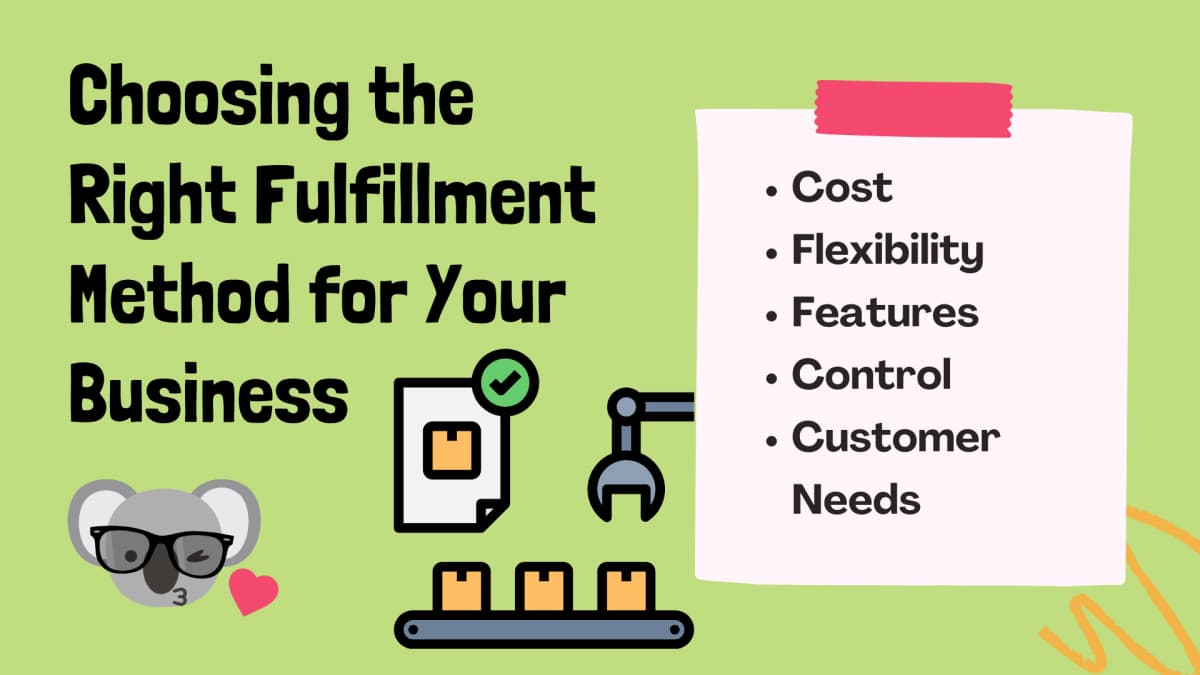
The right method depends on where your store is right now.
Cost: Manual is free but costs you time. Automatic costs $20-50/month but recovers that through speed and fewer errors. 3PL adds warehousing and per-pick fees on top of that. Calculate total cost per order at your current and projected volume.
Control: Manual gives you complete visibility into every order. Automatic trades some visibility for speed. If you want to catch problems early, configure your fulfillment app to notify you when an order doesn't ship within a set window.
Volume: Under 20 orders per week, manual is workable. Over 50 orders per week, manual becomes a time sink. Most serious stores automate from day one.
Supplier location: If your suppliers are in China, delivery time is your biggest customer satisfaction risk regardless of fulfillment method. Switching to US or EU suppliers (or using a 3PL for proven products) often has more impact than optimizing the app setup.
Customer expectations: Check what your niche expects. Customers buying a $200 item expect a tracking email and delivery within a reasonable window. Customers buying a $5 novelty item may be more tolerant of longer shipping.
Keeping Customers Updated on Shipping
Shopify sends a shipping confirmation email automatically when you mark an order as fulfilled and include a tracking number. That covers the basics.
Beyond the default email, consider:
- SMS confirmation: If a customer provided a phone number, an SMS with the tracking link reaches people who don't check email.
- Expected delivery date: Most carriers give you this once a label is created. Including it in your confirmation reduces "where's my order" tickets.
- Tracking link: Send a direct link to the carrier's tracking page, not just the number. One tap is better than copy-paste.
The goal is for the customer to have no reason to contact you asking for an update. Every support ticket you avoid is time you can spend on something that actually grows the store.
Handling Dropshipping Returns
Returns are a significant part of ecommerce. US consumers returned merchandise worth a substantial share of the $1.3 trillion in US online sales recorded in 2023, with around 16.5 percent of orders resulting in returns.
In dropshipping, returns are more complicated because the product may be shipping from overseas and your supplier may not accept returns at all.
Setting Up Your Returns Policy
Decide before you launch how you'll handle returns. Common approaches:
- Refund without return: For low-cost items where the return shipping cost exceeds the product cost, just refund the customer. No need to send the item back.
- Return to supplier: For higher-value items, coordinate with your supplier on their return address and process. Get this in writing before problems arise.
- Store credit: Some stores replace returns with store credit rather than cash refunds. This keeps the revenue while still satisfying the customer.
Whatever you choose, make the policy easy to find. A clear, prominently placed returns policy reduces disputes and builds purchase confidence.
Handling a Return in Practice
When a customer requests a return:
- Verify the issue (wrong item, damaged, not as described, changed mind).
- Check your supplier's return policy for that product.
- Decide: refund without return, or request the item back.
- If requesting the item back, provide the return address and a prepaid label if your policy includes free returns.
- Once the issue is confirmed, process the refund or replacement in Shopify.
- Document recurring problems with specific suppliers. Pattern issues (wrong items, damage) are a signal to find a backup supplier.
Handling High Order Volumes
Once you're past a certain order volume, manual fulfillment stops being a time constraint and starts being a business risk. Missed orders, copy-paste errors, and slow processing hurt your supplier performance metrics and customer reviews.
Automation is the main tool here. DSers bulk fulfillment, for example, lets you process hundreds of AliExpress orders in one session rather than one at a time. Pair that with inventory monitoring so you're not forwarding orders for products your supplier is out of stock on.
If you consistently sell the same products, moving them to a 3PL or working with a supplier that maintains dedicated stock for your store gives you more predictable shipping times and fewer stockouts during peak demand.
Written by
Ana Gelevska
eCommerce Content Writer
Ana Gelevska is a content writer with more than five years of experience creating content for eCommerce brands and global clients. She digs into each topic and the people it is for, then turns it into clear, useful articles that Shopify sellers and dropshippers can act on.
Connect on LinkedIn