Shopify API Overview: How It Works and Why It Matters
 By Ana GelevskaNovember 15, 2024 · Updated June 5, 2026
The Shopify API is what makes nearly every integration, automation, and custom feature on Shopify possible. Whether you are connecting your store to an ERP, building a private app, or syncing inventory with a supplier, all of it runs through the API. This guide explains how it works in plain language, covering the main API types, how authentication works, and what you can actually do with it. 
What's an API?
API stands for Application Programming Interface, which is a mouthful for a fairly simple idea: it's an agreed-on way for two pieces of software to swap data. One system asks, the other answers with information or confirms it did something. Almost every app you touch leans on APIs to talk to outside services instead of rebuilding those services itself.
You've seen this without noticing. When a shipping app shows live carrier rates at checkout, it's calling a carrier's API right then. When your inventory drops by one after a sale syncs to a supplier, that's the Shopify API doing the work. Shopify's APIs work the same way, handing authorized apps a structured door into your store's data instead of letting them rummage around freely.
What is the Shopify API?
The Shopify API is a collection of interfaces that let external apps and custom code read and write data on a Shopify store. Developers use it to connect tools to Shopify stores, automate store operations, build custom storefronts, or create features that the default Shopify admin does not offer.
The scale of what's built on top of it is hard to overstate. The Shopify App Store lists over 16,000 apps, and Shopify reports that over 85 percent of merchants use third-party apps to run their stores. Almost none of those apps could exist without the API underneath.
What you can do with the Shopify API
Here are the most common practical uses:
Manage store data. Read and update products, variants, inventory levels, orders, customers, and collections. This is the backbone of almost every integration.
Build headless storefronts. Companies that need a custom front end, a mobile shopping app, or a website with no Shopify-branded checkout UI use the Storefront API to power the buying experience while keeping Shopify as the backend.
Automate repetitive tasks. Sync inventory levels after every sale, tag orders based on rules, or trigger fulfillment workflows without manual steps.
Connect third-party tools. CRMs, ERPs, accounting platforms, and shipping carriers all connect to Shopify through the API. NetSuite, Acumatica, and Microsoft Dynamics 365 all have documented Shopify integrations built on top of it. 
Why Use the Shopify API?
The default Shopify admin covers a lot, but it has limits. The API is how merchants and developers extend past those limits.
Automation that actually scales. Manual inventory updates and order tagging break down once you are processing hundreds of orders a day. The API lets you write that logic once and have it run reliably on every event.
Custom buying experiences. The Storefront API serves millions of queries per minute across Shopify-powered headless stores. If your brand needs a completely custom front end, that is what makes it possible.
Connecting your tech stack. Most businesses do not live entirely in Shopify. The API is the bridge between Shopify and your other tools. 
Types of Shopify APIs and What They Do
Shopify publishes several distinct APIs. They serve different purposes and require different access levels.
Admin API
The Admin API is the primary interface for managing store data. It covers products, orders, customers, inventory, fulfillment, collections, metafields, and more. If you are building a private app or a custom Shopify app that needs to read or write store data, you will use the Admin API.
It comes in two formats: REST and GraphQL. Shopify has been moving developers toward GraphQL and continues to extend GraphQL-only features, though REST is still fully supported for most resources.
Storefront API
The Storefront API is designed for customer-facing experiences. It gives you the ability to build a completely custom storefront, a native mobile app, or any buying experience that sits outside the standard Shopify theme. Access is intentionally limited to what a storefront needs: products, collections, carts, checkouts, and customer account data.
If you have ever used a Shopify-powered mobile app that does not look like a standard Shopify store, it was almost certainly built on the Storefront API.
Partner API
The Partner API is for Shopify Partners managing multiple stores or building apps at scale. It exposes data about referrals, app installs, and payouts from the Partner Dashboard. Most store owners will never need it directly, but the agencies and developers managing your account may use it.
How the Shopify API Works
Authentication
Every API request needs to be authorized. Shopify uses OAuth 2.0 for public apps (the apps listed in the Shopify App Store) and simpler API key/secret credentials for private or custom apps installed on a single store.
When a merchant installs a public app, they go through an OAuth flow that grants the app specific permission scopes (for example, read products, write orders). The app receives an access token it uses on every subsequent request. This token is store-specific and scoped to exactly what was approved. Shopify does not issue catch-all tokens that can access everything.
For custom apps built inside the Shopify admin, you generate an access token directly from the store settings panel without going through the full OAuth flow.
REST vs. GraphQL
The Admin API supports both:
REST API. The traditional format where each resource type (orders, products, customers) has its own endpoint. It is easier to get started with and well-documented. REST requests are limited to 2 calls per second per app, per store (roughly 40 per minute at a steady pace), with burst capacity available through a leaky-bucket rate limiter.
GraphQL API. A single endpoint where you ask for exactly the fields you need. You get precisely that, nothing more, and the rate limiting is friendlier for complex queries because Shopify measures GraphQL in "cost points" rather than raw request counts. A query that would take several REST calls can land as one. It's also where Shopify is putting its newer work: certain metafield operations and some bulk mutation endpoints are GraphQL-only, and that list keeps growing.
If you're writing a quick one-off script, REST is genuinely faster to get going with and there's no shame in it. But the moment you're pulling data at scale or bumping into rate limits, GraphQL earns its steeper learning curve, and Shopify's own direction of travel makes it the safer long-term bet. 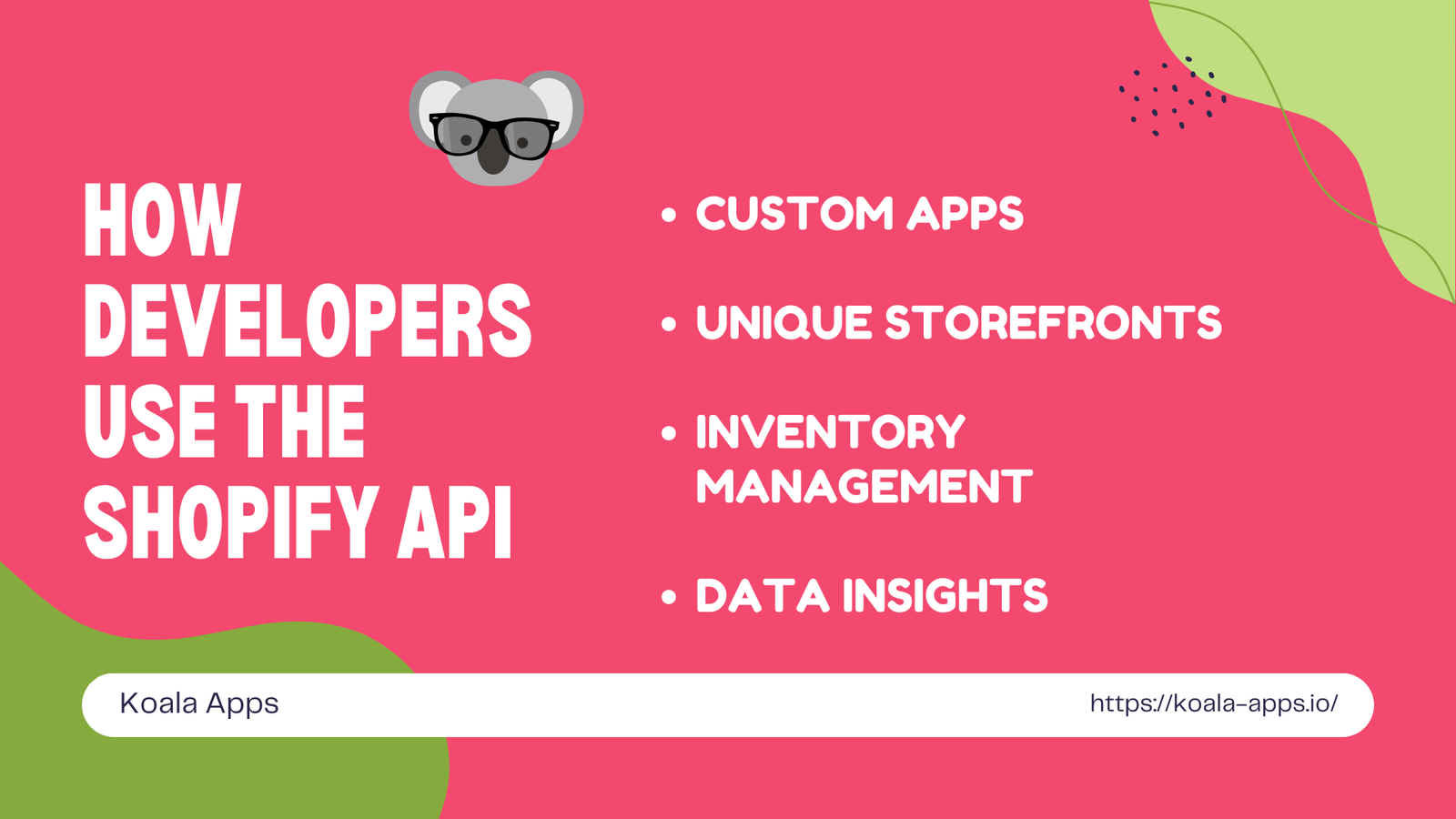
How Developers Use the Shopify API
Custom apps
A custom app built on the Admin API can do things the default Shopify admin cannot: bulk editing products with complex logic, writing custom order routing rules, or syncing data to an external database on a schedule.
Headless storefronts
Using the Storefront API with a framework like Shopify's own Hydrogen (React-based) lets developers build a fully custom front end while Shopify handles inventory, checkout, and payments in the background.
Inventory management
Inventory sync is one of the highest-value uses of the API for merchants working with multiple suppliers. With the right setup, stock levels update automatically after every order and supplier shipment, rather than relying on manual CSV uploads or four-hour batch syncs that can cause overselling on fast-moving products.
Data and analytics
Developers can pull order, customer, and product data into external analytics platforms, data warehouses, or custom dashboards. This makes it possible to build reporting that goes beyond what Shopify's built-in analytics provides.
Discovering Store Setups using Koala Inspector
If you want to understand how other Shopify stores are built without reading API documentation, Koala Inspector is a practical shortcut. It surfaces the apps and theme a store is running just from the store URL. Visit the Koala Shopify Theme Detector to look up any Shopify store. With Koala Inspector, you can:
See themes and apps. Find out which Shopify theme a competitor is running and which apps they have installed, including apps built on the Shopify API.
Spot custom integrations. Some API-driven features leave detectable traces in a store's front end. Koala Inspector surfaces those.
Research before building. If you are evaluating an app or integration for your own store, checking how other merchants use it in practice is a faster research method than reading app store listings alone.
Where This Leaves You
You don't need to write a line of GraphQL to benefit from any of this. As a merchant, the API mostly matters through the apps you choose: the inventory sync that stops you overselling, the ERP connection that keeps your accounting straight, the headless storefront a competitor built to shave a second off their load time. Knowing which API powers what makes you a sharper buyer when you're evaluating the next app to install.
And if you want to see how those choices play out on real stores, Koala Inspector reads any Shopify store's app and theme stack from the URL alone, so you can study what's actually working before you commit to building anything yourself.
Written by
Ana Gelevska
eCommerce Content Writer
Ana Gelevska is a content writer with more than five years of experience creating content for eCommerce brands and global clients. She digs into each topic and the people it is for, then turns it into clear, useful articles that Shopify sellers and dropshippers can act on.
Connect on LinkedIn