18 Shopify Hacks & Tips to Boost Your Sales
 By Ana GelevskaJune 6, 2025 · Updated June 4, 2026
So you've set up your Shopify store, found your products, and started making sales. Traffic looks decent, but revenue isn't climbing the way it should. This happens to a lot of stores. Shopify hosts over 4.5 million active merchants, and most of them are competing for the same buyer attention. Good products are table stakes. What separates stores that grow from those that plateau is usually a handful of operational and conversion details.
Below are 18 specific, actionable things you can do. Some take five minutes. A few require more setup. Start with whatever is closest to your biggest current problem.
What are Shopify hacks?
Shopify hacks are changes or setups that improve your store's performance without requiring a full redesign. They include things like adjusting checkout flow, configuring automated collections, using native Shopify features most people never turn on, and installing well-chosen apps. The word "hack" here means a practical shortcut that gets results, not a workaround.
Sales & Conversion Hacks
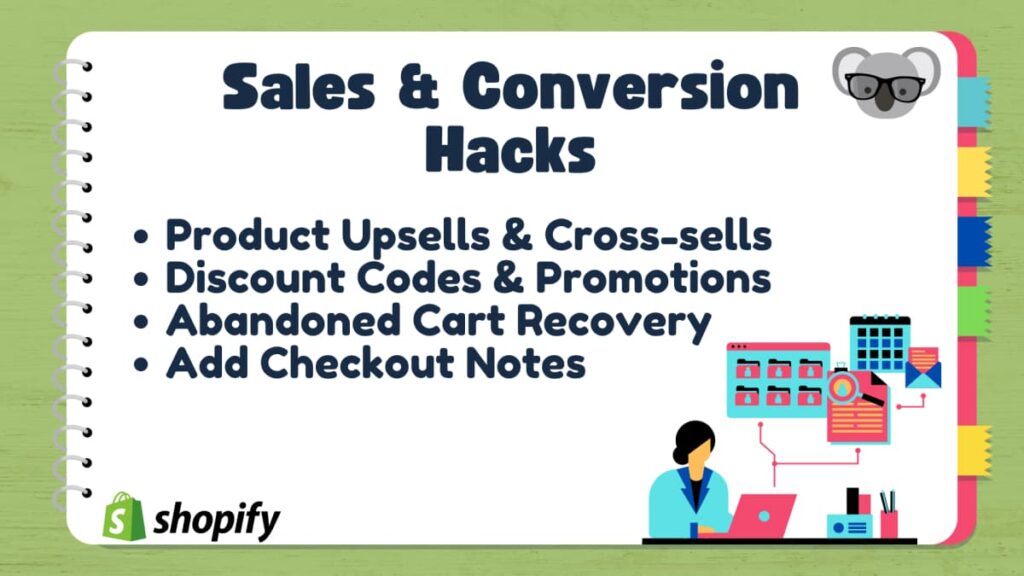
Every store's goal is to turn visitors into paying customers. The benchmark to work from: Shopify reports that e-commerce conversion rates average around 2.5%-3%. Most stores land below that. The hacks in this section specifically target the gap between traffic and sales.
1. Product Upsells & Cross-sells
Showing customers related items before they check out is one of the highest-ROI changes you can make without touching your ad budget. The key is relevance. Random suggestions get ignored; relevant ones get clicked.
A few tactics worth trying:
- Bundling products. Group a best-seller with slower-moving complementary items. The bundle price should be higher than the hero item on its own but clearly worth it.
- Checkout add-ons. Show a short list of low-cost add-ons at checkout. If someone is buying running shoes, socks or insoles are natural additions. A well-configured upsell app, with related-product logic that actually matches the cart, can lift the share of orders that include an add-on.
- Personalized recommendations. Shopify tracks browsing and purchase history. Use that data. Recommendations tied to a customer's past orders convert at a higher rate than generic "you might also like" sections.
2. Discount Codes & Promotions
Discounts are not a strategy on their own. What makes them work is urgency. A limited-time offer where the 20% discount expires in 48 hours outperforms a permanent 20% off tag that's been sitting there for months because buyers can always come back later.
Research into consumer behavior shows FOMO (fear of missing out) pushes a meaningful share of shoppers to commit. Showing "Only 3 left" or "Sale ends Friday" on a product page can shift the decision faster than the discount itself.
Loyalty programs work differently. They target your existing customer base, who are already 60-70% more likely to buy from you again than a first-time visitor. Setting up a points system or tiered rewards gives repeat customers a reason to stay, and collecting emails through the sign-up flow gives you a re-engagement channel.
3. Abandoned Cart Recovery
Cart abandonment is the biggest source of recoverable revenue in most Shopify stores. The Baymard Institute puts the average documented cart abandonment rate at around 70%. The single most common reason: unexpected extra costs, particularly shipping. Roughly 39% of shoppers abandon once they see fees they weren't expecting.
Two practical responses:
- Set a free shipping threshold. Shoppers are generally willing to add items to qualify for free shipping if the threshold is clearly visible. Offering free shipping above a minimum order value (say, $50 or $75) often increases average order value while reducing cart abandonment.
- Send automated recovery emails. The first email in the sequence should go out within one hour of abandonment, not ten. Shopify's default delay is much longer. Stores that tighten that window recover more carts. Including a small incentive (free shipping, 10% off) in the second email can pull back buyers who were on the fence about cost.
For this to work, you need to capture the buyer's email early in the checkout flow, before they get to payment.
4. Add Checkout Notes
Most Shopify themes have an order notes field built in, but it is disabled by default. Turning it on takes about 60 seconds and adds real value for stores that sell customizable products, personalized gifts, or anything where buyer instructions matter.
To enable it:
- Go to your Shopify admin
- Open Online Store
- Click Theme, then Customize
- Go to Theme Settings
- Click Cart
- Select "Enable order notes" or "Enable cart notes"
Once active, customers can specify personalization requests, gift messages, or delivery notes, which reduces the back-and-forth that otherwise chews up your time after orders come in.
5. Use a Skip to Checkout Feature
Adding a "Buy Now" button lets shoppers go straight from the product page to checkout without stopping at the cart. This is particularly useful for high-intent traffic coming from ads, because it shortens the path from click to purchase.
It's most effective on individual products with a clear use case, rather than for stores where buyers usually buy several items at once. You can install an app like Skip to Checkout for Shopify to add this feature with minimal setup.
Marketing & Growth Hacks
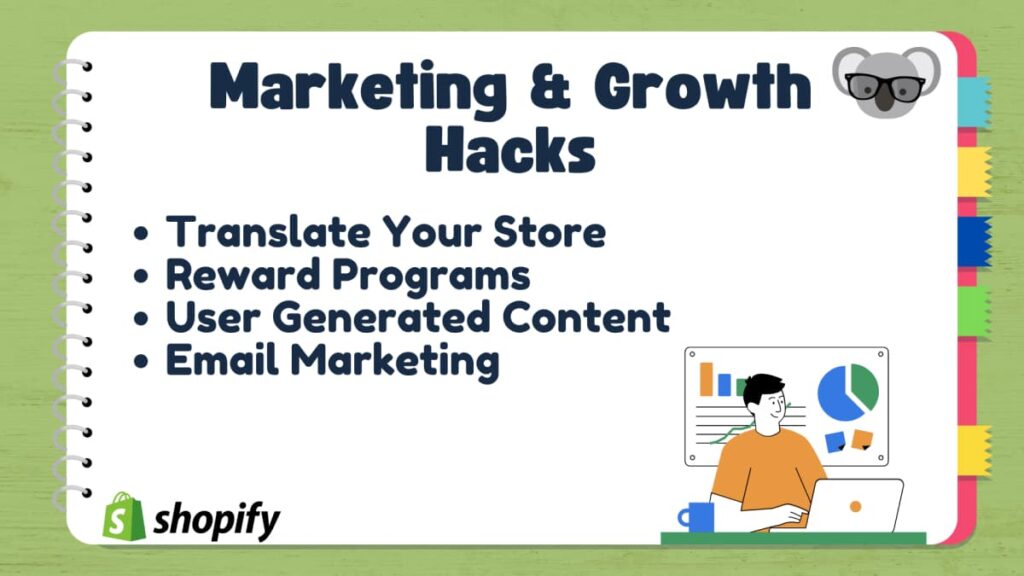
Paid ads get most of the attention, but they are not the only way to grow. Some of the channels below are cheaper, more durable, and produce compounding returns over time.
6. Translate Your Store
Most smaller stores default to English-only and miss out on a significant share of their potential audience. Research shows that 9 out of 10 international shoppers will not buy a product if they cannot read the description or reviews in their own language.
Start by checking your analytics for which countries send you traffic. If you're getting a consistent stream from Germany, France, or Brazil with low conversion rates, a translation is likely part of the problem. Shopify has built-in tools for managing multiple languages, and localized SEO also helps you rank in those markets.
7. Reward Programs
A loyalty program is not particularly flashy, but the math behind it is solid. Repeat customers spend more per transaction on average and require no acquisition cost beyond the initial effort to keep them happy. Setting up even a basic tiered system - where a $350 cumulative spend earns a 25% discount and $600 earns a free gift with purchase - gives customers a reason to consolidate spending in your store rather than splitting it across competitors.
You can also use the sign-up moment to collect email addresses by making them a prerequisite for program membership. Combine that with birthday discounts and early-access emails for new products, and you get a retention channel that costs very little to run.
8. Embrace User Generated Content
Customers who post photos and videos of their purchases on social media are essentially running product demos for you. Feature this content prominently on product pages. A genuine photo from a real buyer showing a product in use is more persuasive than a polished studio shot because it removes the "will it actually look like this?" doubt that stops online shoppers from committing.
Instagram allows you to tag products directly in posts, which turns that UGC into a shoppable feed. Track which products your customers photograph and make sure those product pages highlight the community photos most visibly.
9. Email Marketing
Email generates returns that paid channels rarely match, mostly because the cost to send is low once you own the list. Abandoned cart sequences are the highest-value flow to set up first, since they reach people who already showed clear purchase intent.
The best-ROI email flows to configure first:
- A welcome sequence for new subscribers offering a discount and introducing your brand.
- An abandoned cart sequence (two emails: one within an hour of abandonment, one 24 hours later with a stronger incentive).
- A post-purchase email recommending related products and asking for a review.
- A win-back sequence for customers who haven't bought in 90 days.
Shopify has a built-in email marketing tool that handles basic flows. Klaviyo and similar platforms offer more granular segmentation if you want to go further.
Design & UX Hacks

Speed and visual clarity affect conversion rates directly, not just bounce rates. 75% of consumers form an opinion about a website based on its visual design. A well-built, fast-loading store can push conversion rates up by 200% compared to a cluttered, slow one.
10. Use a Paid Theme
As much as we like a free theme, free themes come with real constraints. Most don't offer advanced product filtering, mega menus, or wishlist features out of the box. You end up installing multiple apps to compensate, which creates a slower, messier stack.
Paid themes include many of those features natively and give you more layout control via drag-and-drop editors. The one-time cost typically pays for itself quickly if it reduces the number of $15-30/month app subscriptions you need.
11. Avoid Too Many Apps
Every app you install adds load time to your store. Roughly 40% of visitors will leave a site that takes more than three seconds to load. Run an audit of your installed apps and ask two questions about each one: is it actively adding value, and could a paid theme's built-in features replace it?
Apps that have been inactive for months or that overlap in function are worth removing immediately. Page speed improvements from cutting bloated apps often show up in conversion metrics within days.
12. Optimize Images & Videos
Product images are essential, but uncompressed files are one of the most common causes of slow store performance. A page that takes over 10 seconds to load has a 123% higher bounce rate than one that loads quickly.
Before uploading images, resize and compress them to the dimensions they'll actually display at. Tools like TinyIMG or Shopify's built-in Simple Image Resizer handle this without requiring Photoshop skills. Keep video files hosted externally (YouTube or Vimeo embeds) rather than uploading large video files directly to Shopify.
Social Media Hacks
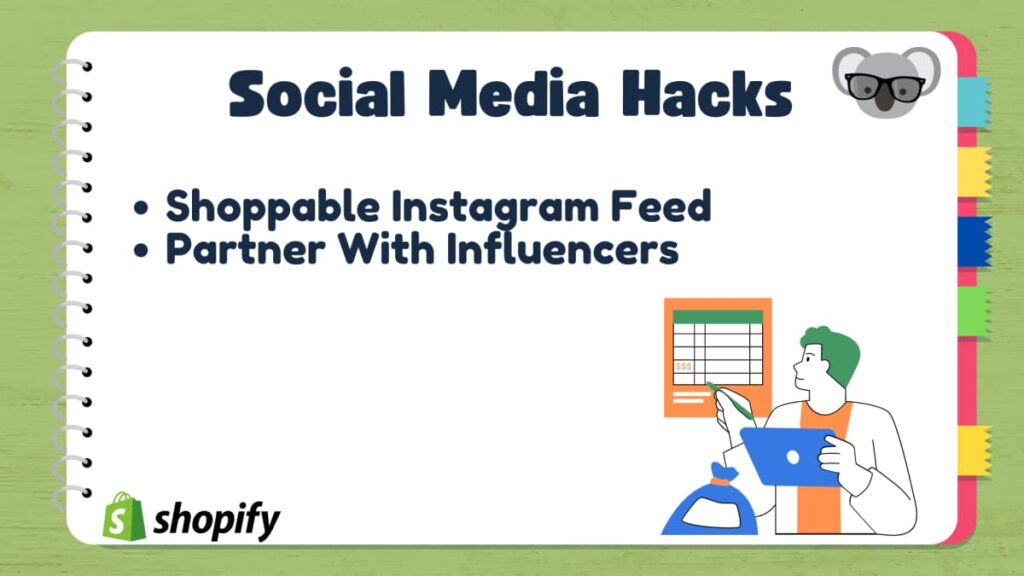
There are over 5 billion social media users globally. The challenge is finding which platform actually converts for your specific products, rather than spreading effort thin across all of them.
13. Create a Shoppable Instagram Feed
Instagram has 2 billion monthly active users, and over 24.5% of them use it to shop. Linking your product catalog to your Instagram account lets you tag products directly in posts and Reels. Shoppers can click through to a product page without leaving the app.
To set it up: switch to a professional account in Instagram settings, then navigate to Account type and tools, activate the shopping feature, and link your Shopify product catalog. From there, you can add product tags to any new post or video.
14. Partner With Influencers
Influencer partnerships can produce strong returns when the match between creator and product is genuine. Studies show that for every $1 invested, brands can expect a minimum ROI of $6.50. Gymshark is a well-documented example of a brand that scaled to a billion-dollar valuation largely by betting on influencer relationships early.
Start by offering free product to smaller creators (10,000 to 100,000 followers) in your niche, in exchange for honest posts you can reuse as social proof on your own pages. Nano and micro-influencers typically have higher engagement rates and more targeted audiences than mega-influencers, and they cost less to work with.
Advanced Hacks
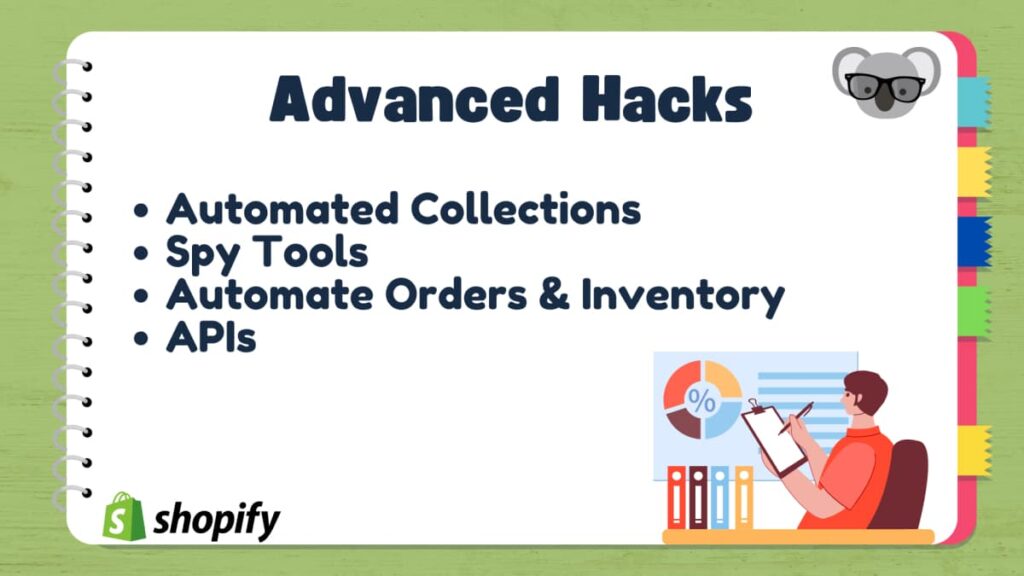
The hacks above cover the fundamentals. These four are for stores that are already running the basics and want to cut manual work or get smarter about competitive positioning.
15. Use Automated Collections
If you add stock regularly, manually sorting products into collections takes time and creates gaps. Products that don't get assigned to a collection become "orphaned" - they exist in your catalog but don't appear in any browsable category, so customers who don't search for them specifically will never find them.
Automated collections in Shopify fix this by applying your own rules to sort products automatically. You can set conditions based on:
- Product type
- Brand or vendor
- Color
- Price range
- Size
- Material
- Stock level
- Any tag or condition you define
New products that meet the criteria get added automatically. It is one of the better uses of Shopify's native tooling.
16. Use a Shopify Spy Tool
Knowing what is selling well in your niche, at what price, and on what type of store, helps you make faster decisions about what to stock and how to position it. A tool like Koala Inspector gives you detailed visibility into competitor stores, including which products are bestsellers, what themes they use, and how they price against you.
This is useful both for product research and for benchmarking your store setup against sellers who are already getting traction in your market. You can also see our list of the best spy tools if you want to compare options.
17. Automate Your Order & Inventory Management
Order errors are expensive. A return triggered by a mislabeled package or wrong item can cost up to 66% of the order value when you factor in shipping, restocking, and refund costs. For dropshipping stores specifically, routing orders directly from Shopify to a fulfillment center removes a manual data-entry step that is a common source of mistakes.
Shopify has its own fulfillment network, and third-party options like FedEx Fulfillment integrate with most setups. Either way, automating this step pays off quickly on order volumes above a few dozen per day.
18. Shopify APIs
API integrations are the least-used tool on this list, mainly because they require developer time. But they are powerful. Shopify's API library lets you build custom integrations between your store and third-party systems - CRMs, ERPs, custom reporting dashboards, or proprietary fulfillment software.
Two APIs worth knowing about if you have a developer available:
- Product Discount API: Automatically applies discounts to specific products or orders based on rules you define.
- Payment Customization API: Adjusts available payment methods based on cart value, customer location, or other conditions.
If custom API work is out of scope right now, bookmark this section. As your order volume grows, the automation and customization these enable become increasingly worth the investment.
Where to Start
Pick one or two hacks from the conversion section and measure the change before moving on. Trying to implement all 18 at once makes it impossible to know what moved the needle. Fix the basics first (checkout flow, abandoned cart emails, image speed), then layer in the more advanced work once your baseline is solid.
Written by
Ana Gelevska
eCommerce Content Writer
Ana Gelevska is a content writer with more than five years of experience creating content for eCommerce brands and global clients. She digs into each topic and the people it is for, then turns it into clear, useful articles that Shopify sellers and dropshippers can act on.
Connect on LinkedIn