Shopify Login for Business Owners, Customers and Shopify Partners
 By Ana GelevskaApril 5, 2022 · Updated June 4, 2026
The confusion around Shopify login is understandable: there is no single login portal. Depending on whether you run a store, build apps, or shop on Shopify, you go to a different URL entirely. This guide covers all three portals, explains how to connect Google Workspace to your admin, shows which apps let customers log in with Facebook or phone numbers, and walks through activating the customer account button on your storefront.

Shopify Login - The Different Types
There are three distinct Shopify login portals, each built for a different audience. Store owners, Shopify Partners, and shoppers all authenticate through separate systems. That is the main reason merchants run into friction: they land on the wrong portal.
Shopify Admin Login for Business Owners
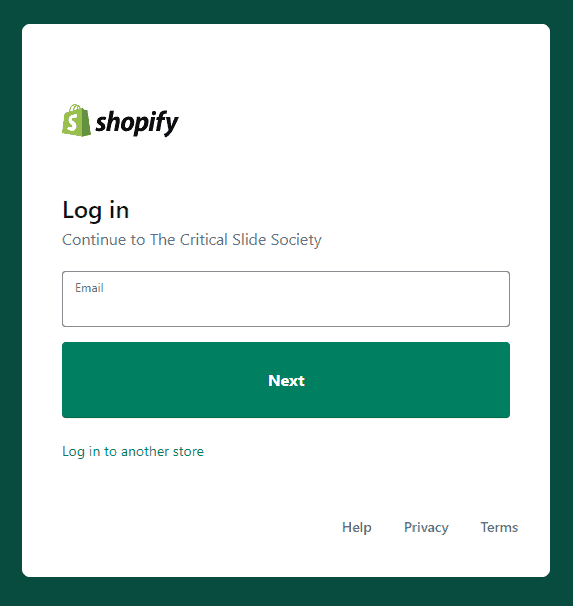
As a Shopify store owner or dropshipping merchant, your login is the admin panel. Access it by appending /admin to your store's domain. If your store is myshopifystore.com, the admin URL is myshopifystore.com/admin. From there you reach your Shopify dashboard to manage products, fulfil orders, and track sales data.
Login for Shopify Partners
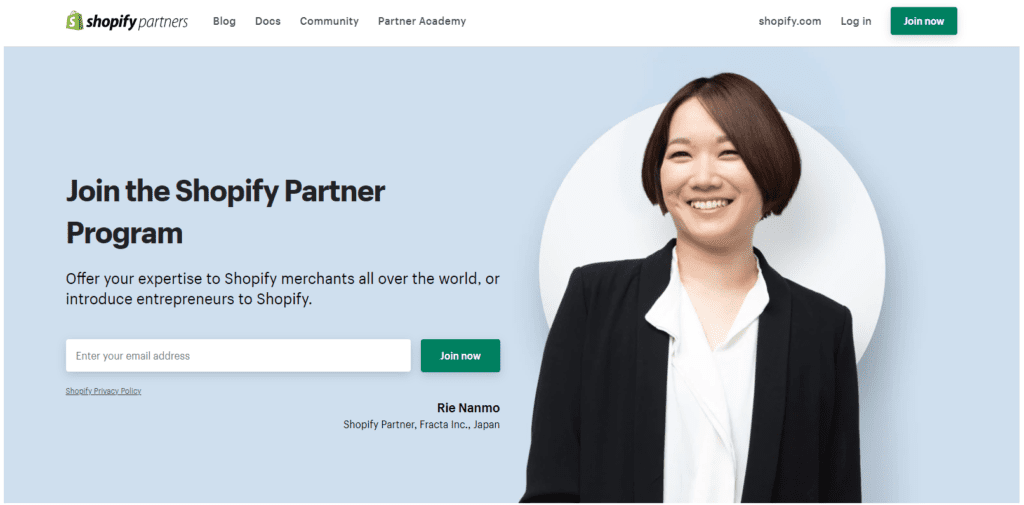
Shopify Partners are agencies, developers, and freelancers who build stores, create apps, and provide services to merchants on the platform. They include web developers building custom themes, app developers publishing to the Shopify App Store, and marketers running campaigns for multiple merchants. Partners log in at the Shopify Partner Program page, which is a different portal from the merchant admin.
Through the Partner login, you can:
- Build and transfer development stores to clients
- Help merchants troubleshoot their stores
- Create and publish apps on the Shopify App Store
- Earn referral revenue through the affiliate program
The Partner dashboard does not let you buy or sell products directly, but it does give you access to test stores, client management tools, and Shopify's training programs.
Login for Customers
Shopify stores can offer customer accounts so shoppers can track orders, view purchase history, and manage their addresses. This account is specific to that store, not a global Shopify account. The example below, from The Modern Shop, shows the login link in the top navigation next to the cart icon.

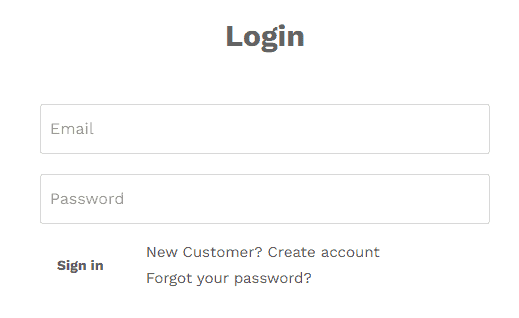
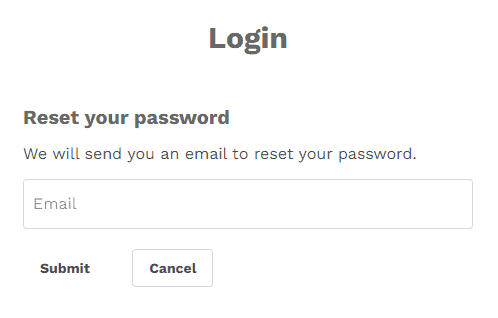
Returning customers enter their email and password. If they forgot their password, the reset flow asks only for their email address:
New customers click "Create account" and fill in their name, email, and chosen password:
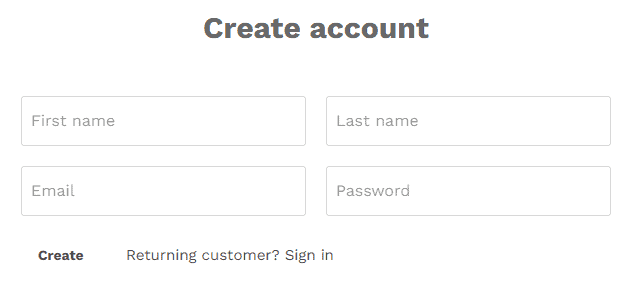
By default, Shopify hides the customer account button entirely. The next section explains how to turn it on, and the one after that covers third-party apps that add social login options.
Using Shopify Login via Google
If your team uses Google Workspace, you can connect it to Shopify so everyone on your staff logs in with their Google account instead of a separate password. Here is how to set it up:
- Go to your Shopify admin, hover over your username and profile picture, and click it.
- Select "Manage Account".
- Scroll down to "Connected login service" and click "Connect to Google".
- Sign in to your Google account when prompted.
- Back in your admin, go to "Settings", then "Users and Permissions".
- Under "Login Services", click "Edit".
- Check "Enable Google Apps for login" and enter your Google Workspace domain name.
- Save.
After that, anyone on your team with a matching Workspace email can sign in via Google. No extra passwords to manage.
Integrate Other Shopify Login Methods for Customers, Using Shopify Apps
Shopify's default customer account page is bare-bones: email and password only. Several apps extend it with social login, one-click phone-number authentication, and richer account dashboards. Here are four worth looking at.
Oxi Social Login for Shopify Login
Oxi Social Login has more than 400 reviews on the Shopify App Store. It lets customers log in through Facebook, Google, and Amazon. Setup takes a few minutes. The app costs $1.99 per month after a 15-day free trial.
Social Login - miniOrange for Shopify Login
Social Login - miniOrange has a free plan and supports more than 20 providers including LinkedIn, WeChat, Twitch, Discord, and Facebook. It also integrates with email marketing platforms like MailChimp and HubSpot, so new signups can flow straight into your lists.
Login My Phone Number for Shopify Login
Some customers do not want to hand over their email address at all. Login My Phone Number by Extendons (available on the Shopify App Store for $4.99 per month, with a 30-day free trial) lets shoppers authenticate via OTP sent to their phone number. That removes the risk of fake email signups and bot accounts inflating your customer list. The higher price may or may not make sense depending on how often your customers request phone-based login.
Concierge Customer Accounts for Shopify Login
Concierge Customer Accounts by Froonze is free to install and gives customers a cleaner account page where they can update their details and view order history. For merchants, it makes managing customer data a bit less clunky than the default view.
Add a Shopify Login for Customers
Shopify hides the customer login button by default. To enable it:
- In your Shopify admin, go to "Settings".
- Click "Checkout".
- Find the "Customer Accounts" box and select either "Accounts are optional" or "Accounts are required".
Both options activate the login button on your storefront. "Accounts are optional" is usually the better choice because it lets new visitors check out as guests while still giving returning customers a way to sign in and track orders.
How to Detect What Shopify Login Apps Your Competitors are Using
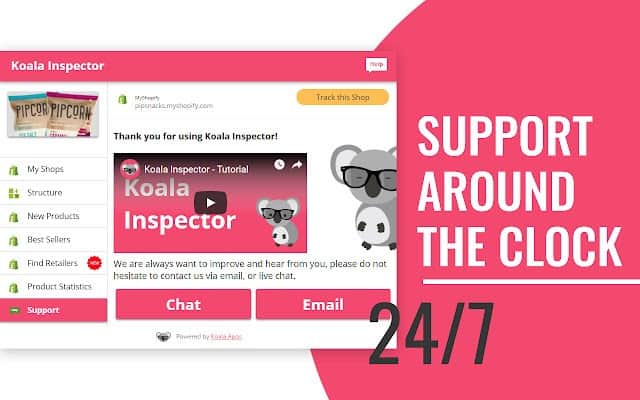
If you want to see which login apps a competing Shopify store has installed, Koala Inspector's built-in Shopify Apps Detector shows you exactly that, for free. Open any Shopify store in Chrome, run the inspector, and the Apps tab lists every third-party app detected, including login and account tools. This is a practical shortcut when you are deciding which app to try on your own store.
Koala Inspector also detects Shopify themes, shows product stats, surfaces ad campaigns, and lets you export findings to CSV. It runs on a free plan. If you are building or growing a Shopify store, download Koala Inspector here from the Chrome Web Store.
Written by
Ana Gelevska
eCommerce Content Writer
Ana Gelevska is a content writer with more than five years of experience creating content for eCommerce brands and global clients. She digs into each topic and the people it is for, then turns it into clear, useful articles that Shopify sellers and dropshippers can act on.
Connect on LinkedIn