Printify & Etsy: Novice to Expert
 By Ana GelevskaAugust 1, 2023 · Updated June 4, 2026
Printify and Etsy are a natural fit: Etsy supplies the built-in audience of buyers who actively search for unique, custom goods, while Printify handles the printing and shipping so you never touch inventory. This guide walks through how the two platforms connect, how to set up your shop, and what experienced sellers have learned the hard way.
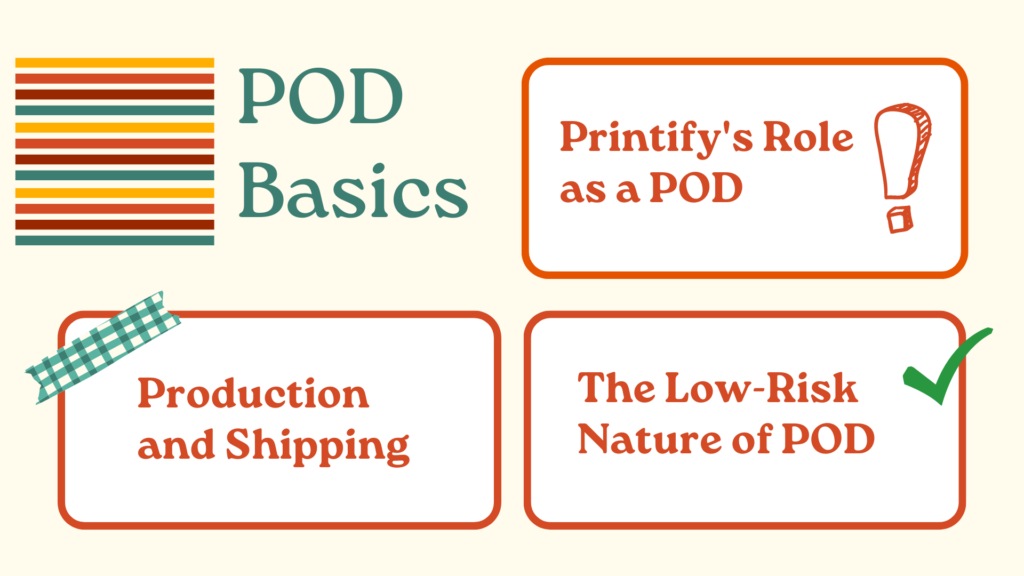
How print-on-demand works with Etsy
Print on demand (POD) means a product gets manufactured only after a customer places an order. There is no inventory to buy upfront, no warehouse to rent, and no unsold stock to write off. You design a product, set a retail price, and your POD supplier prints and ships it directly to the buyer every time a sale comes in.
Printify sits between you (the seller) and a network of print providers. When an Etsy buyer purchases your listing, Printify receives the order automatically, routes it to the print provider you chose for that product, and ships it in your branding. Printify currently offers over 1,300 products across 80+ print providers globally, so you can pick a supplier that ships fast to your main customer geography.
The no-inventory model does have real trade-offs. Print quality varies by provider, and sellers on POD communities consistently flag inconsistent colors and texture on Printify orders from certain facilities. Sampling a product before listing it publicly will save you refund headaches later.
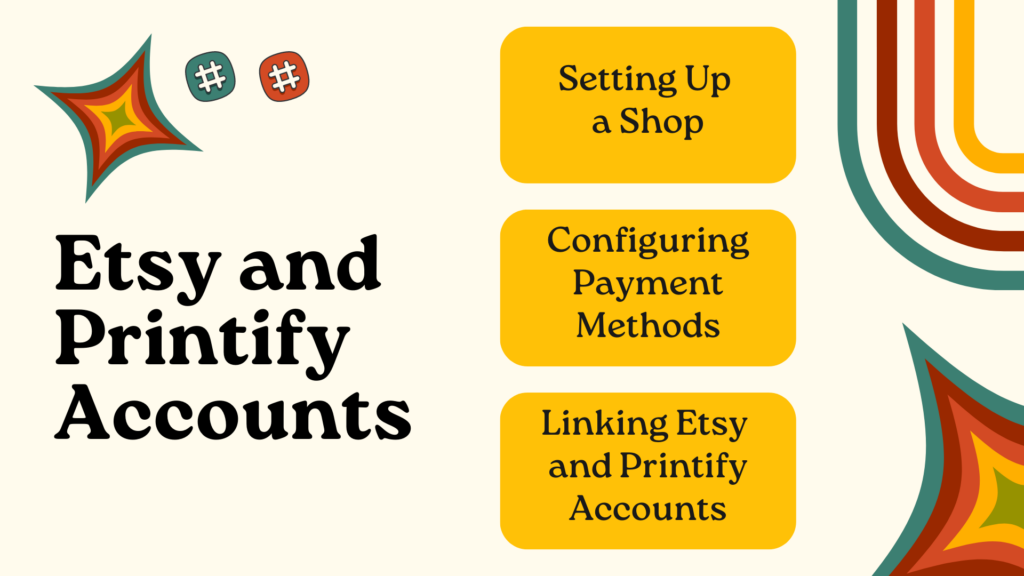
Linking Printify and Etsy accounts
The connection process takes about five minutes.
- Create an Etsy seller account and open your shop. You will need a shop name, payment info, and at least a draft billing address.
- Sign up at Printify (free plan is enough to start).
- In your Printify dashboard, go to My stores and click Add a new store. Select Etsy and follow the OAuth prompt. Etsy will ask you to authorize Printify to manage your listings and orders.
- Once connected, any product you publish from Printify appears automatically as a draft listing in your Etsy shop. You finalize the title, tags, price, and description before going live.
A note on payment flow: Etsy charges buyers in its own checkout and pays you via Etsy Payments (bank transfer on a schedule). Printify charges your stored payment method when orders come in. The gap between when you receive Etsy payouts and when Printify charges you matters for cash flow, especially in the first month when Etsy may hold some funds while your seller account builds trust.
Watch the default shipping profiles. Printify sets shipping costs automatically, but sellers report that these defaults can revert unexpectedly after updates, which causes buyers to pay incorrect shipping amounts. After linking, double-check your Etsy shipping profiles and lock in the rates you want. If you want to offer free shipping and bake the cost into the product price, test the math carefully: on a listing priced at $30, absorbing $6-7 in shipping eats a significant share of margin before Etsy's transaction fees (6.5%) and payment processing fees come out.
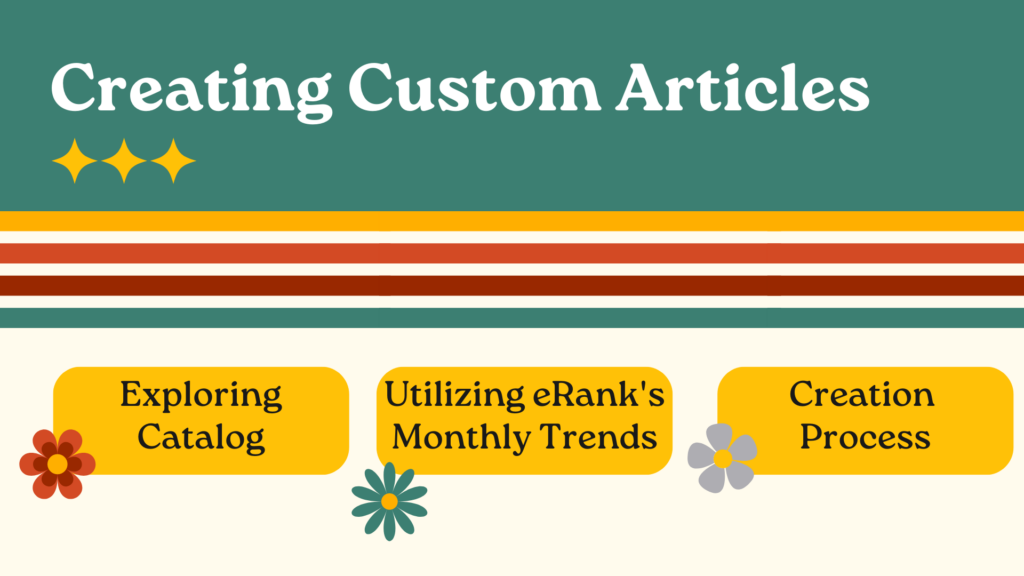
Creating products in Printify
From the Printify catalog, you pick a product (t-shirt, mug, poster, hoodie, etc.), select a print provider, and upload your design. A few things worth knowing before you publish:
Landed cost varies enormously across providers. A Gildan 5000 tee from a US-based provider can land at your customer's door for around $6.50 all-in, while the same shirt from a European provider shipping internationally can cost $24 or more when you add base price and shipping. Before pricing a product, check the specific provider's shipping rate to your target market, not just the base price shown in the catalog.
Mockup quality affects conversions. Printify's built-in mockup generator is fine for basics, but experienced sellers use three mockup types per product: one flat lay, one lifestyle image, and one close-up of the print. This gives buyers a better sense of the finished item and tends to produce stronger click-through rates in Etsy search results.
Research trends before committing to a product line. Etsy's own search suggestions, the eRank Monthly Trends tool, and basic product research will show you which categories have steady demand versus those that spike briefly and collapse. Testing two or three designs in a category before building a full collection is a low-cost way to find out what your audience actually buys.
Printify's design editor supports uploaded files and some basic text tools. For more control over the final artwork, most sellers design in Canva, Adobe Illustrator, or Affinity Designer and upload the finished file. PNG at 300 DPI is the standard format for print-ready files.
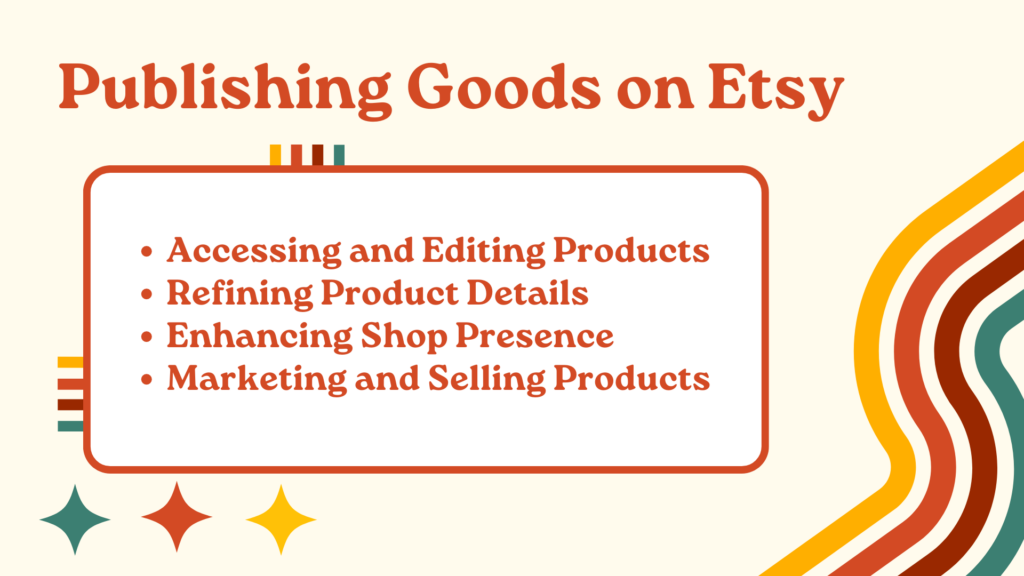
Publishing and optimizing listings on Etsy
After publishing from Printify, the listing lands in your Etsy drafts. Here is where most beginners leave money on the table by skipping optimization.
Title: Etsy search uses the title heavily for keyword matching. Put the most important descriptive keywords at the front: what the product is, who it is for, and the relevant style or occasion. Avoid stuffing generic words and write something a buyer would actually search for.
Tags: Etsy allows 13 tags per listing. Use all of them. Think about specific search phrases, not just single words. "Cat lover gift for mom" is a more useful tag than "cat" because it matches actual buyer searches.
Description: Etsy descriptions matter less for search than titles and tags, but buyers read them before purchasing. State the key product details (size options, material, print method), set expectations for production and shipping time, and mention your return policy clearly. Unclear policies generate more disputes.
Pricing: Work backwards from your desired net margin. Printify's base cost plus shipping, plus Etsy's 6.5% transaction fee, plus payment processing (roughly 3% + $0.25), plus the $0.20 listing fee. On a $25 shirt with $8 in combined Printify costs and $3.50 in fees, your gross margin is around $13.50 before taxes. Know your numbers before setting prices.
Growing and managing your Etsy shop
Order management: Etsy's seller dashboard shows orders and their status. Once an order comes through Printify, fulfillment is mostly automatic, but check your Printify order feed occasionally, especially during peak periods like November and December, when some providers run behind their stated production times.
Etsy SEO basics: Etsy's search algorithm favors listings that have recent sales, positive reviews, and complete listing data. New shops face a visibility gap while Etsy builds confidence in them. Some sellers start with lower prices to generate early reviews, then raise prices once the listing has traction. Avoid putting your shop in vacation mode, even briefly: sellers report that even a few hours of vacation mode can drop first-page rankings that took weeks to build.
Seasonal and holiday marketing: Custom products on Etsy perform well for gifting seasons. Building listings for specific occasions (graduation, anniversaries, pet owners, sports fans) targets buyers who know what they want and search directly for it. These niche searches are easier to rank for than broad category terms.
Etsy Ads: Etsy's internal ad platform (Etsy Ads) promotes listings in search results. For new shops with no review history, a small daily budget ($1-3) on your best listings can accelerate early visibility. Monitor cost per click against your margin before scaling.
The Bottom Line
Printify and Etsy work well together because they solve different problems: Etsy gets your products in front of buyers actively searching for custom goods, and Printify handles production and shipping without any inventory commitment. The realistic picture is that margins are tighter than they first appear once you account for Etsy fees and Printify costs, and print quality requires careful provider selection. Sellers who do well over time treat their first 30-60 days as a data-collection period, test designs with small budgets before scaling, and build listings with consistent branding rather than scattered product categories.
FAQs: Printify and Etsy
What is Printify?
Printify is a print-on-demand platform that connects sellers to a global network of print providers. You create product designs in Printify's catalog (over 1,300 products), set your retail price, and Printify fulfills orders on demand. There is no minimum order quantity and no upfront stock purchase.
How does the Printify and Etsy integration work?
You connect your Etsy shop to Printify via OAuth from the Printify dashboard. Once linked, products you publish in Printify appear as draft listings in Etsy. When a buyer purchases, the order flows automatically from Etsy to Printify, which routes it to your chosen print provider. The provider prints, packs, and ships directly to the buyer.
What is print on demand (POD)?
POD is a fulfillment model where products are manufactured individually after a customer places an order. It removes the need to hold inventory or make bulk orders. You pay the production cost when a sale occurs, which means your only upfront cost is creating the design and listing.
How can I connect Printify to Etsy?
In your Printify account, go to My stores, click Add a new store, and select Etsy. You will be redirected to Etsy to authorize the connection. Once approved, your Printify products can be published directly to your Etsy shop as listings.
What are the main fees when selling on Etsy with Printify?
Etsy charges a $0.20 listing fee per item, a 6.5% transaction fee on the sale price including shipping, and a payment processing fee of roughly 3% plus $0.25. You also pay Printify's production and shipping cost per order. Your profit is whatever remains after these costs.
Written by
Ana Gelevska
eCommerce Content Writer
Ana Gelevska is a content writer with more than five years of experience creating content for eCommerce brands and global clients. She digs into each topic and the people it is for, then turns it into clear, useful articles that Shopify sellers and dropshippers can act on.
Connect on LinkedIn