The Best Ways to Monitor Your Competitor's Store Traffic
 By Ana GelevskaJune 21, 2021 · Updated June 4, 2026
Knowing how much traffic a competing Shopify store pulls in, and where that traffic comes from, is one of the fastest ways to figure out what's actually working in your niche. It tells you which marketing channels are delivering real visitors, which countries they're targeting, and which pages or products are worth their attention.
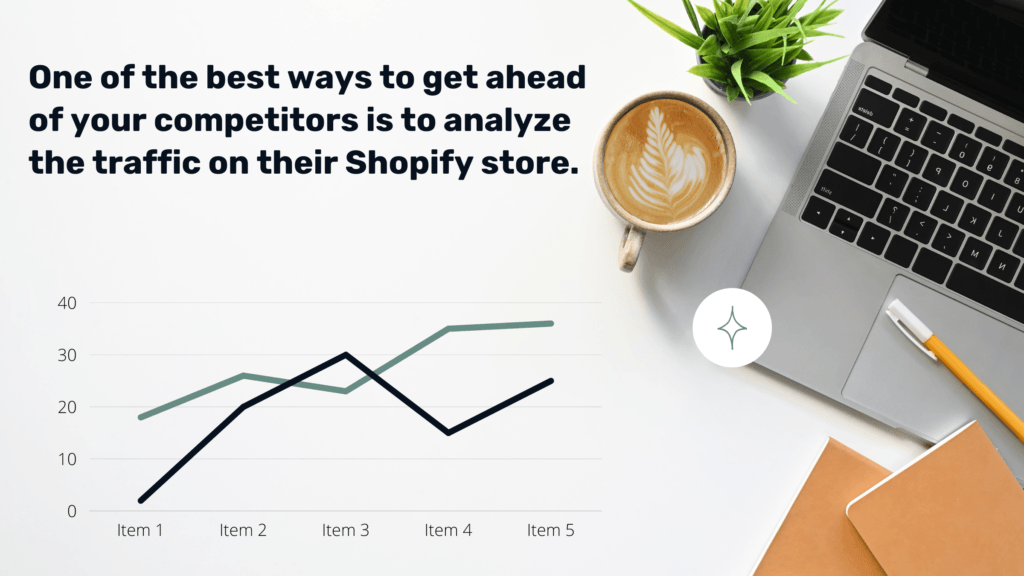
The good news: you don't need to guess. Tools exist that surface traffic estimates for any Shopify store, including the ones you're competing against. We built Koala Inspector specifically for this. Here's what to look for and how to use it.
What competitor traffic data actually tells you
A traffic breakdown on a rival store can show you:
- Monthly visit estimates - whether their store is growing, flat, or declining
- Top traffic sources - organic search, paid ads, social, direct, referral
- Country breakdown - which markets they're focusing on, or successfully reaching
- Top-performing pages - the products and content that drive most of their visits
That last point is often the most useful. If a competitor's blog post on a particular product category is pulling significant search traffic, that's a content gap you can fill. If they're getting 60% of their visits from a single country, that tells you something about where demand actually lives.
Analyze their social media presence
Social activity is one visible signal of where a competitor invests for traffic. Look at which platforms they post on most consistently, what engagement their content gets (shares, comments, saves), and how their follower counts have changed recently.
The platforms worth checking first: Facebook for broad reach, Instagram for visual products, TikTok for viral potential, and Pinterest for home, fashion, or lifestyle niches. Post frequency and engagement rate together tell you more than follower count alone - a store with 10k followers and consistent engagement is getting more out of social than one with 100k followers and silence.
Competitor analysis at the social level also tells you which products they're actively promoting, which can hint at what's converting for them.
Do a full store inspection
Social signals only go so far. A complete competitor analysis using a Shopify store inspector gives you a fuller picture: the apps they're using, the theme they built on, estimated traffic and where it comes from.
This matters because the apps a store runs reveal a lot about their operations. A store running a review app, an upsell tool, and a subscription app is optimizing differently than one running only a basic store setup. The theme they're on can hint at their budget and conversion priorities.
Use Koala Inspector to track competitor traffic
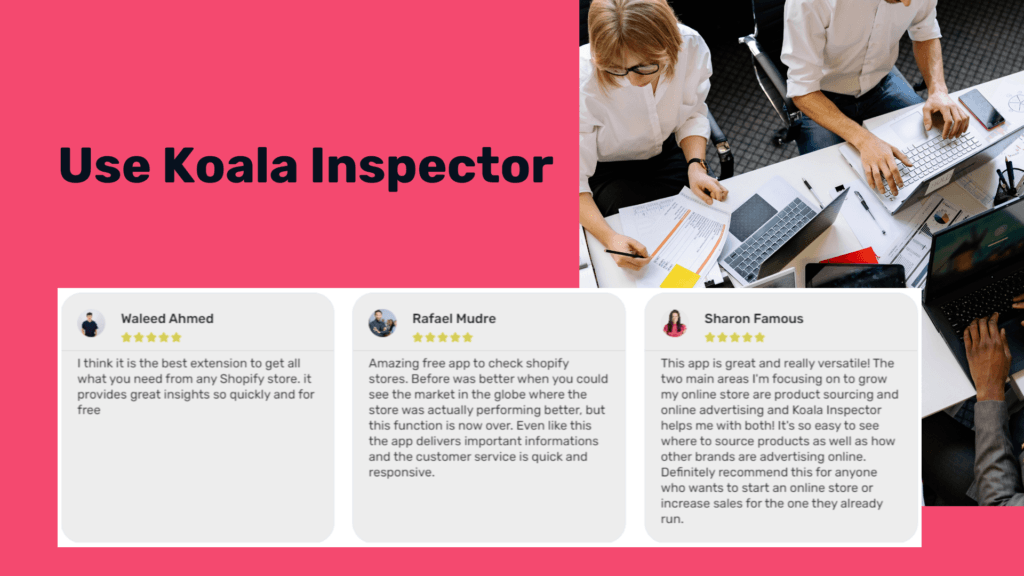
Koala Inspector is a Chrome extension that pulls competitive intelligence on any Shopify store directly in your browser. For traffic monitoring specifically, it shows:
- Monthly traffic estimates - total visits and trends over time
- Traffic source breakdown - how much comes from search, social, paid, and direct channels
- Geographic data - the countries sending the most visitors
- Installed apps - see which Shopify apps a store is running
Open any competitor's store, click the extension, and you get the full picture without leaving the page. It's the same data that used to take hours of manual research across multiple tools.
If you're looking to spy on competitor Shopify stores beyond traffic, Koala Inspector also surfaces the theme, pixel setup, and key store structure details.
Written by
Ana Gelevska
eCommerce Content Writer
Ana Gelevska is a content writer with more than five years of experience creating content for eCommerce brands and global clients. She digs into each topic and the people it is for, then turns it into clear, useful articles that Shopify sellers and dropshippers can act on.
Connect on LinkedIn