Ali Hunter and Koala Inspector
 By Assaf ShalinMay 18, 2022 · Updated June 4, 2026
Have you ever landed on a Shopify competitor's store and wondered what revenue they pull per month, or which apps are quietly doing the heavy lifting in their conversion funnel? That data doesn't show up on any product page. The Shopify dashboard only shows your own store's numbers, and your competitors are not about to publish a teardown of their own strategy.
The gap is real: you can see what products they sell, but not what drives their sales. Two free Chrome extensions close a lot of that gap. Ali Hunter focuses on AliExpress product data and competitor revenue. Koala Inspector covers the tech stack side: Shopify theme, installed apps, ad campaigns, and traffic sources. Used together, they give you a reasonably complete picture of how a competing store operates.

I. Why bother researching competitors at all?
The dropshipping market is not short on sellers offering identical products. If two stores list the same AliExpress leggings at similar prices, the difference between them showing up in search and converting visitors comes down to execution: the theme they picked, the apps handling reviews and upsells, the ad creatives they are running, and the supplier they chose.
Without knowing what competitors are actually doing, you are making decisions based on guesswork. You might assume a certain product category is saturated, not realizing most stores in that niche are running the same generic theme with no reviews app, and a small improvement in social proof would separate you from the pack.

Define your strategy to beat the competition
The most direct way to sharpen your strategy is to study stores that are already winning. If a competitor is generating significantly more revenue than you on similar products, something in their setup is working. It might be their supplier, their ad spend, their theme's checkout flow, or a specific app they are using.
Ali Hunter and Koala Inspector give you the raw data to answer that question without guessing. Between them, they cover product data, revenue estimates, apps, themes, ads, and traffic. Over 100,000 dropshippers use Ali Hunter, and Koala Inspector has been used by over 90,000 dropshipping store owners.
How do you actually get inside a competitor's store?
Both tools work as free Google Chrome extensions. Install them, browse to any Shopify store, and the extensions surface data the store owner has no idea you are seeing. Ali Hunter pulls AliExpress-side data: product prices, sales volumes, seller credibility, and competitor revenue. Koala Inspector reads the store's tech stack and marketing activity.
II. What is Ali Hunter?
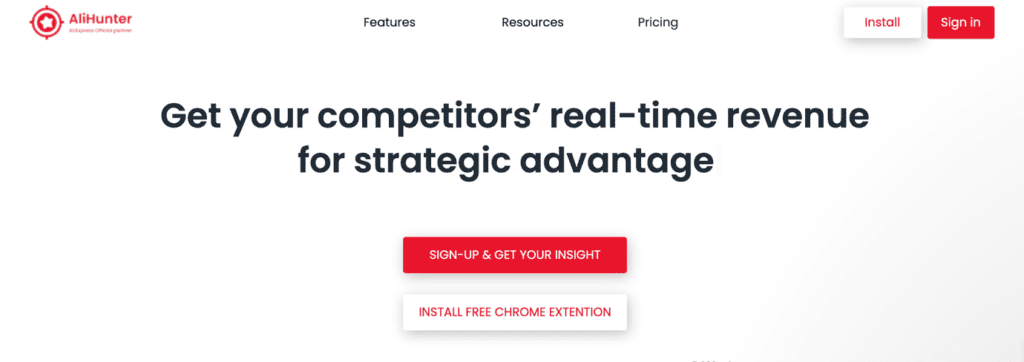
Ali Hunter is a free Chrome extension built for dropshippers who need to evaluate whether a product or supplier is worth betting on. The extension connects product listings you find on Shopify stores back to their AliExpress source, so you can check price history, buyer photos, similar products, and seller ratings before committing.
It also lets you watch competitor Shopify stores for revenue changes, which products they are adding, and hourly sales activity. The Chrome Web Store shows over 100,000 users and an average 4-star rating.
III. How Ali Hunter helps with product and competitor research
Easy installation, immediate data
Ali Hunter installs like any other Chrome extension. Once active, you browse to an AliExpress listing or a Shopify store and the extension overlays data directly on the page. There is no separate dashboard to log into or sync step to wait for.
Track product prices over time
Supplier prices on AliExpress shift regularly. Ali Hunter lets you see how a product's price has changed over time, so you can spot if a supplier has been quietly raising prices and whether that is cutting into your margins.
Buyer photos from real customers
Product photos on AliExpress are often taken in controlled conditions. Ali Hunter surfaces buyer-submitted photos from the listing's review section, giving you a better idea of what the product actually looks like when it arrives. For a category like phone cases or kitchen gadgets, the difference between the marketing photo and reality can be significant.
Find best-selling products by niche
Ali Hunter filters AliExpress products by sales velocity and category, making it easier to identify what is moving versus what just has a high product count. The tool surfaces items trending across a range of categories.
See similar products with price comparisons
Before pricing a product, you want to know what comparable listings charge. Ali Hunter pulls similar items from AliExpress so you can benchmark your price point against the actual competitive set, not just a rough estimate.

Track competitor revenue and sales activity
This is the feature most dropshippers install Ali Hunter for. Point the extension at a Shopify competitor and it estimates their daily revenue, best-selling products, and hourly sales. It also sends notifications when a tracked competitor makes a significant change, so you are not manually checking stores every morning.
Manually checking a handful of competitor stores every day is slow and easy to let slip, and it is also how you miss a product drop until after it has already cost you sales. That is the exact workflow Ali Hunter is designed to automate.
Check seller credibility
Working with a bad AliExpress supplier is a recurring problem in dropshipping. Ali Hunter pulls store reviews and ratings for any seller so you can verify they have a track record worth relying on before you start routing orders through them.
IV. What Ali Hunter does not cover
Ali Hunter is focused on the product and revenue side of competitor research. It does not show you:
- Which Shopify theme a competitor is running
- Which apps are installed on their store
- What ad campaigns they are currently running
- Website traffic data (sources, volume, trends)
- Export to CSV functionality
These gaps matter. Knowing a competitor makes good revenue is useful. Knowing exactly which review app, upsell plugin, and checkout theme is powering that revenue is what lets you replicate or improve on it. That is where Koala Inspector fills in.
V. What is Koala Inspector?
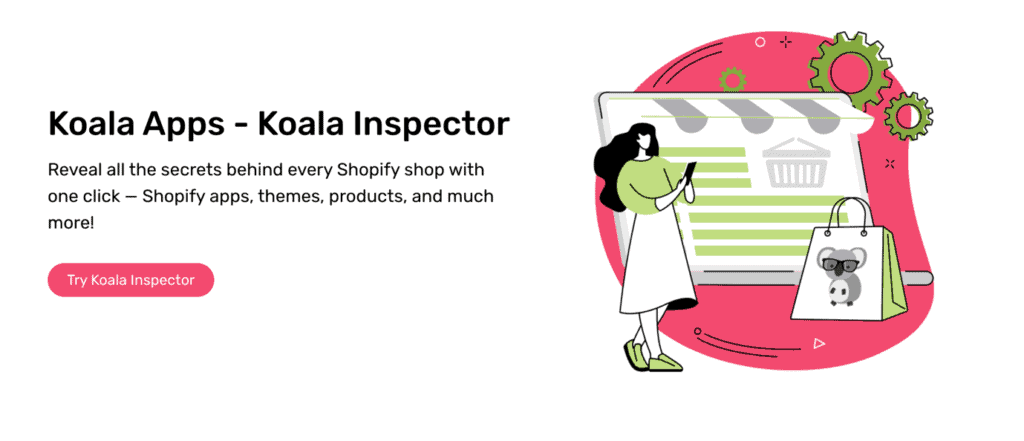
Koala Inspector is a free Chrome extension made by Koala Apps. It reads the tech stack and marketing activity of any Shopify store you visit. The free plan covers most research use cases (15 tokens a month), and the Premium plan ($22/month for 220 renewing tokens, plus one-time token packs from $3.99) unlocks additional data exports and store tracking. That pricing sits well below most comparable Shopify spy tools, which typically start at $29-$50/month.
Koala Inspector's features
Shopify theme detector
A store's theme affects load time, checkout flow, and first impressions. Koala Inspector's Shopify theme detector identifies which theme a competitor is using, including paid themes. If a store in your niche converts well, the theme is usually one of the first things worth replicating or testing as an alternative. You can filter out options that would not suit your brand and focus testing effort on themes with a proven conversion record in your category.
Shopify app detector
Shopify has over 6,000 apps in its marketplace. Koala Inspector's app detector shows which ones are actively installed on any store you visit. The practical shortcut here: find a competitor with strong reviews, good product photos, and reliable upsells, then check what apps are running under the hood. That is a much faster path to a working app stack than evaluating 6,000 options from scratch.
Export CSV
Ali Hunter does not include CSV export. Koala Inspector does. If you are tracking multiple competitors or building a product research spreadsheet, exporting your Favorites list or any other compiled list to CSV saves meaningful time. Additional export credits are available on the paid plans.
Reveal Google ad campaigns
Knowing that a competitor is running ads tells you they have found a product or angle worth paying to promote. Koala Inspector shows what ad campaigns a Shopify store is currently running, which placements they are using, and how they are positioning the product. That is direct competitive intelligence on where they are spending and what creative direction they are backing.
View traffic data

Ali Hunter shows revenue estimates. Koala Inspector adds traffic data: how many visitors a store is getting and where those visitors are coming from. Revenue without traffic context is incomplete. A store making $500/day with 5,000 daily visitors has a very different conversion profile than one making the same revenue with 500 visitors, and the right response to each situation is different.
VI. Which tool should you use: Ali Hunter or Koala Inspector?
They cover different things, so it is not really an either/or choice.
Ali Hunter is built around AliExpress. If you want to vet a supplier, check price history, see buyer photos, find trending products, or track competitor revenue, that is what it does well.
Koala Inspector is built around the Shopify store itself. If you want to know what theme a competitor runs, which apps are installed, what ads they are running, and how much traffic they are getting, that is what it does.
Using only one gives you half the picture. Using both takes a few minutes per competitor and gives you a reasonably complete view of how they operate: where they source, what they earn, how their store is built, and how they acquire customers.
Both are free to install. The combination costs nothing to try.
Go further with Koala Inspector's paid plans
For sellers who need higher volume data exports or tracking across more stores, Koala Inspector's Premium plan removes the free plan limits at $22/month, which is considerably less than most standalone competitor research tools charge for equivalent functionality.
Written by
Assaf Shalin
Co-founder & Developer, Koala Apps
Assaf Shalin is a co-founder of Koala Apps and one of the developers behind Koala Inspector. He builds the tools that let Shopify sellers see what is actually working in other stores, from installed apps and themes to best-selling products. On the blog he covers the technical side of store research: how competitor research really works, what public store signals can and cannot tell you, and how to turn them into decisions.
Connect on LinkedIn