The Power of Koala Inspector Live Trends
 By Assaf ShalinJanuary 16, 2024 · Updated June 4, 2026
Most Shopify spy tools show you the top-selling products on a store today, but they stop there. The harder question is whether those products are climbing or cooling. A bestseller that peaked three months ago is a very different signal from one whose sales just jumped 40% in the last 30 days. That gap is what the Live Trends tab in Koala Inspector is designed to close.
What Live Trends actually shows
Open Koala Inspector on any Shopify store and go to the Live Trends tab. You will see two things:
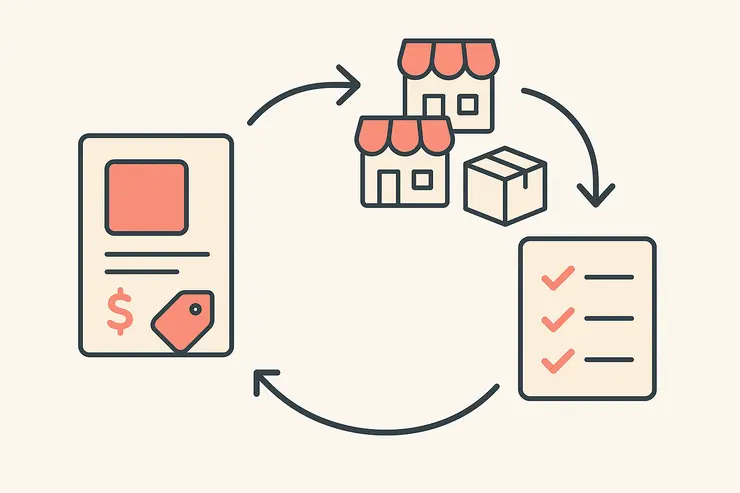
- Recent sales activity - products that have been selling in real time, ranked by current velocity rather than all-time position.
- Month-over-month change - each product's current sales compared to the previous month, expressed as a percentage. A product showing +60% this month versus last is actively gaining ground; one showing -20% is fading.
That second metric is the one that separates Live Trends from a plain bestseller list. You are not just seeing what a store sells most; you are seeing what is accelerating right now.
Why product-level trend data matters for dropshipping
Store-level traffic data tells you whether a competitor is growing overall. Product-level trend data tells you why - and more importantly, which specific items to stock.
A few situations where this matters:
Catching a trend before it saturates. When a product jumps month-over-month across multiple stores in your niche simultaneously, that is early confirmation of real demand. Finding that signal two weeks earlier than competitors means you can source, list, and start running ads before the market is crowded.
Validating a product idea. If you are already considering a product, checking whether it is rising or falling on stores that already sell it is a faster validation step than guessing from Google Trends alone. Live data from actual Shopify transactions beats a search volume estimate.
Reading competitor campaigns. A sudden spike in a product's month-over-month figure often means the store started running paid ads or got a spike from organic social. That combination of the trend signal plus the Ad Campaigns tab (which shows active Google, Facebook, and Instagram creatives) lets you identify not just what is moving but what is moving it.
How to use Live Trends in practice
Visit a competitor store in your niche, open Koala Inspector, and click the Live Trends tab. Sort by the percentage change column rather than raw sales volume. Products at the top of that sorted list, especially those appearing across more than one store when you check several, are worth investigating.
From inside Live Trends, you can click Find Retailers on any product to search sourcing options across AliExpress, Amazon, Walmart, eBay, Etsy, and Target without leaving Chrome. If a rising product looks sourceable at a margin that works, you have everything you need in one screen to make that call.
For stores you want to monitor over time rather than just spot-check, the Tracked Shops tab records product additions and removals, price changes, and app changes automatically. Using Live Trends for initial discovery and Tracked Shops for ongoing monitoring covers both ends of the product research loop.
What the data is and is not
Live Trends figures are estimates modeled from public signals, not a direct feed from a store's backend. No tool gets a store's real-time sales, so the percentage changes are useful for direction and relative comparison, not for calculating precise revenue.
That said, for the actual use case - spotting which products are gaining momentum on competitor stores before you commit to stocking them - estimates of sales velocity are enough to act on. You are looking for signal, not audit-grade accuracy.
Getting access
Live Trends is part of Koala Inspector, which is free to install from the Chrome Web Store. The free plan covers 15 store analyses per month with no credit card required, which is enough to run a focused research session across several competitors. The Premium plan at $22/month expands that to 220 analyses and adds tracking for up to 50 stores.
If your product research workflow involves checking a handful of stores before making sourcing decisions, installing Koala Inspector takes about two minutes and the Live Trends tab is available immediately after.
Written by
Assaf Shalin
Co-founder & Developer, Koala Apps
Assaf Shalin is a co-founder of Koala Apps and one of the developers behind Koala Inspector. He builds the tools that let Shopify sellers see what is actually working in other stores, from installed apps and themes to best-selling products. On the blog he covers the technical side of store research: how competitor research really works, what public store signals can and cannot tell you, and how to turn them into decisions.
Connect on LinkedIn